FREIGHTLINER CLASSIC XL V3.2.0 1.22
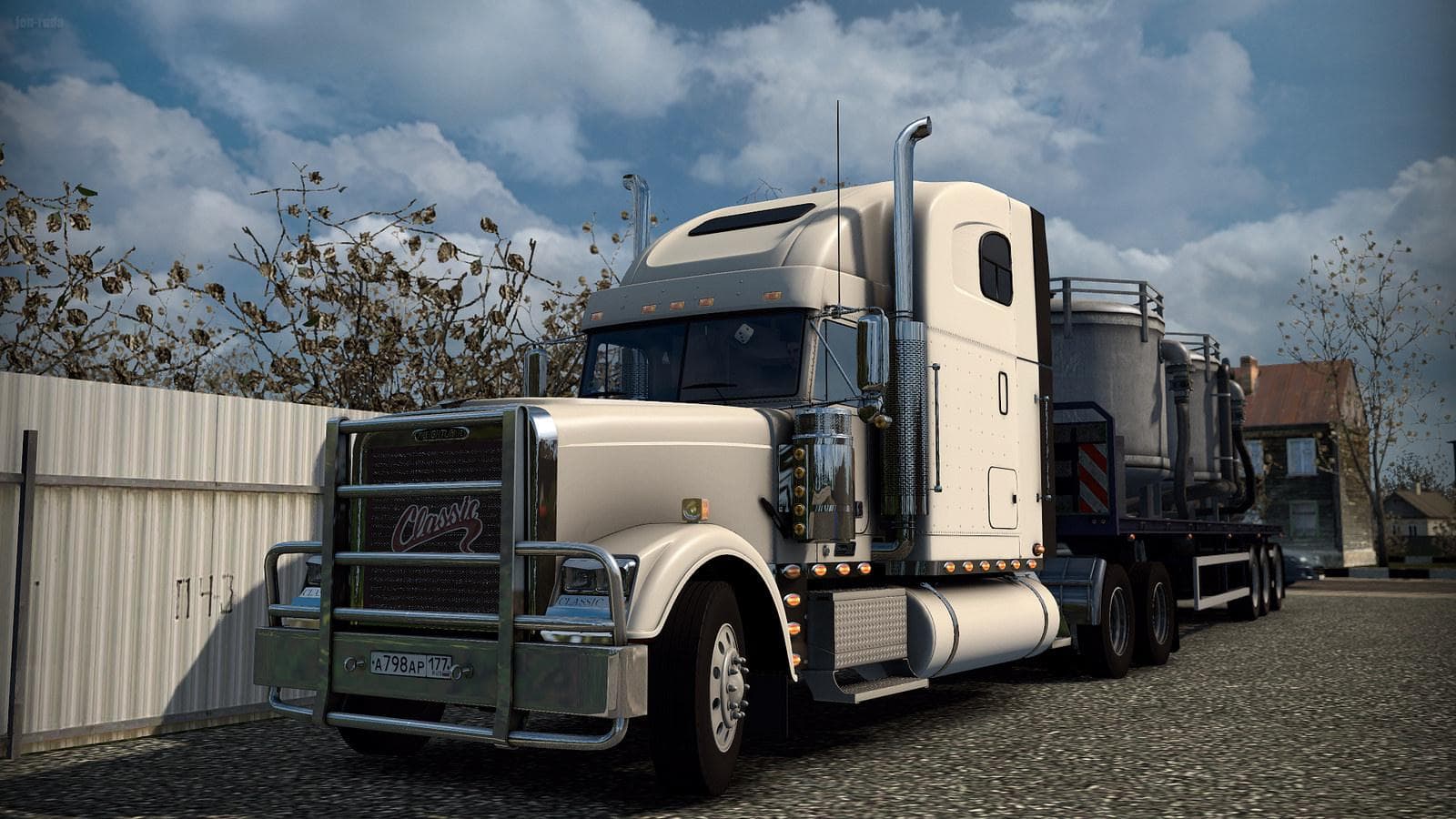
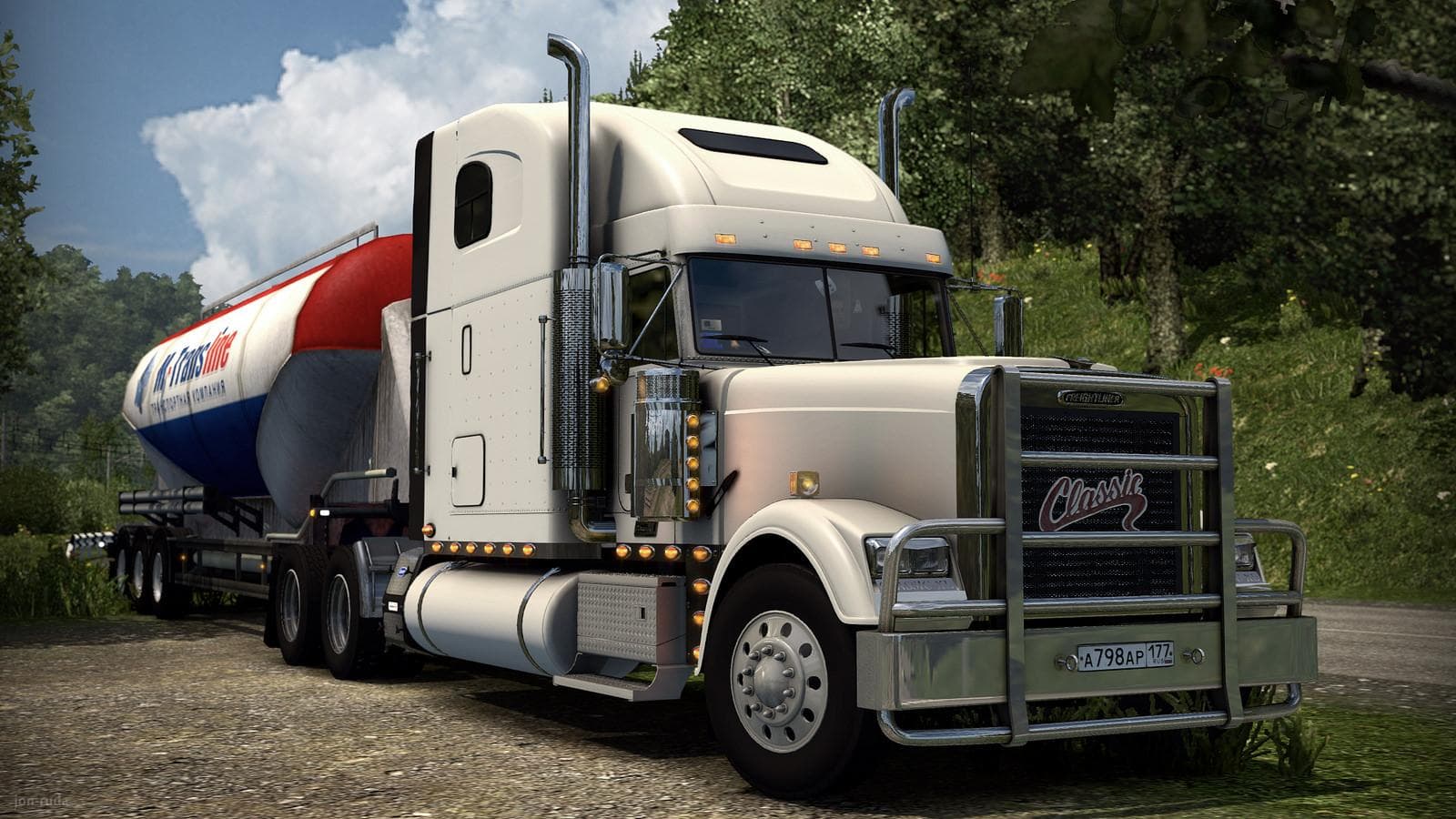
FREIGHTLINER CLASSIC XL 1.22 is an ETS2 trucks. Listed compatible with ETS2 1.22.
The Freightliner Classic XL v3.2.0 mod adds a standalone truck to Euro Truck Simulator 2 compatible with version 1.22. This particular model can be purchased at the Iveco dealer in-game, bringing its own interior design, wheels, and sounds along with tuning options. It also supports cabin accessories DLC, which lets you customize the truck further. Truck mods like this one replace or add new drivable trucks with unique cab and chassis combinations that aren’t part of the base game.
In ETS2, truck mods expand your fleet choices by adding detailed vehicles that often include multiple engine and transmission options plus paint slots for customization. They generally come as standalone units, so they don’t require other trucks to be installed and won’t overwrite existing ones unless they share IDs or filenames. This Freightliner mod falls into that category, giving players a fresh driving experience with a classic American-style cab available in Europe.
When integrating this mod into a larger collection of vehicle mods, it’s wise to check load order carefully to avoid conflicts, especially if other mods alter the same dealer or add similar trucks. Since it’s designed for ETS2 1.22, using it on different game versions might cause issues or crashes due to compatibility mismatches. Players often run truck mods alongside map expansions and trailer packs for a more varied simulation experience.
This mod suits players who enjoy adding American-style trucks to their lineup or those who want a distinctive rig beyond what the base game offers. If you appreciate detailed interiors and sound design plus tuning possibilities that fit well within the existing ETS2 framework, this Freightliner could be a solid choice. It's particularly relevant for users running version 1.22 looking to diversify their garage without altering core gameplay mechanics.
How to install
1. Download the .scs file from the original source linked above. 2. Copy the file to `Documents/Euro Truck Simulator 2/mod/`. 3. Launch ETS2, open the Mod Manager from the main menu, enable the mod, restart the game. 4. Visit any truck dealer to spawn the new truck.
After the mod loads, save your game inside a safe area (parking lot or service) before deciding whether to keep it. If the game refuses to load with the mod enabled, check that all required DLCs are installed and that the supported ETS2 version chips on this page include your installed game patch.
Reviews
No ratings yetNo reviews yet — be the first to rate this mod.





![Fuso Supergreat Hi Cab Truck [1.50 – 1.60] – Trucks mod for Euro Truck Simulator 2](/_next/image?url=https%3A%2F%2F802software.s3.us-east-1.amazonaws.com%2Fets2modspot%2Fscreenshots%2F7494%2F0.jpg&w=3840&q=75)