FREIGHTLINER CENTURY DELUXE 1.21 1.22.X
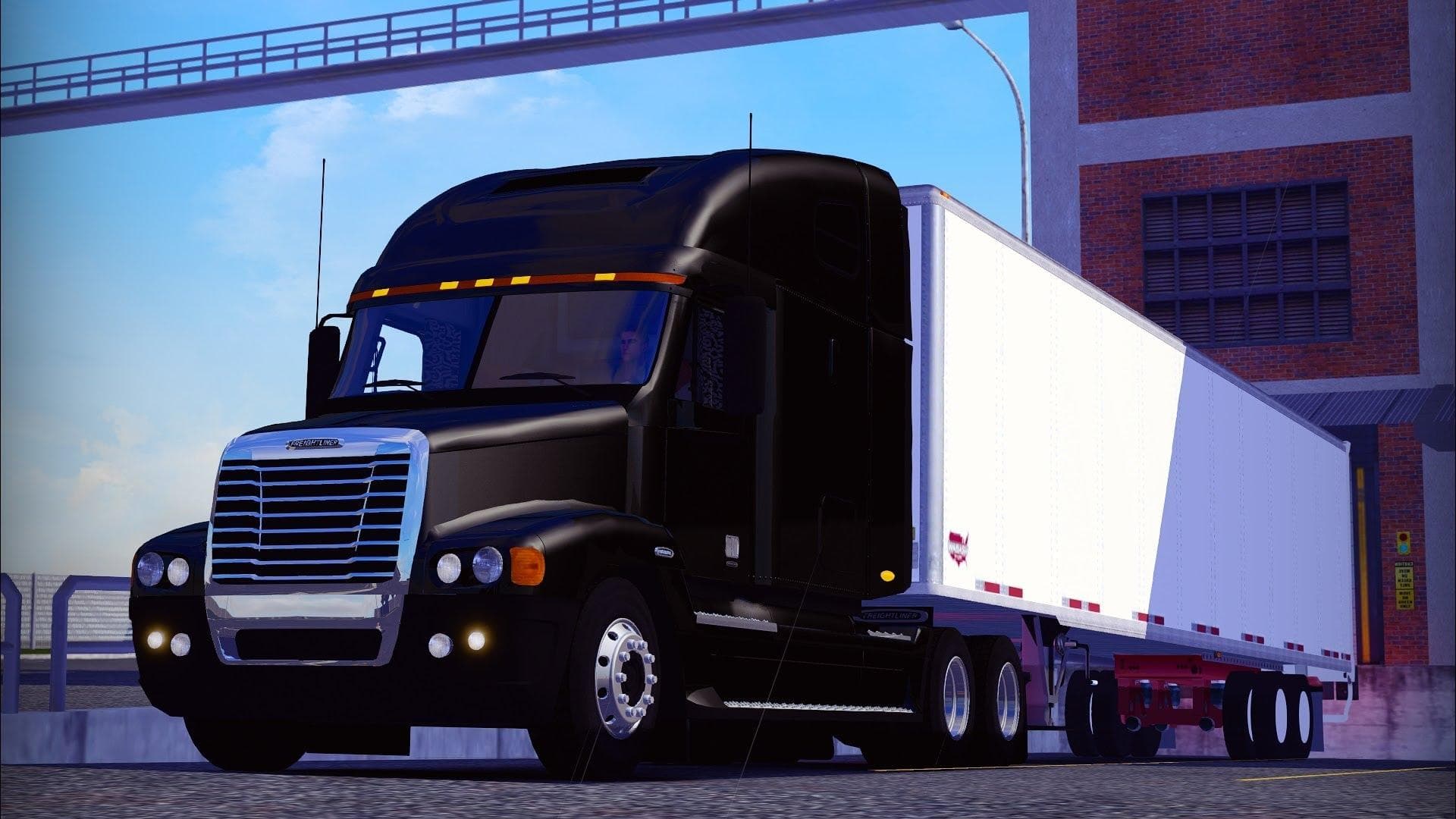
FREIGHTLINER CENTURY DELUXE 1.21 1.22.X is an ETS2 trucks. Listed compatible with ETS2 1.21, 1.22.
The FREIGHTLINER CENTURY DELUXE 1.21 1.22.X mod introduces a new truck model to Euro Truck Simulator 2, specifically designed for game versions 1.21 and 1.22. It adds the Freightliner Century Deluxe cab and chassis, allowing players to purchase and drive this iconic truck within the game environment. This mod comes with unique features like its own interior design, distinct engine and transmission options, as well as custom paint slots that let you personalize your rig.
Truck mods like this one enhance ETS2 by expanding the variety of vehicles you can operate. They typically include detailed interiors and specific customization options such as lighting accessories and specialized wheels or tires. This mod offers two interior choices, along with original sound effects that help create a more immersive driving experience.
When integrating truck mods into your setup, it's wise to pay attention to load order since these mods often overwrite base files or other truck models. The FREIGHTLINER CENTURY DELUXE includes its own wheels and tires, so conflicts with similar parts from other mods could occur if not managed properly. Testing it alongside other vehicle mods in compatible versions 1.21 and 1.22 should avoid major issues.
This particular mod suits players who enjoy driving American-style trucks within ETS2, especially those looking for a distinctive Freightliner experience with enhanced customization options. Its inclusion of multiple chassis configurations means you can tailor your vehicle for different cargo types or hauling needs.
Installing this truck adds variety to any modded fleet, complementing map expansions or trailer packs that focus on North American regions like California or Texas. It fits well in setups emphasizing authentic trucking experiences without altering gameplay balance drastically.
How to install
1. Download the .scs file from the original source linked above. 2. Copy the file to `Documents/Euro Truck Simulator 2/mod/`. 3. Launch ETS2, open the Mod Manager from the main menu, enable the mod, restart the game. 4. Visit any truck dealer to spawn the new truck.
After the mod loads, save your game inside a safe area (parking lot or service) before deciding whether to keep it. If the game refuses to load with the mod enabled, check that all required DLCs are installed and that the supported ETS2 version chips on this page include your installed game patch.
Reviews
No ratings yetNo reviews yet — be the first to rate this mod.





![Fuso Supergreat Hi Cab Truck [1.50 – 1.60] – Trucks mod for Euro Truck Simulator 2](/_next/image?url=https%3A%2F%2F802software.s3.us-east-1.amazonaws.com%2Fets2modspot%2Fscreenshots%2F7494%2F0.jpg&w=3840&q=75)