FREIGHTLINER CENTURY 1.20.X
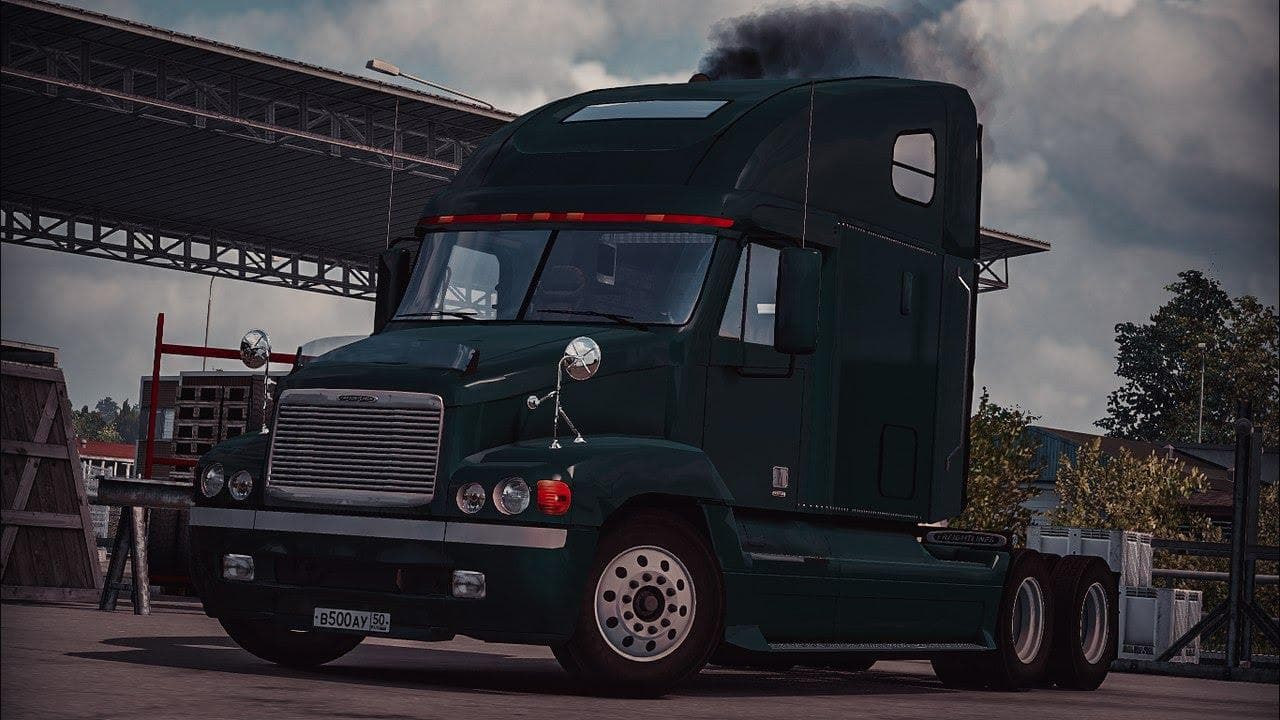
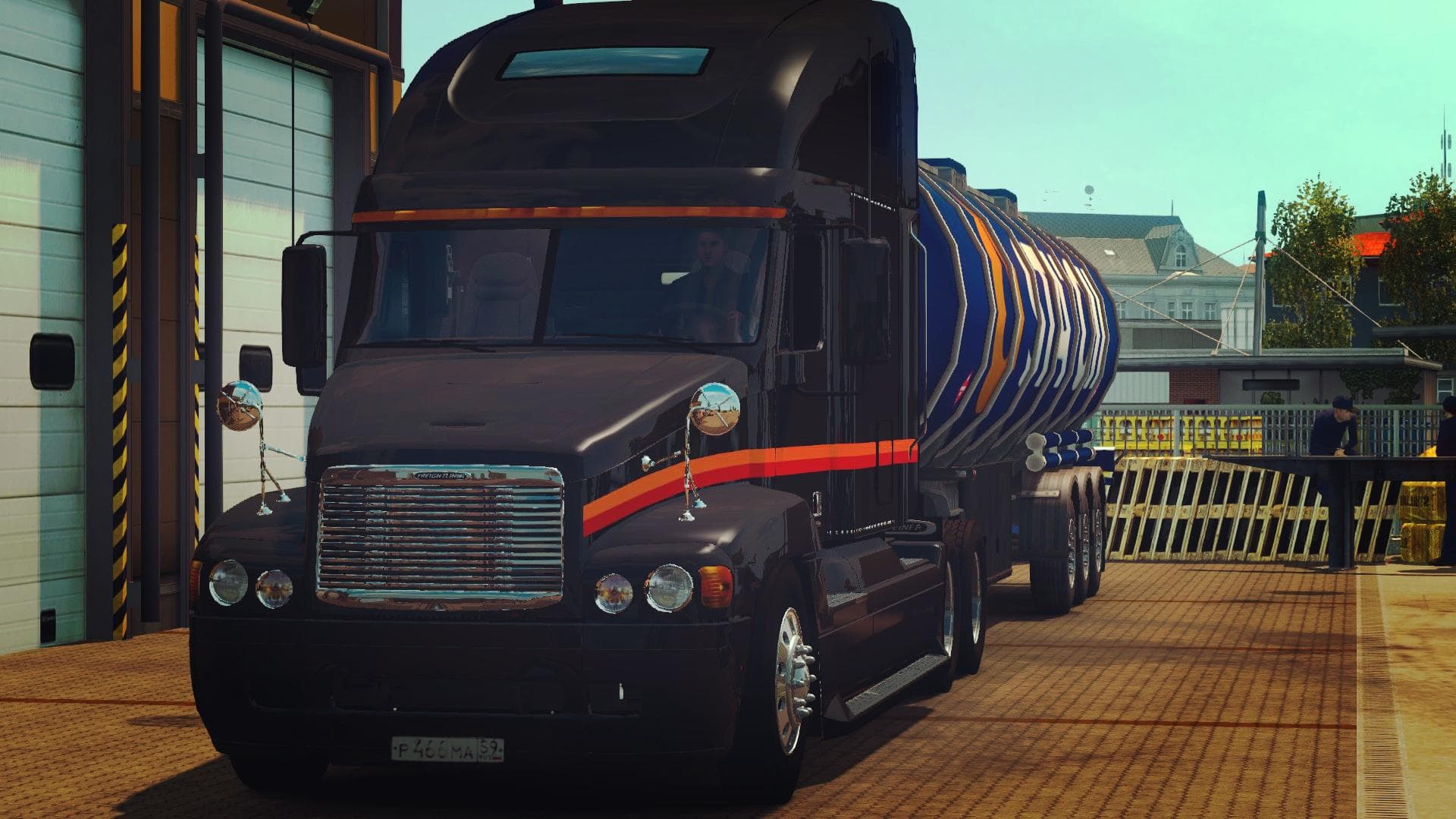
FREIGHTLINER CENTURY 1.20.X - ETS2 mods download is an ETS2 trucks. Listed compatible with ETS2 1.20.
The FREIGHTLINER CENTURY 1.20.X mod adds a new truck model to Euro Truck Simulator 2, specifically designed for version 1.20 of the game. It features a standalone cab and chassis that can be purchased at the Volvo dealer within the game, making it a distinct option from the base game trucks. The mod includes three different wheel types and its own interior, providing some customization options for players who want to diversify their fleet.
Truck mods like this one generally bring fresh driving experiences by introducing unique engines, transmissions, and paint slots tailored to the specific vehicle. This means players can expect to have various setups for hauling different loads while enjoying a new visual style on the road. Installing such mods typically involves placing them in the mod folder and activating them through the game's mod manager.
In terms of compatibility, standalone truck mods usually work well alongside other vehicle or map mods since they don't overwrite existing trucks but add to the available options. However, it's advisable to load truck mods after map or trailer mods to avoid any conflicts or missing textures. Since this mod is built for ETS2 version 1.20, it fits well within a modded setup running that same version without causing compatibility issues.
Players who prefer American-style trucks or want something different from European models might find this Freightliner particularly appealing. Its availability via the Volvo dealer suggests it integrates smoothly into gameplay progression without extra steps or console commands needed to access it.
Overall, if you're looking to expand your truck roster with an alternative cab featuring multiple wheel choices and a dedicated interior, this mod is worth considering for your ETS2 experience on version 1.20.
How to install
1. Download the .scs file from the original source linked above. 2. Copy the file to `Documents/Euro Truck Simulator 2/mod/`. 3. Launch ETS2, open the Mod Manager from the main menu, enable the mod, restart the game. 4. Visit any truck dealer to spawn the new truck.
After the mod loads, save your game inside a safe area (parking lot or service) before deciding whether to keep it. If the game refuses to load with the mod enabled, check that all required DLCs are installed and that the supported ETS2 version chips on this page include your installed game patch.
Reviews
No ratings yetNo reviews yet — be the first to rate this mod.





![Fuso Supergreat Hi Cab Truck [1.50 – 1.60] – Trucks mod for Euro Truck Simulator 2](/_next/image?url=https%3A%2F%2F802software.s3.us-east-1.amazonaws.com%2Fets2modspot%2Fscreenshots%2F7494%2F0.jpg&w=3840&q=75)