FREIGHTLINER ARGOSY
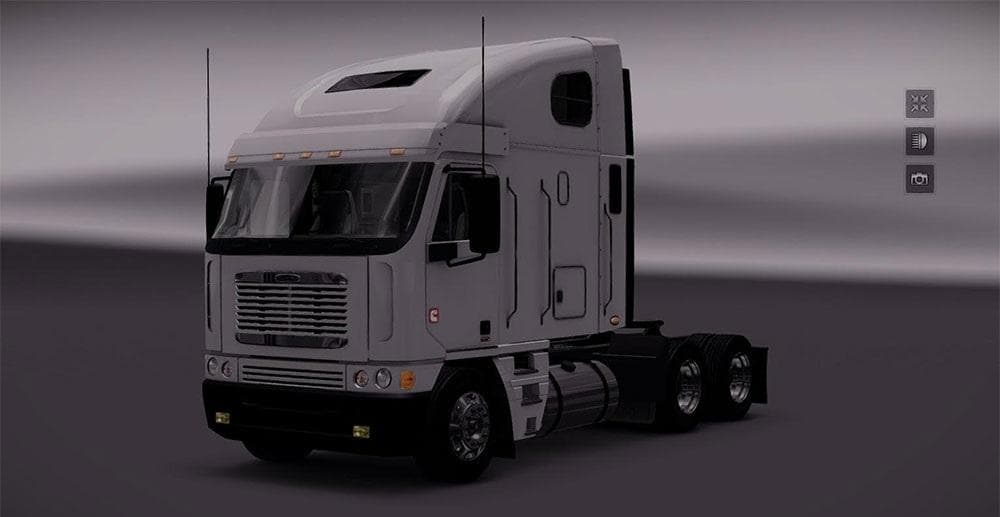
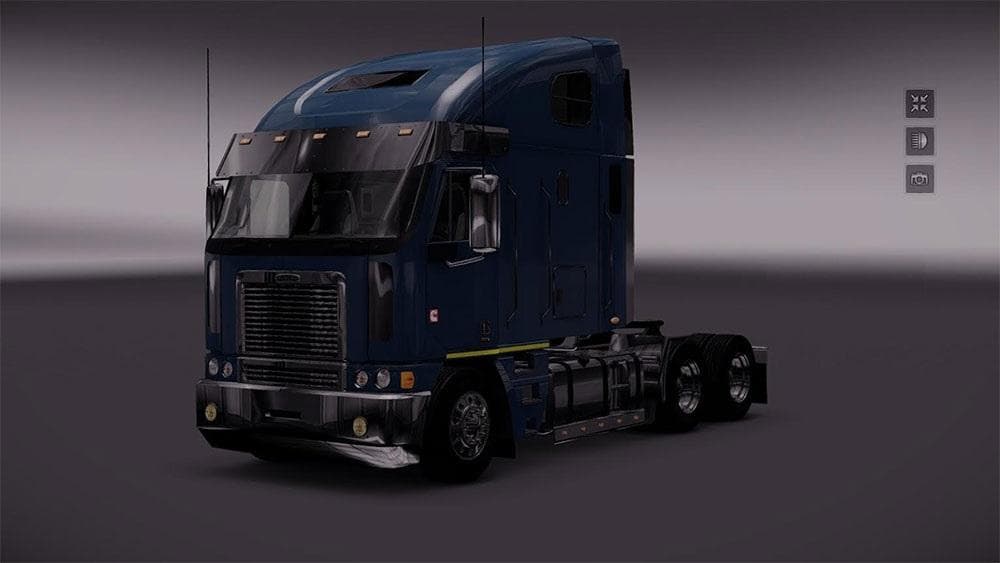
The FREIGHTLINER ARGOSY mod introduces the Freightliner Argosy truck to Euro Truck Simulator 2, available for purchase at the Volvo dealership. This truck mod adds a new drivable cab and chassis, expanding the variety of vehicles you can operate within the game. Since it's been tested on ETS2 version 1.18, players using this patch should find it compatible without major issues.
Truck mods like this one typically come with their own interior designs, engine options, transmission setups, and paint slots. These details help create a more immersive driving experience by offering customization and performance choices that differ from standard in-game trucks. The Argosy mod fits this pattern, providing an alternative to the base game’s roster.
In a modded setup, adding a new truck mod is usually straightforward but requires attention to load order when multiple mods are installed. Truck mods are generally compatible with other types of mods such as map expansions or cargo packs but might conflict with other truck mods if they alter similar files. It's advisable to load truck mods separately or use a mod manager to ensure smooth operation.
This mod would appeal mostly to players who want to diversify their fleet with a distinctive North American-style cabover design not found in the base game. Given that it appears at the Volvo dealer, it integrates into existing gameplay without breaking immersion. Drivers looking for something different from typical European trucks might find this addition worthwhile.
While details like file size and creator remain unknown, the mod’s compatibility with ETS2 version 1.18 means it suits players who prefer stable updates rather than very recent patches. As always with truck mods, make sure your version matches or is close enough to avoid unexpected problems during loading or gameplay.
How to install
1. Download the .scs file from the original source linked above. 2. Copy the file to `Documents/Euro Truck Simulator 2/mod/`. 3. Launch ETS2, open the Mod Manager from the main menu, enable the mod, restart the game. 4. Visit any truck dealer to spawn the new truck.
After the mod loads, save your game inside a safe area (parking lot or service) before deciding whether to keep it. If the game refuses to load with the mod enabled, check that all required DLCs are installed and that the supported ETS2 version chips on this page include your installed game patch.
Reviews
No ratings yetNo reviews yet — be the first to rate this mod.





![Fuso Supergreat Hi Cab Truck [1.50 – 1.60] – Trucks mod for Euro Truck Simulator 2](/_next/image?url=https%3A%2F%2F802software.s3.us-east-1.amazonaws.com%2Fets2modspot%2Fscreenshots%2F7494%2F0.jpg&w=3840&q=75)