Forgotten City Names
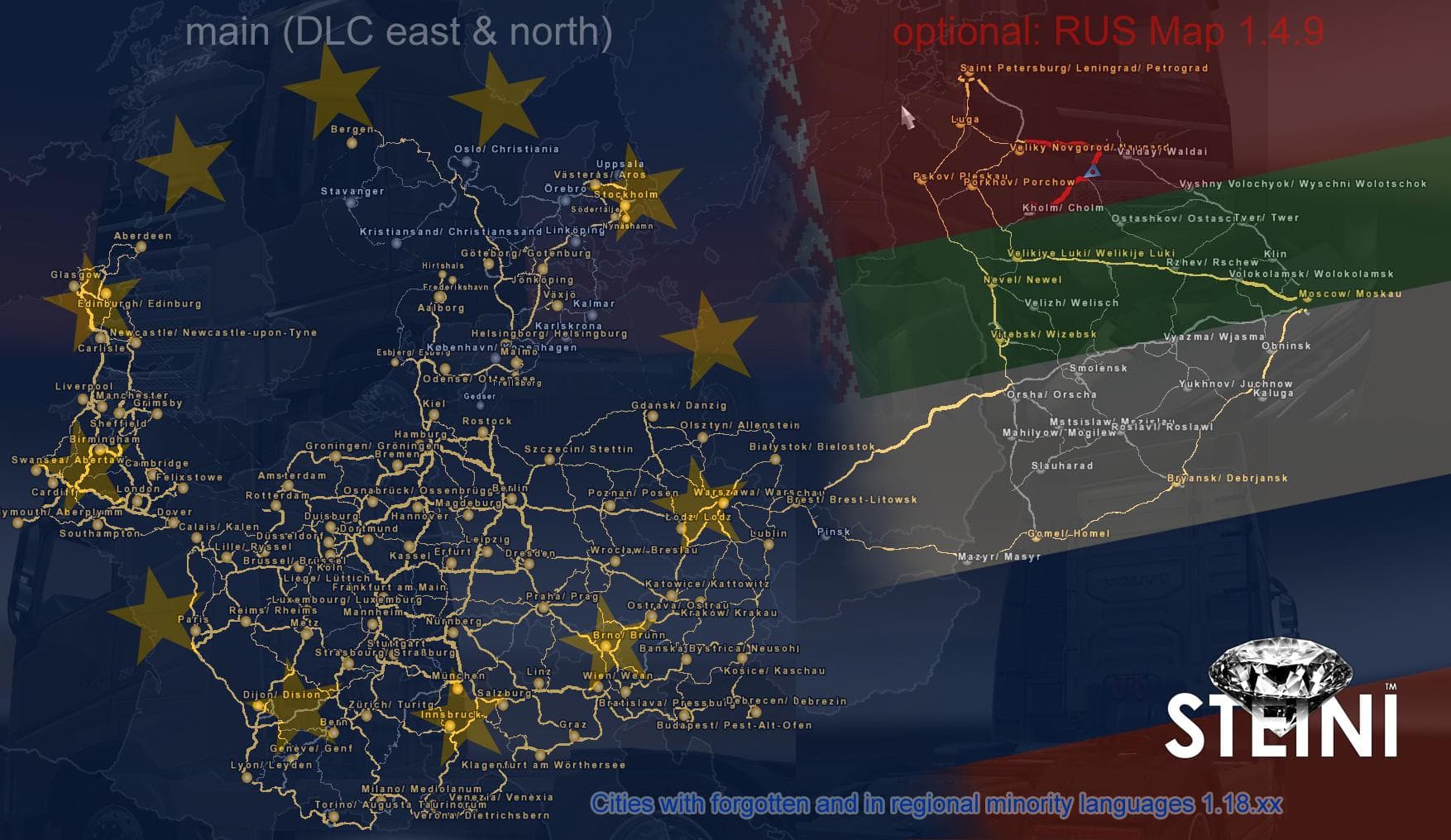
Forgotten City Names is a map mod that changes the names of cities to their older or regional minority language versions, specifically for areas covered by the East and North DLCs in Euro Truck Simulator 2. It works with ETS2 versions ranging from 1.4 to 1.18 and requires those specific map expansions to function correctly. This type of mod doesn’t add new roads or regions but alters the existing city name labels, giving a fresh cultural twist to familiar locations.
Map mods like this one often come as .scs files that need to be placed in the game’s mod folder and activated through the mod manager. Since it modifies city names rather than map geometry, it’s usually compatible with many other map expansions and mods, but load order can still matter if multiple mods attempt similar changes. It's wise to test this mod with your current setup and keep an eye on how it interacts with other regional naming or map mods.
Players who enjoy a bit of linguistic diversity or want their game world to reflect historical or minority cultures will find Forgotten City Names interesting. It’s not about adding new places but about changing how you see existing ones, which can deepen immersion if you’re running a heavily modded map environment that includes Scandinavia and Russia.
This mod fits well within a collection of Eastern European or Nordic-themed expansions, especially when combined with the official DLCs for those regions. Since it targets specific areas like Scandinavia, it's not suited for players who don’t own those DLCs or focus on other parts of the ETS2 map. Overall, it’s a subtle tweak rather than a large-scale expansion, ideal for players looking to diversify their map experience without altering gameplay mechanics.
How to install
1. Download every .scs file from the source page (map mods often ship multiple files). 2. Copy all files to `Documents/Euro Truck Simulator 2/mod/`. 3. Enable each file in Mod Manager **in the order documented by the modder**. Load order matters for maps. 4. Start a new save or use an existing save that already supports the map's base regions.
After the mod loads, save your game inside a safe area (parking lot or service) before deciding whether to keep it. If the game refuses to load with the mod enabled, check that all required DLCs are installed and that the supported ETS2 version chips on this page include your installed game patch.
Known conflicts
No conflicts reported for this mod yet. Running a big mod list? Check your whole setup for conflicts →
Reviews
No ratings yetNo reviews yet — be the first to rate this mod.





