FLORA HOLLAND MAP 1.20.X
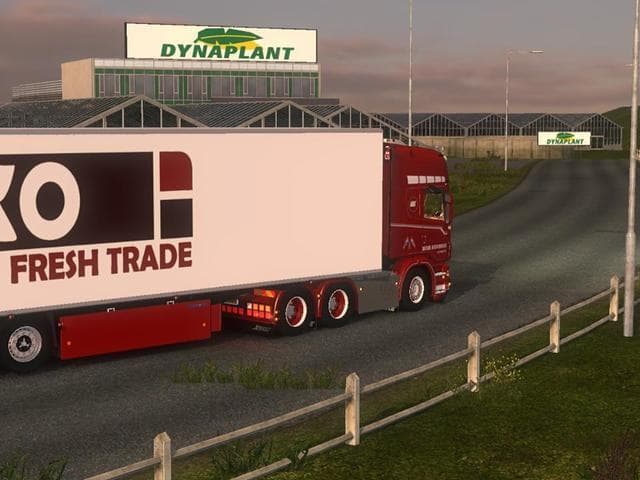
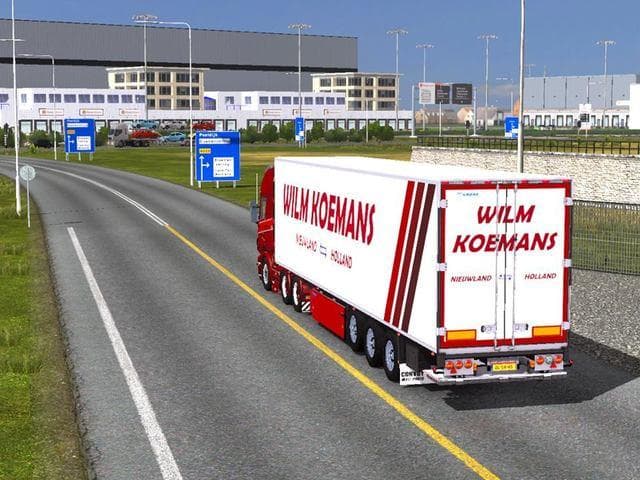
FLORA HOLLAND MAP 1.20.X is a map modification designed for Euro Truck Simulator 2 version 1.20. It aims to expand the in-game world by adding new areas that players can explore and haul through. Map mods like this one typically introduce fresh roads, cities, or regions to broaden the driving experience beyond the base game.
In ETS2, map mods come as one or more .scs files which you place in your mod folder and activate via the game’s mod manager. Since they alter core gameplay geography, these mods often have compatibility considerations with other map expansions or DLCs, requiring attention to load order for smooth operation.
For those running extensive modded setups, FLORA HOLLAND MAP can fit alongside popular map expansions such as ProMods, although some combinations might call for a clean profile or specific base-map DLCs to avoid conflicts. Paying attention to how these files stack up is key when mixing multiple map mods.
Drivers who enjoy exploring new European landscapes will likely appreciate this addition. It suits players wanting a bit more variety in routes and delivery destinations without leaving familiar territories behind. Expanding the driving network offers fresh challenges and scenic views along the way.
Since this mod supports version 1.20 of ETS2 and references ProMods 197 compatibility, it seems geared toward users keeping their game updated with current map packs. This makes it relevant for those invested in detailed and evolving road networks within Europe.
Overall, FLORA HOLLAND MAP adds another layer of exploration for those who prefer map-focused content in their ETS2 setup. It's particularly interesting if you want to increase your haul options while sticking close to established mod ecosystems.
How to install
1. Download every .scs file from the source page (map mods often ship multiple files). 2. Copy all files to `Documents/Euro Truck Simulator 2/mod/`. 3. Enable each file in Mod Manager **in the order documented by the modder**. Load order matters for maps. 4. Start a new save or use an existing save that already supports the map's base regions.
After the mod loads, save your game inside a safe area (parking lot or service) before deciding whether to keep it. If the game refuses to load with the mod enabled, check that all required DLCs are installed and that the supported ETS2 version chips on this page include your installed game patch.
Known conflicts
No conflicts reported for this mod yet. Running a big mod list? Check your whole setup for conflicts →
Reviews
No ratings yetNo reviews yet — be the first to rate this mod.





