FIX FOR COONECTIONS RUSMAP & RUSSIAN OPEN SPACES
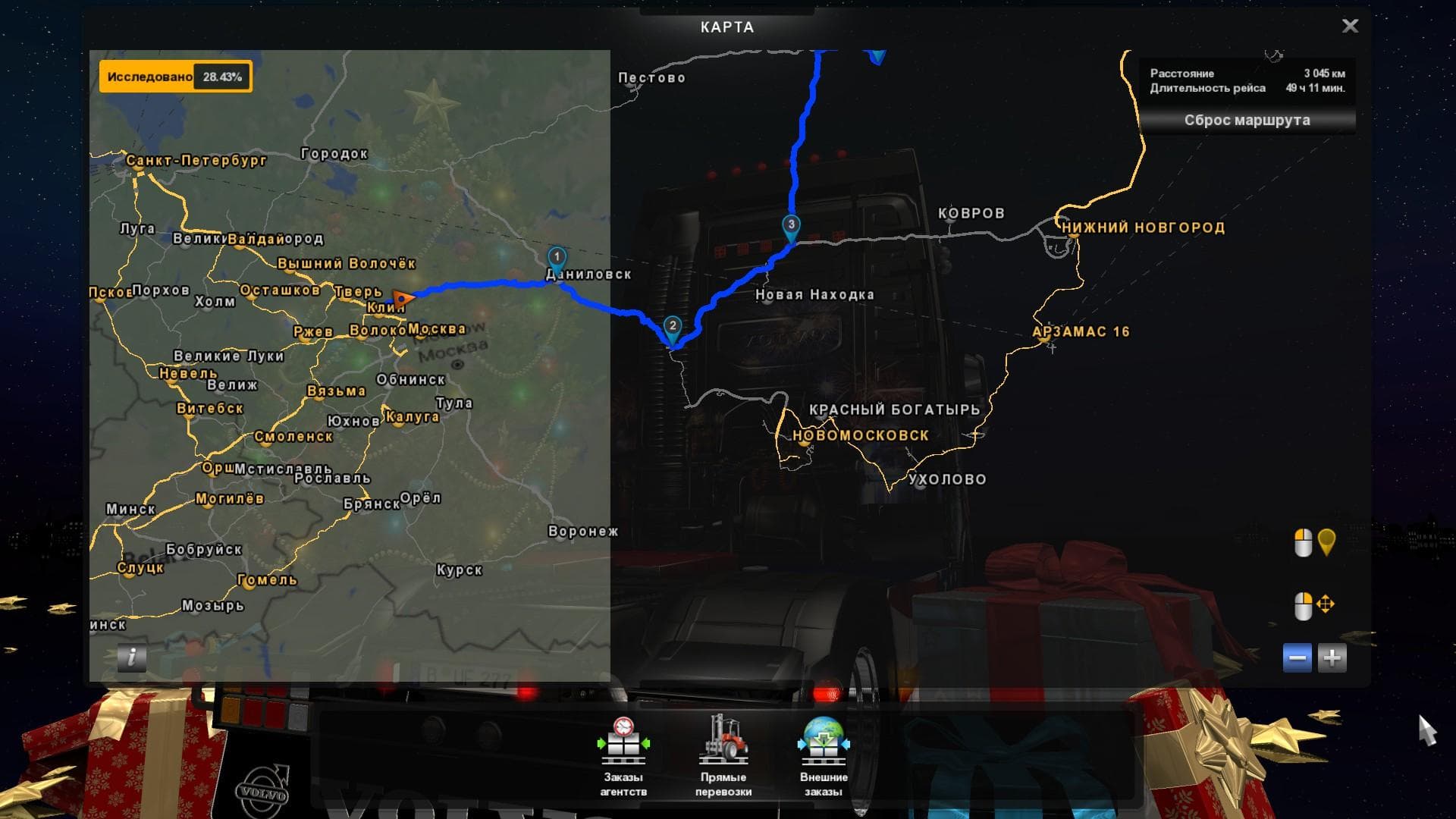
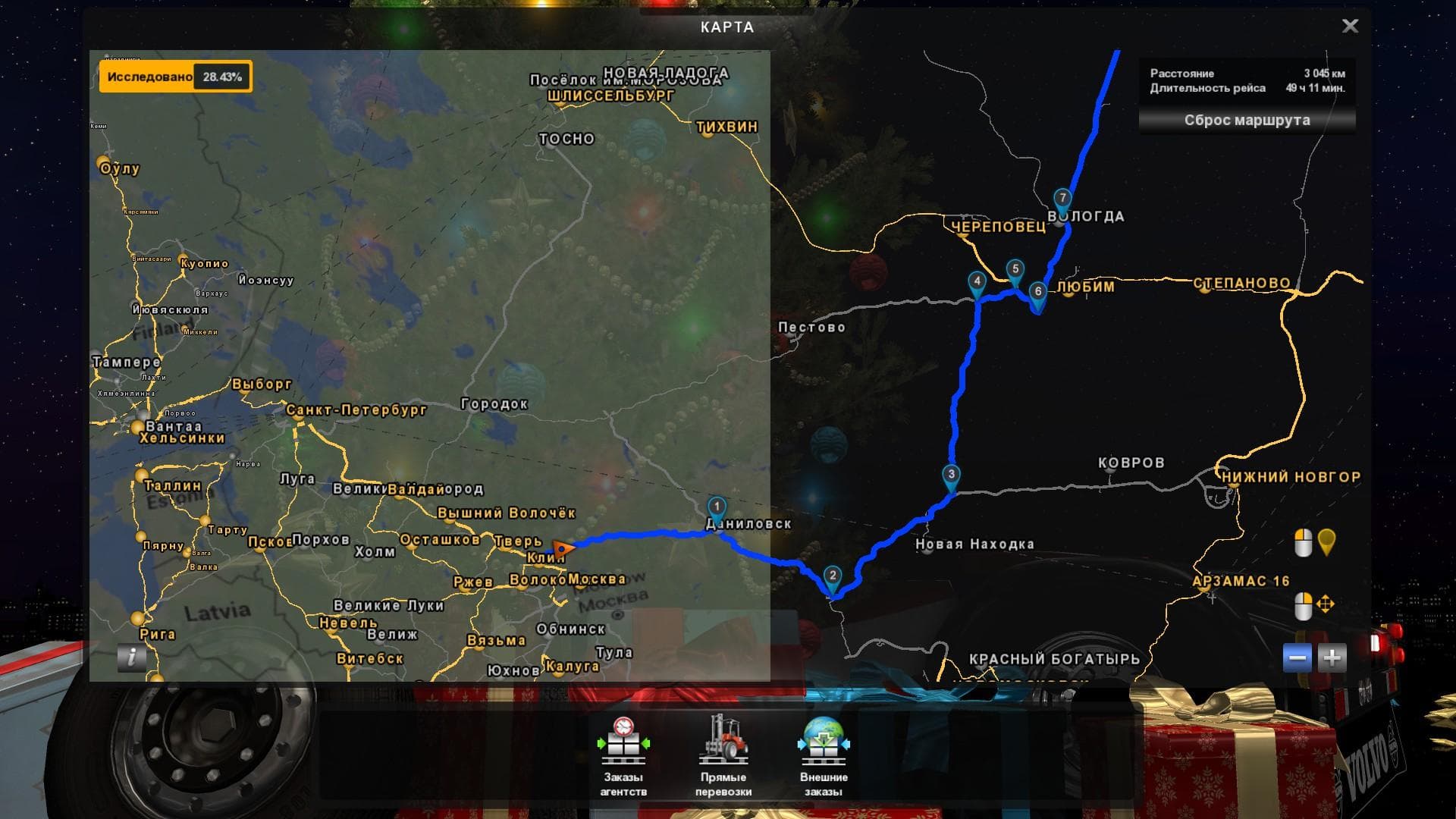
This mod is a fix for connecting RusMap and Russian Open Spaces in Euro Truck Simulator 2 version 1.22. Created by Euro Truck Simulator 2, the mod has been upda
This mod addresses connection issues between two popular map expansions in Euro Truck Simulator 2: RusMap and Russian Open Spaces. It ensures that the routes linking these two large-scale map mods are properly fixed for ETS2 version 1.22. Since both base maps cover extensive areas of Russia, this fix helps provide a smoother driving experience across their combined territories.
Map mods like these significantly expand the game world by adding new roads, cities, and regions to explore. They come as .scs files that need to be loaded in the right order to work correctly with other map additions or updates. Using a fix mod for connections is common practice when combining multiple large map packs, as it resolves any gaps or broken links where separate maps meet.
When running a modded setup featuring both RusMap and Russian Open Spaces, this connection fix should be placed appropriately in the load order to ensure seamless transitions between them. Players often find that without such fixes, their trucks might hit invisible walls or dead ends at map borders. It's worth noting that some map mods require fresh profiles or specific DLCs, so compatibility depends on your overall mod list and game version.
This type of mod suits those who enjoy extensive long-haul routes across Eastern Europe and Russia. If you have both major Russian-themed maps installed and want a coherent road network without interruptions, this fix will improve your gameplay by maintaining continuous access between these detailed landscapes.
How to install
1. Download every .scs file from the source page (map mods often ship multiple files). 2. Copy all files to `Documents/Euro Truck Simulator 2/mod/`. 3. Enable each file in Mod Manager **in the order documented by the modder**. Load order matters for maps. 4. Start a new save or use an existing save that already supports the map's base regions.
After the mod loads, save your game inside a safe area (parking lot or service) before deciding whether to keep it. If the game refuses to load with the mod enabled, check that all required DLCs are installed and that the supported ETS2 version chips on this page include your installed game patch.
Known conflicts
No conflicts reported for this mod yet. Running a big mod list? Check your whole setup for conflicts →
Reviews
No ratings yetNo reviews yet — be the first to rate this mod.





