FIX ELDORADO MAP (BUGS ON DLC SCANDINAVIA)
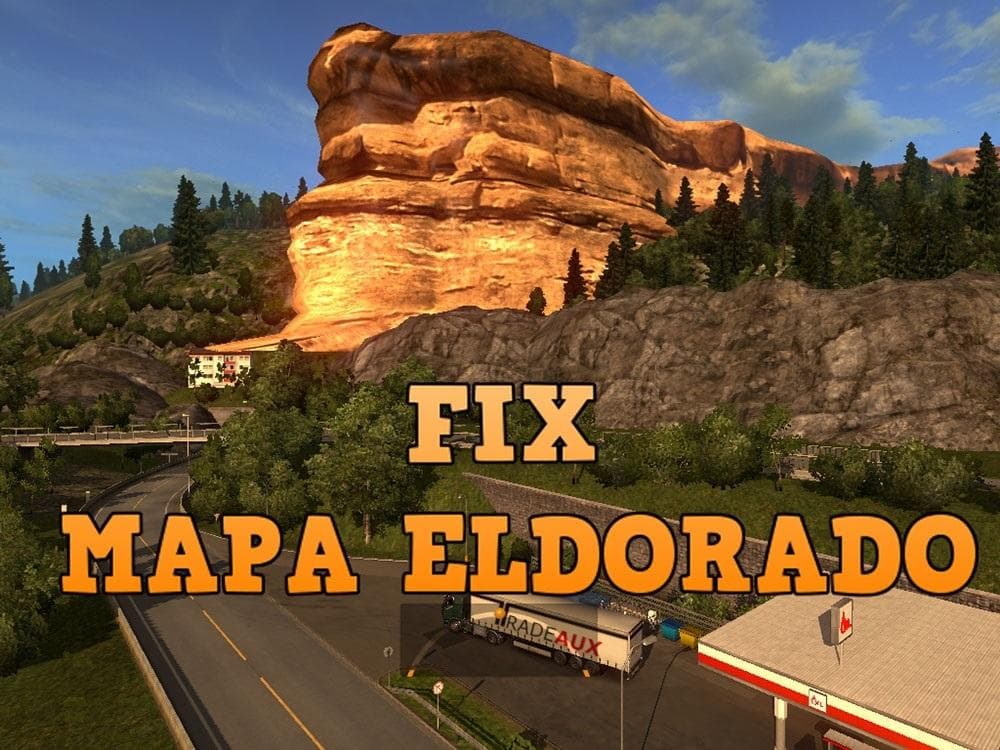
The FIX ELDORADO MAP mod addresses specific bugs found in the Eldorado map when used alongside the Scandinavia DLC in Euro Truck Simulator 2. It serves as a correction patch rather than a full map expansion, aiming to improve the experience by fixing errors that affect gameplay within this region. Players who have encountered issues while driving through Scandinavia with Eldorado installed might find this mod helpful.
Map mods like this one generally modify or enhance parts of the game's world by adding new roads, cities, or correcting existing elements. They usually come as .scs files and require careful attention to load order because they interact closely with base game content and other map expansions. This fix assumes you own the Scandinavia DLC; without it, applying the mod isn't necessary.
When integrating map fixes into a modded setup, it's wise to place them after larger map mods in your load order so that corrections take effect properly. Starting a fresh profile can sometimes be recommended to avoid conflicts or glitches caused by legacy save data. Since this mod targets version 1.5 of ETS2, compatibility with newer versions may vary, so users should verify before installing.
This type of fix is especially suited for players focused on exploring or trucking through northern Europe regions covered by Scandinavia and Eldorado maps. It ensures smoother navigation by eliminating map-related bugs that could disrupt routes or cause visual oddities on roads and intersections.
Though the creator remains unknown and file size details aren't specified, the practical purpose of this mod is clear: it patches errors rather than introducing new content. Players looking to maintain a stable and polished map experience in their simulation runs will appreciate having such fixes incorporated into their game.
Overall, if you run both Eldorado and Scandinavia DLCs in ETS2 version 1.5 and want a more reliable driving environment without bugs interfering with your routes, this fix should be considered part of your mod collection.
How to install
1. Download every .scs file from the source page (map mods often ship multiple files). 2. Copy all files to `Documents/Euro Truck Simulator 2/mod/`. 3. Enable each file in Mod Manager **in the order documented by the modder**. Load order matters for maps. 4. Start a new save or use an existing save that already supports the map's base regions.
After the mod loads, save your game inside a safe area (parking lot or service) before deciding whether to keep it. If the game refuses to load with the mod enabled, check that all required DLCs are installed and that the supported ETS2 version chips on this page include your installed game patch.
Known conflicts
No conflicts reported for this mod yet. Running a big mod list? Check your whole setup for conflicts →
Reviews
No ratings yetNo reviews yet — be the first to rate this mod.





