F.S.C. STAR 200
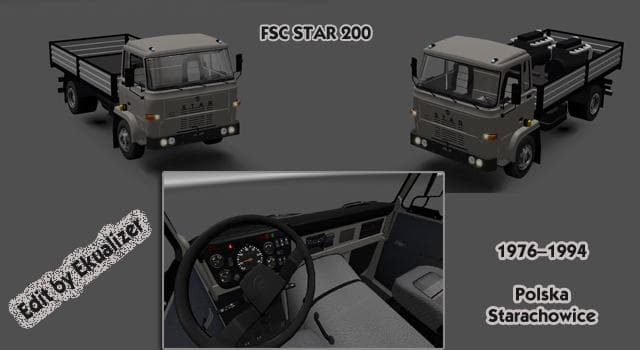
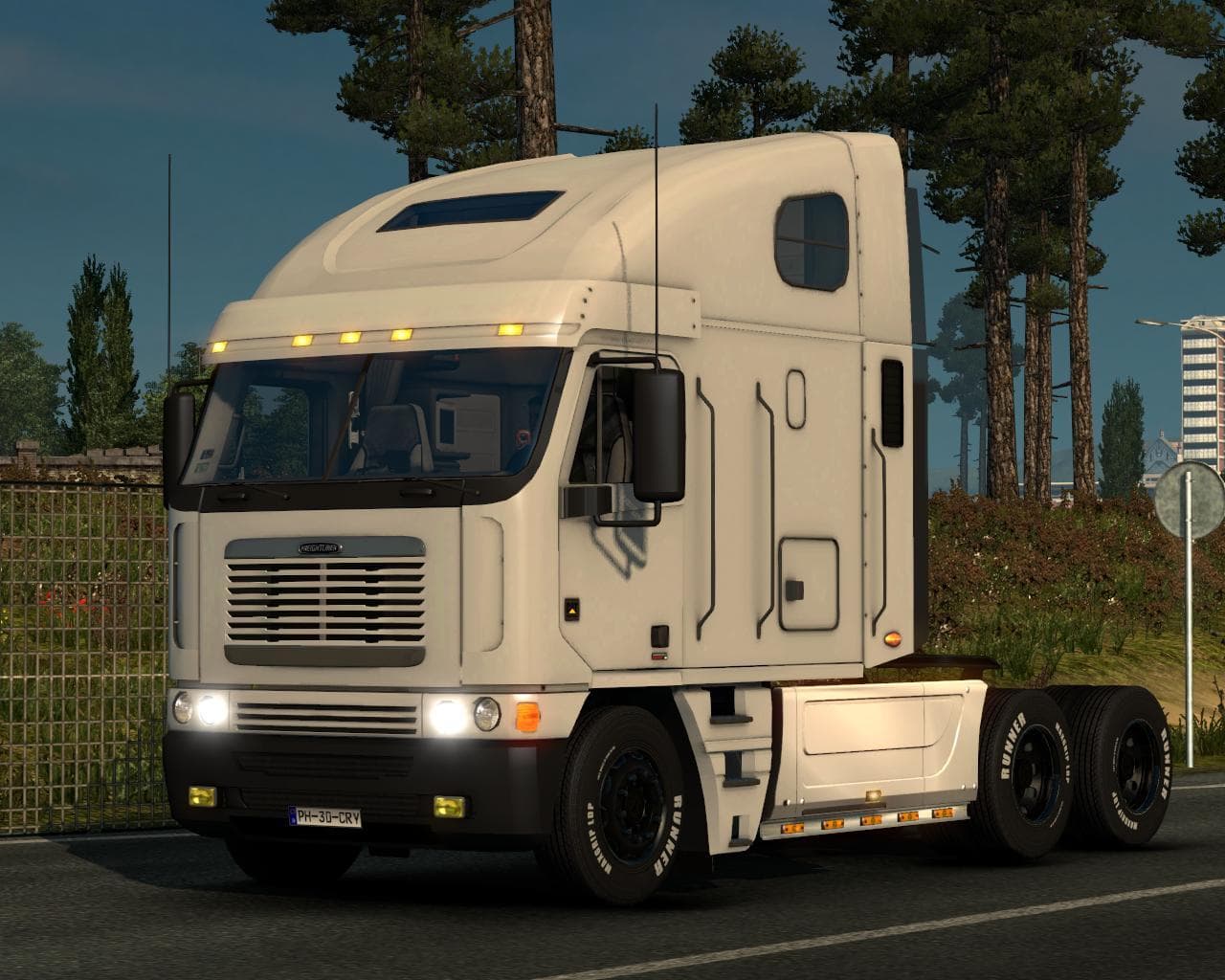
The F.S.C. STAR 200 is a truck mod for ETS2, featuring a capacity of 6 tonnes with a trailer up to 8.5 tonnes. It has a maximum speed of 90 Km/h and a fuel tank
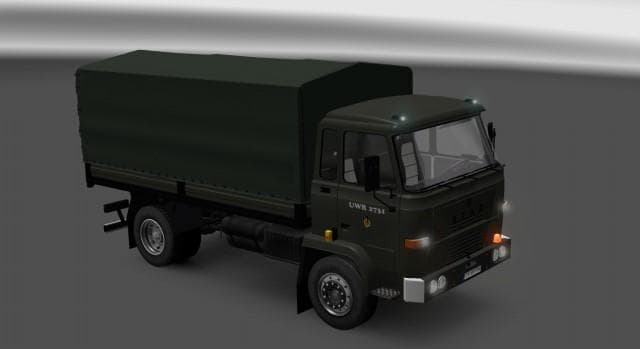
The F.S.C. STAR 200 is a truck mod that introduces a drivable cab and chassis to Euro Truck Simulator 2. Mods of this kind usually add a new vehicle option that players can buy from dealers, complete with its own interior design, engine choices, and paint slots. This particular model follows specifications drawn from original documentation, including a payload capacity of around six tonnes and the ability to tow trailers up to 8.5 tonnes.
Truck mods like the F.S.C. STAR 200 provide an alternative driving experience compared to the base game trucks. They often come with unique performance parameters—in this case, a maximum speed capped at 90 km/h and a fuel tank capacity set at 150 liters. These details shape how the vehicle handles long hauls or regional deliveries within ETS2’s map.
When adding trucks such as this one to a modded setup, it's common practice to check for compatibility issues or load order conflicts with other vehicle mods or map expansions. Since truck mods typically replace or add to dealer inventories, they should be loaded after map mods but before any gameplay-altering mods affecting cargo or economy.
Players who appreciate vintage or specialized trucks might find this mod appealing because it offers something different from mainstream brands found in ETS2 by default. It fits well into setups where variety in truck selection is valued and can enhance roleplay scenarios involving medium-duty freight tasks.
Overall, the F.S.C. STAR 200 adds another layer of customization for those wanting more options behind the wheel. While specifics like supported ETS2 versions or creator details remain unknown, users familiar with installing truck mods will recognize how it slots into their existing collection.
How to install
1. Download the .scs file from the original source linked above. 2. Copy the file to `Documents/Euro Truck Simulator 2/mod/`. 3. Launch ETS2, open the Mod Manager from the main menu, enable the mod, restart the game. 4. Visit any truck dealer to spawn the new truck.
After the mod loads, save your game inside a safe area (parking lot or service) before deciding whether to keep it. If the game refuses to load with the mod enabled, check that all required DLCs are installed and that the supported ETS2 version chips on this page include your installed game patch.
Reviews
No ratings yetNo reviews yet — be the first to rate this mod.