EXTREME TRAILERS PACK
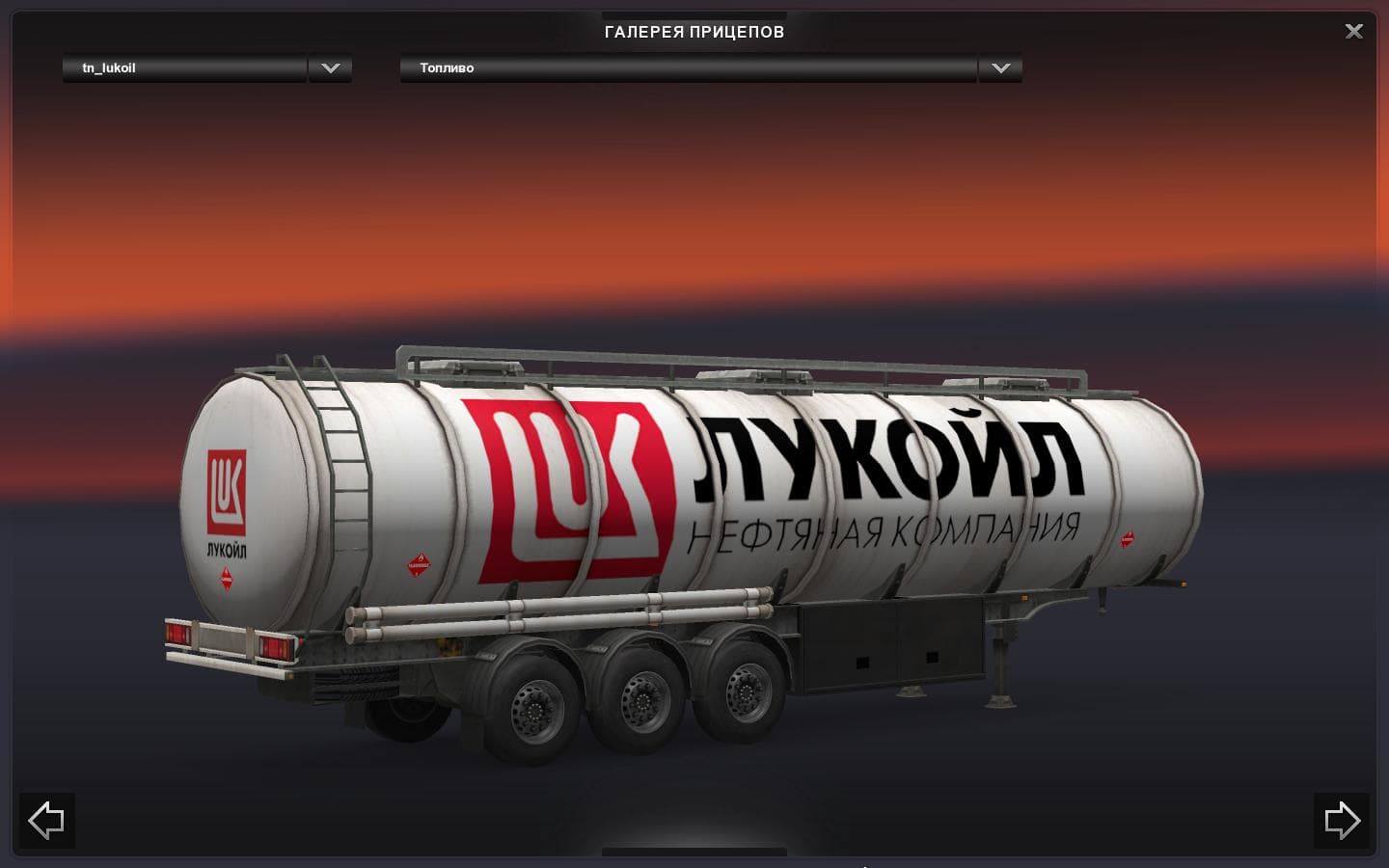
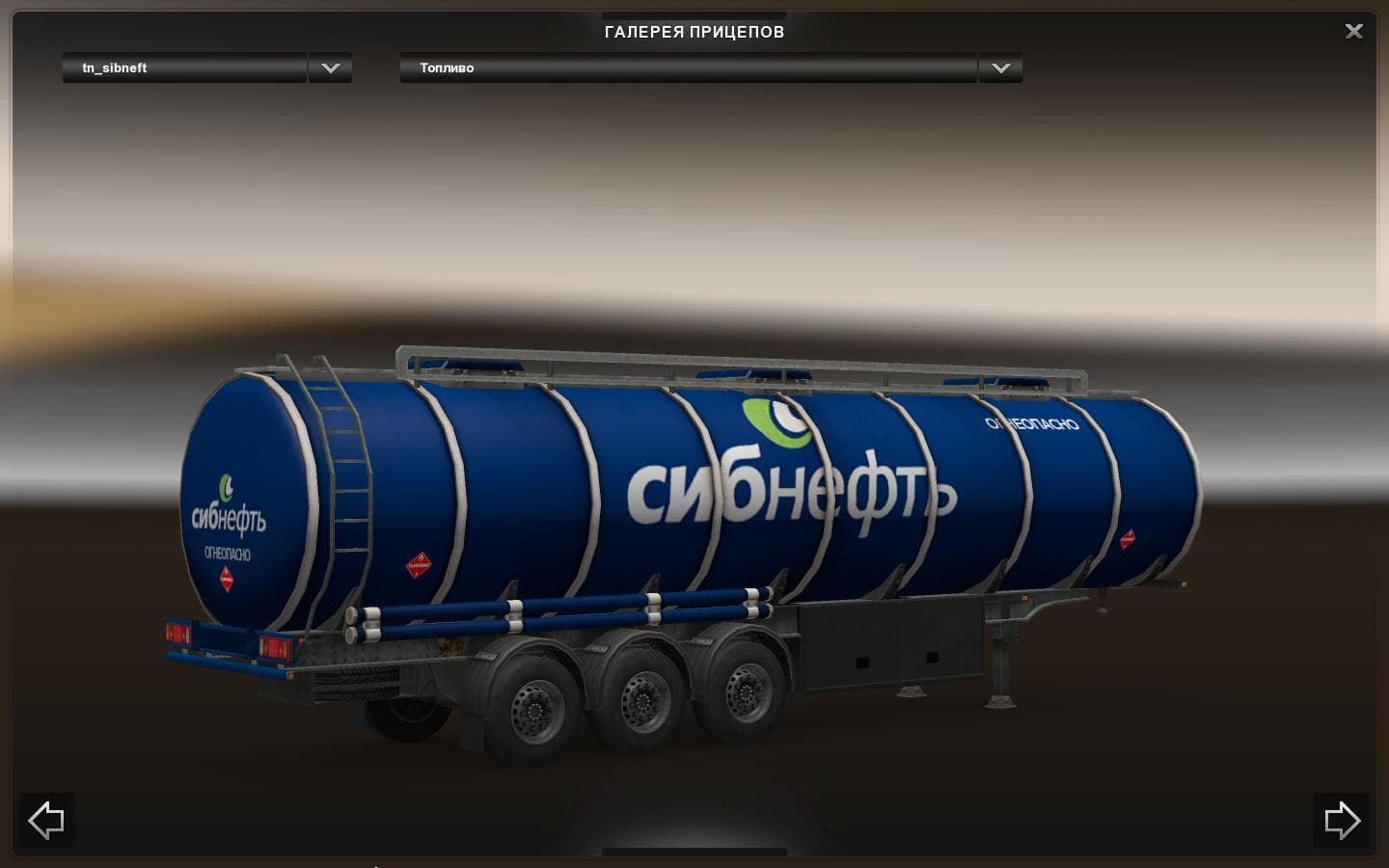
The Extreme Trailers Pack for ETS2 includes 5 standalone trailers featuring brands like Lukoil and Media Markt. These trailers are included in traffic and have
The Extreme Trailers Pack adds a collection of five standalone trailers to Euro Truck Simulator 2, including models branded with Lukoil, M. Video, Media Markt, Rosneft, and Sibneft. These trailers are designed to be haulable in the game and can appear as part of the cargo selection or trailer dealer options. This type of mod broadens the variety of trailers you can own or see on the road, giving more depth to your hauling experience.
Trailer mods like this one enhance ETS2 by introducing new trailer bodies that players can attach to their trucks or encounter as AI traffic. They often bring fresh cargo types and visual diversity, which helps keep long hauls interesting without altering core gameplay mechanics. Since these trailers are standalone, they don't rely on other mods to function but do require compatibility with your game version—in this case, version 1.22.
When integrating trailer packs into a modded setup, it's wise to consider load order and possible conflicts. Trailer mods generally load after map and truck mods but before gameplay tweaks or sound packs. Keeping them separate from other trailer mods helps avoid overlapping assets or duplicate IDs that might cause issues in traffic generation or ownership.
This pack includes an option for its trailers to appear in AI traffic, making the roads feel busier and more authentic if you like a lively environment during your drives. Adding these trailers can also complement other cargo and trailer expansions you may have installed, creating a richer logistics network across regions supported by your mods.
Players who enjoy expanding their fleet options or want to add recognizable brand trailers from different sectors will find this pack useful. It fits well for those running ETS2 on version 1.22 who want a mix of commercial and fuel-related trailers integrated smoothly into both player-owned garages and world traffic.
How to install
1. Download the .scs file. 2. Drop it into `Documents/Euro Truck Simulator 2/mod/`. 3. Enable in Mod Manager. 4. Trailer should appear in cargo selection or trailer dealer depending on the mod's design.
After the mod loads, save your game inside a safe area (parking lot or service) before deciding whether to keep it. If the game refuses to load with the mod enabled, check that all required DLCs are installed and that the supported ETS2 version chips on this page include your installed game patch.
Reviews
No ratings yetNo reviews yet — be the first to rate this mod.





