EUROPE & TURKEY MAP V2.5
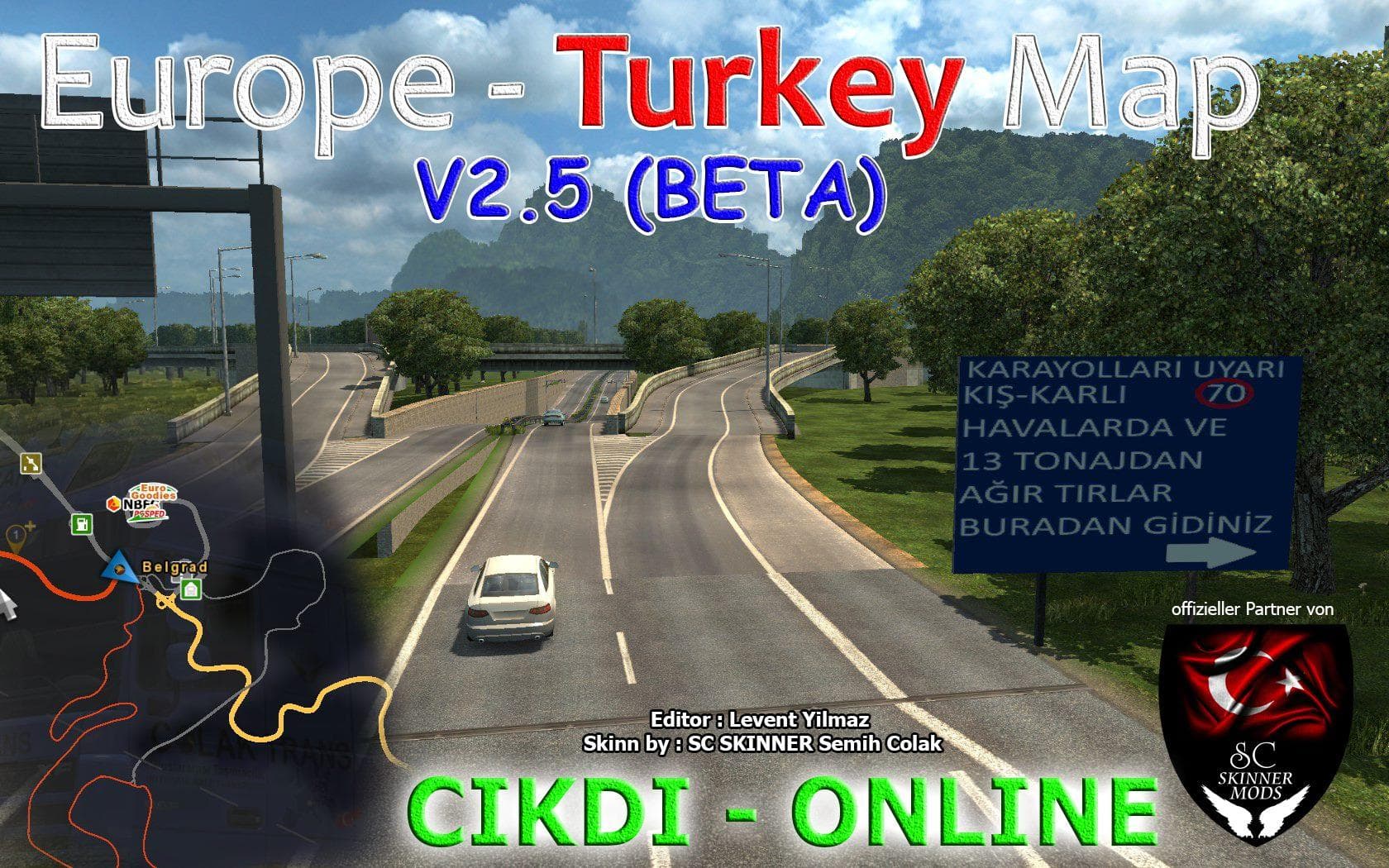
EUROPE & TURKEY MAP is an ETS2 maps.
EUROPE & TURKEY MAP V2.5 is a map expansion mod that broadens the drivable area in Euro Truck Simulator 2, connecting various cities across Europe and Turkey. It enhances the existing map by adding new urban areas and transport links, including rail service between notable locations like Salzburg and others en route to Turkey. This kind of mod usually comes as one or more .scs files that must be loaded in a specific order to function correctly with other map mods and the base game content.
Map mods like this one significantly change how players experience long-haul trucking by introducing fresh routes, cities, and regions to explore. They often require careful consideration when setting up your mod list since conflicts can arise if multiple map expansions overlap or if they don't align with your current profile or DLC setup. Sometimes starting a new profile is recommended for compatibility.
In a modded ETS2 setup, EUROPE & TURKEY MAP V2.5 fits well for those wanting more variety in their haul destinations across central and southeastern Europe, including countries such as Austria, Croatia, Serbia, Bulgaria, and Turkey itself. Being mindful of load order is key to avoid issues; this category of mods generally needs to be placed below core map files but above other content modifications.
Truckers interested in exploring beyond the standard game boundaries will find this mod appealing since it opens up routes through lesser-covered parts of Europe extending towards the Balkans and Turkey. It suits players who enjoy longer journeys involving diverse geography and want to experience additional cityscapes along their trips.
How to install
1. Download every .scs file from the source page (map mods often ship multiple files). 2. Copy all files to `Documents/Euro Truck Simulator 2/mod/`. 3. Enable each file in Mod Manager **in the order documented by the modder**. Load order matters for maps. 4. Start a new save or use an existing save that already supports the map's base regions.
After the mod loads, save your game inside a safe area (parking lot or service) before deciding whether to keep it. If the game refuses to load with the mod enabled, check that all required DLCs are installed and that the supported ETS2 version chips on this page include your installed game patch.
Known conflicts
No conflicts reported for this mod yet. Running a big mod list? Check your whole setup for conflicts →
Reviews
No ratings yetNo reviews yet — be the first to rate this mod.





