Europamap in color mirt Scandinavien DLC
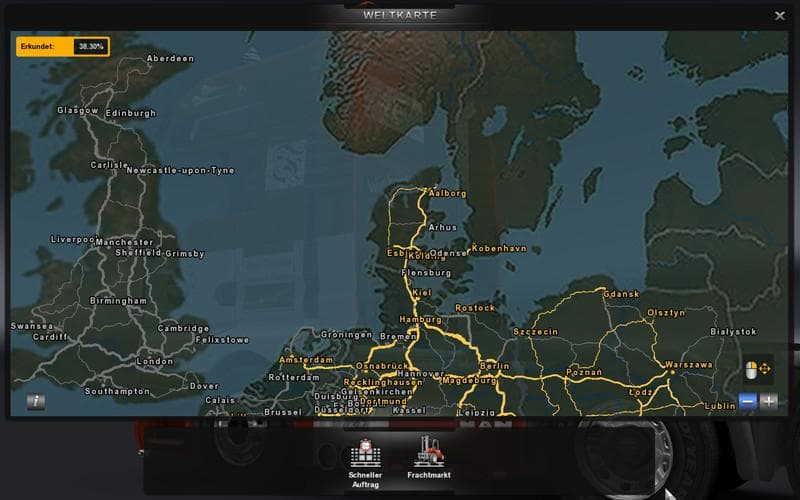
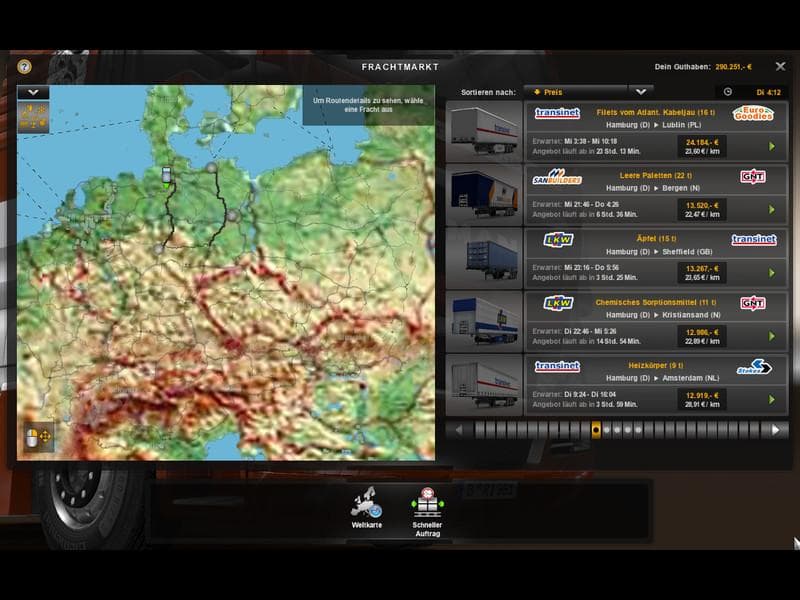
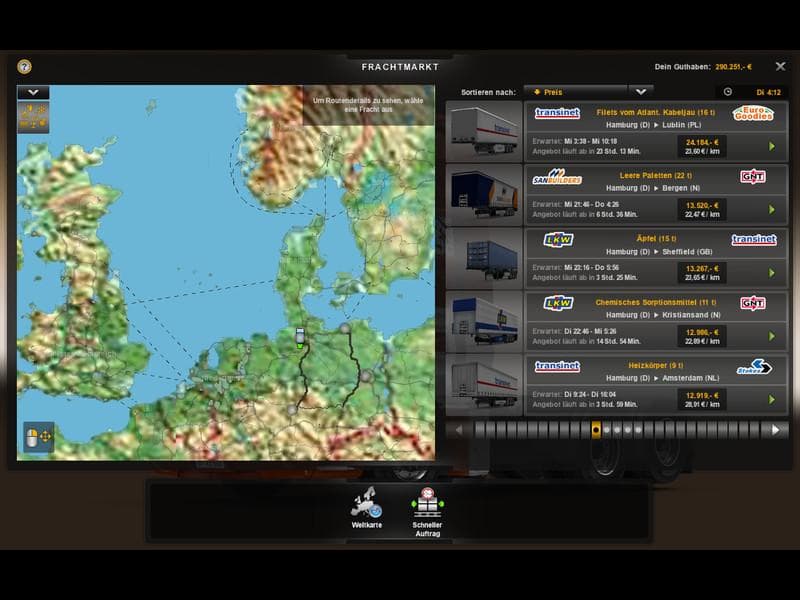
Europamap in color mirt Scandinavien DLC - ETS2 mods download is an ETS2 maps.
Europamap in color mirt Scandinavien DLC is a map mod that adjusts the visual presentation of the European and minimaps specifically for the Scandinavia region. Instead of the usual black background, this mod adds color to streets, making them easier to distinguish and removing any odd water overlays that sometimes appear on roads. The result is a clearer and more visually intuitive map experience while driving through countries like Sweden, Norway, and Denmark.
Map mods like this one modify or enhance the in-game world by changing how maps are displayed or expanding drivable areas. They typically come as .scs files and need to be placed in your mods folder. Since map mods can conflict with each other, their load order matters a lot; usually, you want this type of mod loaded after any core map expansions but before gameplay-affecting ones.
For players running several map expansions or regional DLCs, Europamap in color mirt Scandinavien DLC fits well as a visual upgrade without altering routes or adding new locations. It doesn’t require a fresh profile if you already have the Scandinavia DLC installed, but it’s wise to check compatibility if you use other large-scale map mods.
This mod suits truckers who prefer a cleaner and more colorful interface when checking their routes across Scandinavia. It helps with navigation by making road outlines stand out against the backdrop, reducing confusion during long hauls in northern Europe.
While details about supported ETS2 versions or file size aren’t specified, users familiar with map mods know they should enable or disable these carefully to avoid crashes or data corruption. Always back up your profile before testing new map-related modifications.
How to install
1. Download every .scs file from the source page (map mods often ship multiple files). 2. Copy all files to `Documents/Euro Truck Simulator 2/mod/`. 3. Enable each file in Mod Manager **in the order documented by the modder**. Load order matters for maps. 4. Start a new save or use an existing save that already supports the map's base regions.
After the mod loads, save your game inside a safe area (parking lot or service) before deciding whether to keep it. If the game refuses to load with the mod enabled, check that all required DLCs are installed and that the supported ETS2 version chips on this page include your installed game patch.
Known conflicts
No conflicts reported for this mod yet. Running a big mod list? Check your whole setup for conflicts →
Reviews
No ratings yetNo reviews yet — be the first to rate this mod.





