EuPlus+ v0.4 1.60
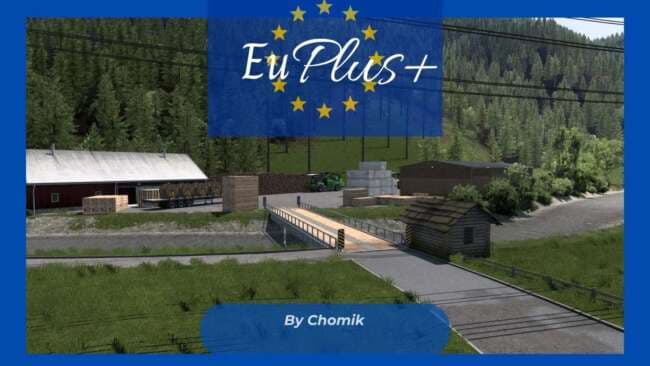
EuPlus+ 1.60 is a map mod for ETS2 version 1.60 by creator ets2mods. Version 0.4 adds new locations in Austria like Michelhofen and Arnoldstein, with small impr
EuPlus+ v0.4 is a map mod designed for Euro Truck Simulator 2 version 1.60, developed by ets2mods. This mod adds new locations and improves existing areas, expanding the in-game world primarily in Austria with towns like Michelhofen and Arnoldstein introduced. Map mods like this one typically come as .scs files that alter or extend the base map by adding fresh roads, cities, and regions to explore.
In ETS2, map mods enhance the driving experience by offering new routes and destinations beyond what the official game provides. They often require careful attention to load order since conflicts between mods can arise if not managed properly. Players usually activate these mods through the game's mod manager and should consider starting a new profile when using large map expansions to avoid compatibility issues.
This particular mod fits well into setups focused on expanding European regions, especially for those interested in Austria's landscape. Players who use multiple map mods need to be mindful of how these interact, ensuring EuPlus+ is loaded in a position compatible with other map modifications or base DLCs it depends on.
For players who enjoy exploring less-traveled paths or want more variety within Austria itself, EuPlus+ offers added depth with several towns incorporated that were not present before. The additions can make long hauls feel fresher by giving access to different delivery points and scenic drives.
Since this mod is still at version 0.4, users might expect ongoing updates or further expansions over time. It appeals to those who appreciate incremental improvements in their map experience rather than complete overhauls covering entire countries or continents.
How to install
1. Download every .scs file from the source page (map mods often ship multiple files). 2. Copy all files to `Documents/Euro Truck Simulator 2/mod/`. 3. Enable each file in Mod Manager **in the order documented by the modder**. Load order matters for maps. 4. Start a new save or use an existing save that already supports the map's base regions.
After the mod loads, save your game inside a safe area (parking lot or service) before deciding whether to keep it. If the game refuses to load with the mod enabled, check that all required DLCs are installed and that the supported ETS2 version chips on this page include your installed game patch.
Known conflicts
No conflicts reported for this mod yet. Running a big mod list? Check your whole setup for conflicts →
Reviews
No ratings yetNo reviews yet — be the first to rate this mod.





