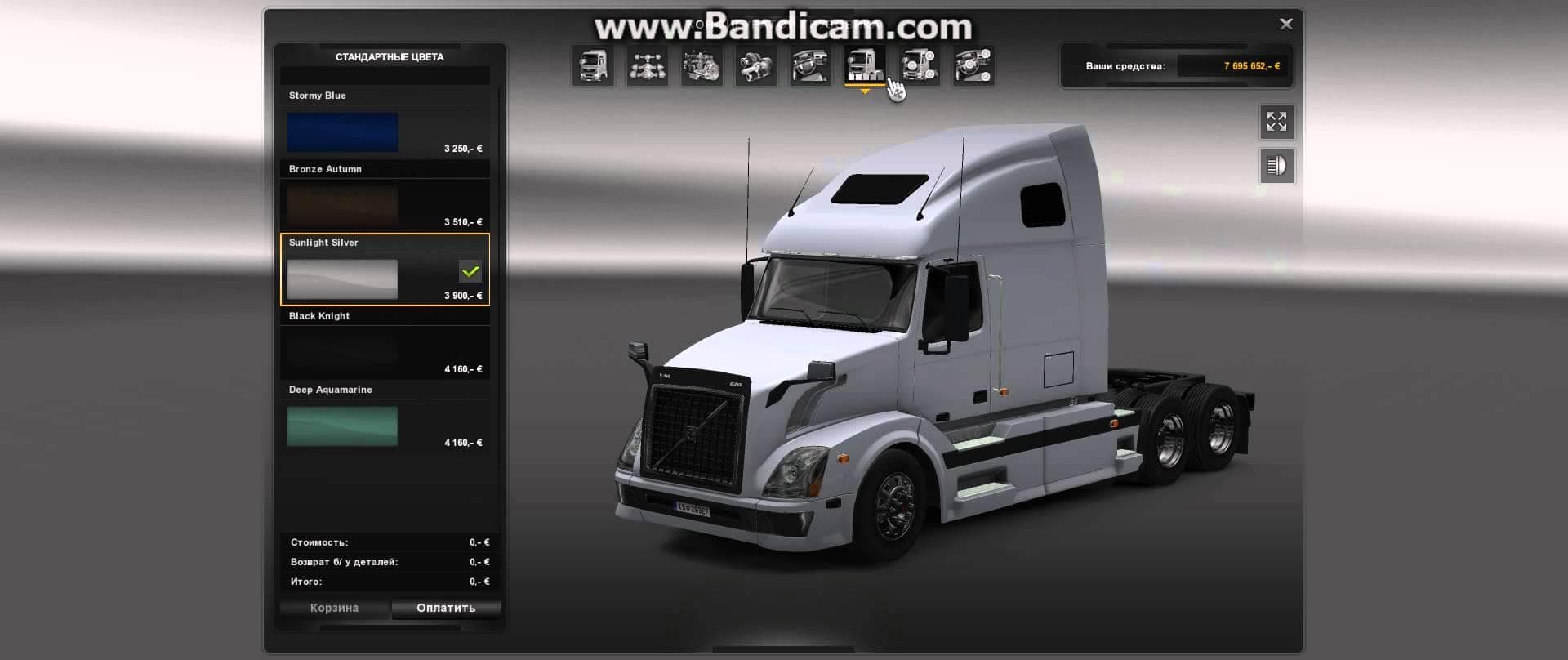
ETS2 Volvo FH 2013 [ohaha] v19.4
![ETS2 Volvo FH 2013 [ohaha] v19.4 - ETS2 mods download – parts screenshot 1](/_next/image?url=https%3A%2F%2F802software.s3.us-east-1.amazonaws.com%2Fets2modspot%2Fscreenshots%2F4064%2F0.jpg&w=3840&q=75)
The ETS2 Volvo FH 2013 [ohaha] mod version 19.4 for Euro Truck Simulator 2 includes fixes for side skirt accessories on the 6x4c chassis. Authors ohaha, Kilonum
The ETS2 Volvo FH 2013 [ohaha] v19.4 mod enhances the parts options available for the Volvo FH 2013 truck model in Euro Truck Simulator 2. It focuses on improving the compatibility of side skirt accessories, particularly for the 6x4c chassis configuration, which is a common setup for this truck. This update addresses specific fitting issues that were present in earlier versions.
Parts mods like this one are designed to expand what you can customize on your trucks. They add various accessories such as bull bars, lights, exhausts, and mirrors that can be fitted through the truck customization menu. Mods targeting a particular truck model, like this one for the Volvo FH 2013, allow players to tailor their vehicle's appearance and function more closely to their preferences or roleplay needs.
When using parts mods in a modded setup, it's generally wise to keep load order in mind. Parts mods should typically be loaded after any major truck or map mods to ensure compatibility and prevent conflicts. Since this mod fixes accessory compatibility with a specific chassis type, it’s especially relevant if you use other mods that alter chassis or bodywork configurations on the Volvo FH 2013.
This mod fits well into setups where players want a more detailed and personalized Volvo FH experience. Anyone focusing on visual tuning or wanting all available accessories properly aligned with their chosen chassis would find it useful. It’s not just about looks; proper accessory fitment can affect how realistic your truck feels while driving around familiar regions like Germany or France.
Overall, if you're running a Volvo FH 2013 in your fleet and enjoy tweaking its parts to match your style or gameplay needs, this update ensures those customizations work as intended without glitches. It keeps things clean and functional so you can focus on driving rather than troubleshooting accessory fit.
How to install
1. Download the file(s) from the original source linked above. 2. Drop them into `Documents/Euro Truck Simulator 2/mod/`. 3. Enable in Mod Manager and restart the game.
After the mod loads, save your game inside a safe area (parking lot or service) before deciding whether to keep it. If the game refuses to load with the mod enabled, check that all required DLCs are installed and that the supported ETS2 version chips on this page include your installed game patch.
Reviews
No ratings yetNo reviews yet — be the first to rate this mod.