ETS2 ADDITIONAL PERFORMANCE BOOST
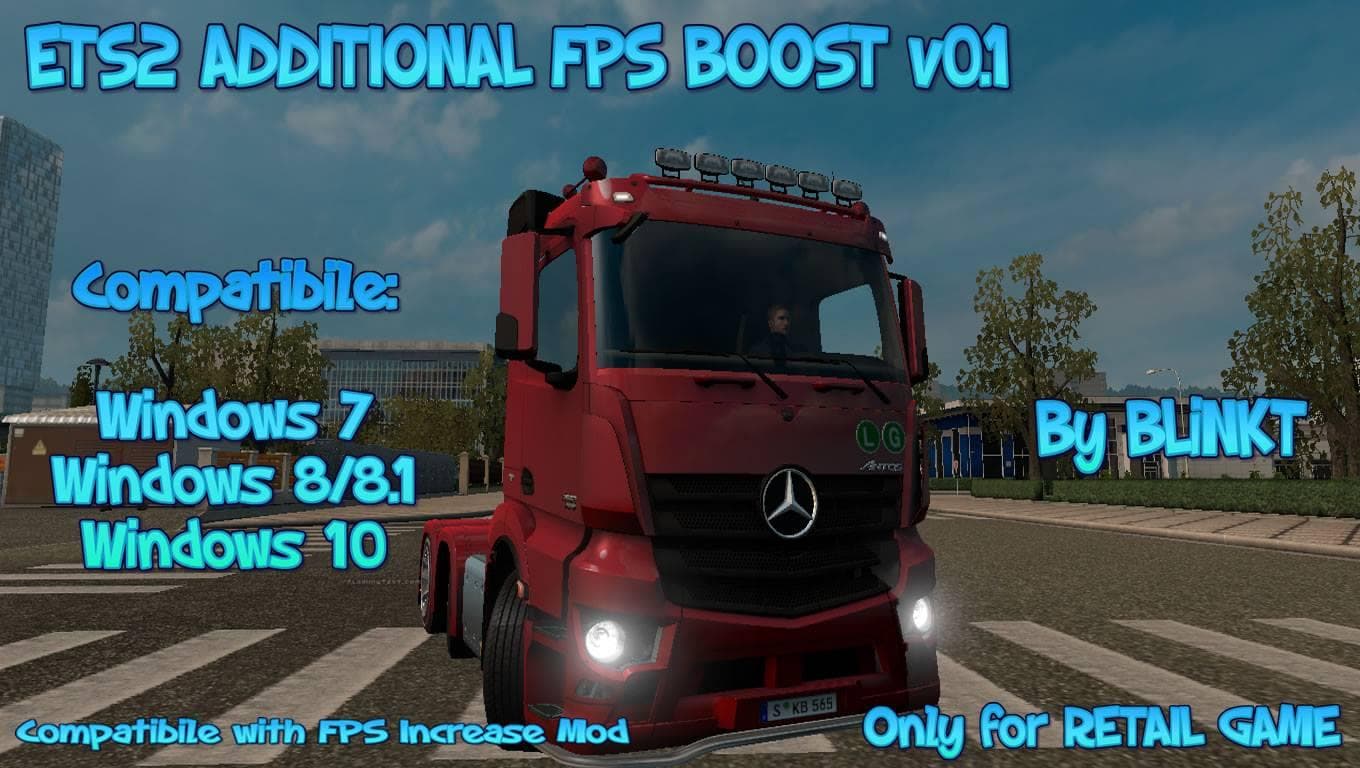
The ETS2 ADDITIONAL PERFORMANCE BOOST mod offers a boost to performance in Euro Truck Simulator 2. The mod includes files to turn off certain features for impro
The ETS2 Additional Performance Boost mod is designed to enhance your truck's capabilities by providing extra performance options within the game. This kind of parts mod typically allows players to add tuning accessories or upgrades that improve how their vehicle handles or responds, although specific details for this mod are limited. Mods like these usually come with instructions and batch files to enable or disable the feature easily, making it straightforward to switch back if needed.
In Euro Truck Simulator 2, parts and tuning mods let you customize your truck beyond its stock settings. They often include items such as bull bars, extra lights, exhaust enhancements, or performance boosts that can be selected in the truck customization menu. While many of these mods target particular brands or models, this one appears more focused on a general performance increase.
When adding a performance boost mod into a larger modded setup, it's important to pay attention to load order and compatibility. Since this type of mod directly affects gameplay mechanics related to vehicle performance, conflicts might arise if combined with other tuning or engine-related mods. Players should check documentation carefully and consider testing changes in a separate profile before integrating it fully.
This mod would appeal mostly to those who want a little extra edge from their trucks without swapping out entire engines or complex tuning packages. If you enjoy tweaking your rig for better acceleration or power delivery but prefer simple installation and removal options, then this fits that niche well.
Since the creator and supported versions are unknown, users should approach with caution and back up their profiles before applying it. The included batch files provide an easy way to toggle the boost on and off as needed, which helps when trying out different setups or troubleshooting any issues.
How to install
1. Download the file(s) from the original source linked above. 2. Drop them into `Documents/Euro Truck Simulator 2/mod/`. 3. Enable in Mod Manager and restart the game.
After the mod loads, save your game inside a safe area (parking lot or service) before deciding whether to keep it. If the game refuses to load with the mod enabled, check that all required DLCs are installed and that the supported ETS2 version chips on this page include your installed game patch.
Reviews
No ratings yetNo reviews yet — be the first to rate this mod.