ETS 2 Bolivia Mod Map
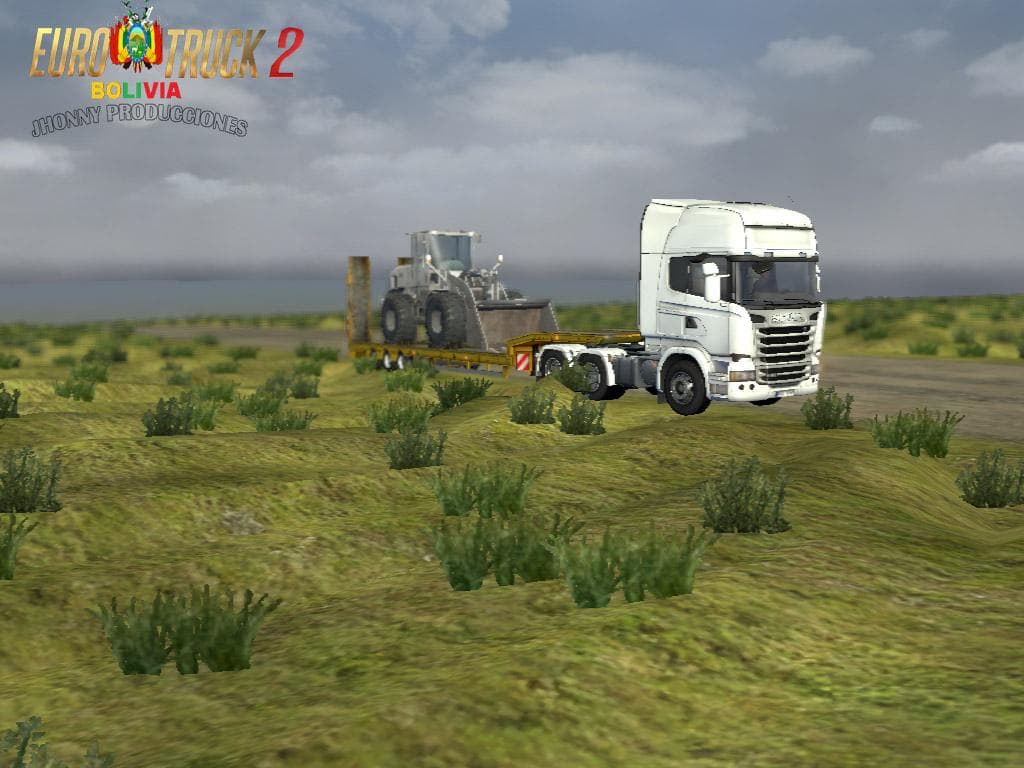
The ETS 2 Bolivia Mod Map adds a new region to explore within Euro Truck Simulator 2 by expanding the game's drivable area to include parts of Bolivia. As a map mod, it brings fresh roads, cities, and landmarks that aren't part of the base game. Players looking to diversify their trucking routes will find this mod introduces a different geographical and cultural setting compared to the default maps.
Map mods like this one are typically distributed as .scs files that you place in your mod folder. Since they alter the game's world, they are sensitive to load order and often require specific base map DLCs or even a fresh profile for full compatibility. This particular version is designed for ETS2 version 1.1, so matching your game version is key to avoid issues.
Integrating the Bolivia map into an existing modded setup means paying attention to potential conflicts with other map expansions or mods affecting the same areas. It's wise to test how it interacts with your current mods before committing to long sessions. Users frequently rearrange their mod list or disable conflicting files if overlapping regions cause glitches.
Those interested in experiencing new terrains and driving challenges beyond Europe might appreciate this South American addition. It offers a change of scenery and can complement collections of other regional maps from across the globe. Fans who enjoy exploring less common locations will find value in this expansion.
Since details about its creator and file size are unknown, it's recommended to back up your profiles before installing and keep an eye on community feedback regarding stability or bugs. Like many map mods, it might require patience during setup but can enhance immersion once configured properly.
How to install
1. Download every .scs file from the source page (map mods often ship multiple files). 2. Copy all files to `Documents/Euro Truck Simulator 2/mod/`. 3. Enable each file in Mod Manager **in the order documented by the modder**. Load order matters for maps. 4. Start a new save or use an existing save that already supports the map's base regions.
After the mod loads, save your game inside a safe area (parking lot or service) before deciding whether to keep it. If the game refuses to load with the mod enabled, check that all required DLCs are installed and that the supported ETS2 version chips on this page include your installed game patch.
Known conflicts
No conflicts reported for this mod yet. Running a big mod list? Check your whole setup for conflicts →
Reviews
No ratings yetNo reviews yet — be the first to rate this mod.





