EBS LOGISTIC ASTRIA TRAILER
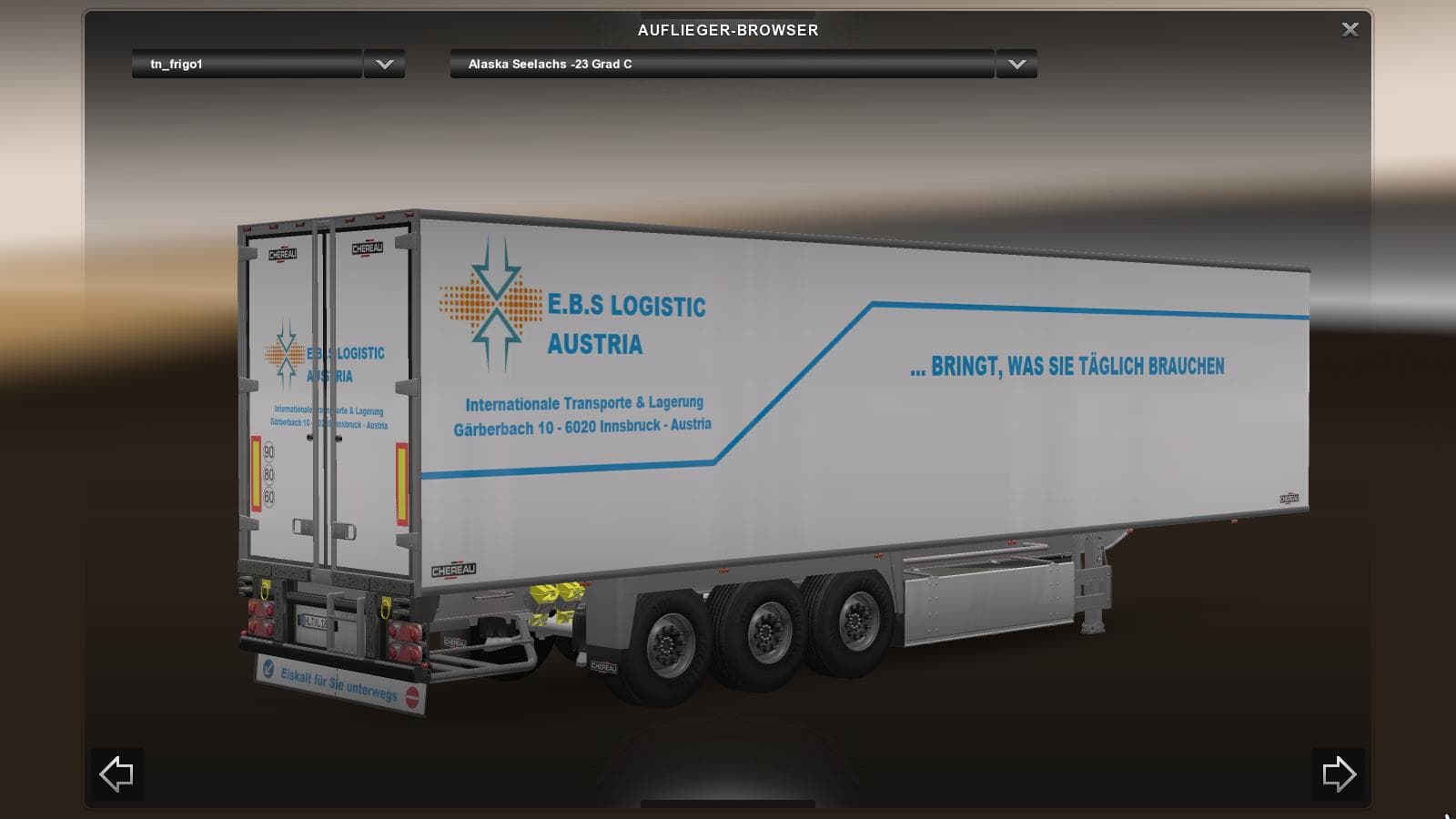
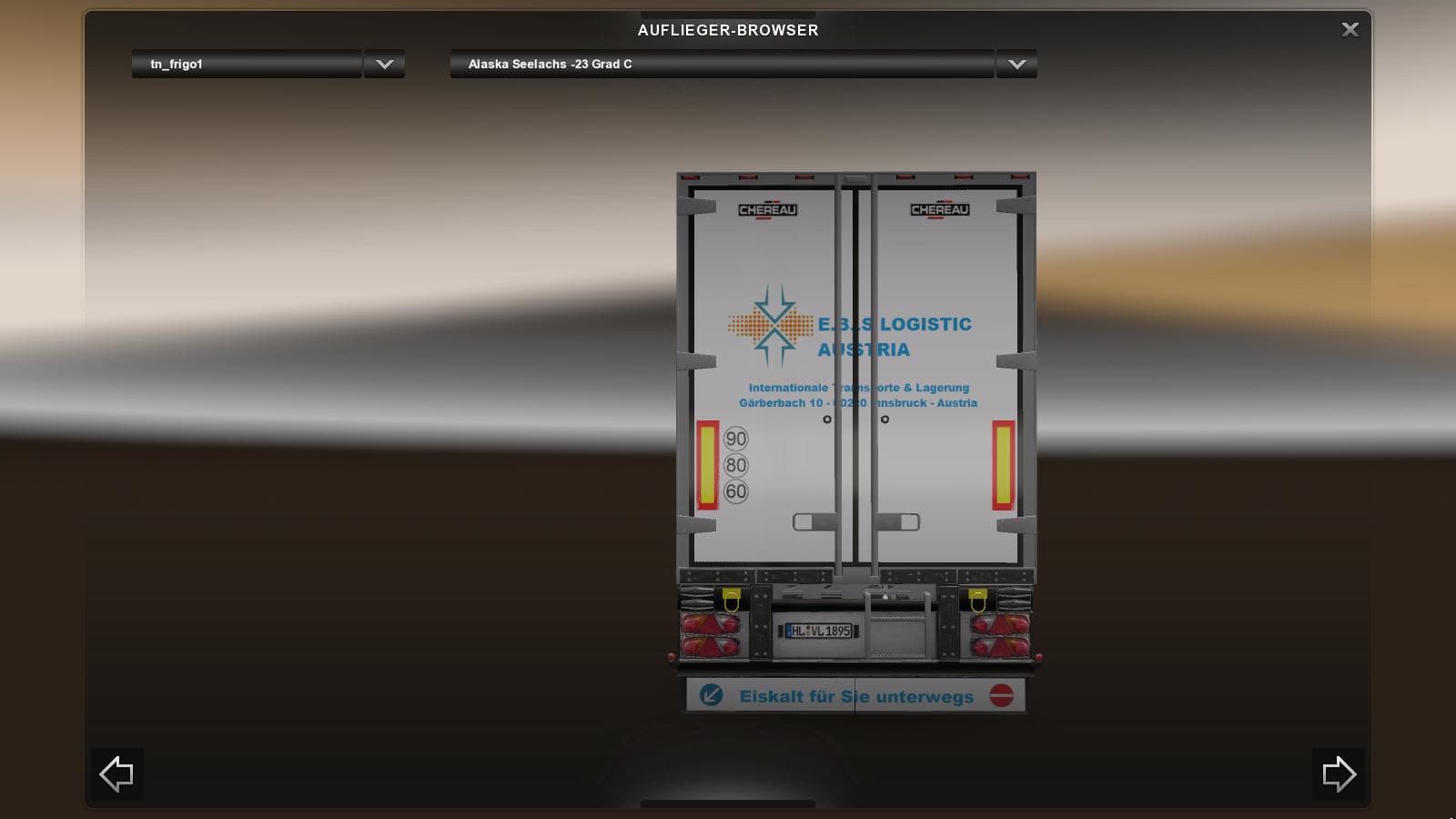
EBS LOGISTIC ASTRIA TRAILER is a user-created skin for a trailer in ETS2, designed for their virtual company. The mod is compatible with ETS2 version 1.18.
The EBS LOGISTIC ASTRIA TRAILER mod adds a new trailer skin to Euro Truck Simulator 2, representing a virtual company setup within the game. This type of mod doesn't introduce new mechanics but offers a fresh look for your trailers, letting you haul cargo with a distinctive livery that personalizes your fleet. Skins like this one typically appear in the trailer dealer or cargo selection menus once installed.
Trailer mods such as this fit well into modded setups by simply layering onto existing trailer models without affecting gameplay or causing conflicts. Since it's a skin mod, it usually loads after map and gameplay mods to ensure the visual changes take precedence. There are no known compatibility issues inherent to this category, but it's always wise to check load order when using multiple trailer skins together.
For players who enjoy customizing their trucks and trailers beyond just performance tweaks or new routes, adding a personalized trailer skin can enhance immersion and variety during long hauls across Europe or other supported regions. It suits those who like maintaining a consistent brand image in their virtual trucking company or simply want to change up visuals while sticking with familiar cargo types.
While the exact ETS2 versions supported by this particular mod aren’t specified, these kinds of skins generally work across various updates unless major model changes occur. Users should verify compatibility with their current game version before installing but can expect straightforward integration.
If you’re someone who likes subtle customization without altering core gameplay elements, the EBS LOGISTIC ASTRIA TRAILER provides an option to refresh your trailer lineup visually without fussing over complex installation steps or conflicting mods.
How to install
1. Download the .scs file. 2. Drop it into `Documents/Euro Truck Simulator 2/mod/`. 3. Enable in Mod Manager. 4. Trailer should appear in cargo selection or trailer dealer depending on the mod's design.
After the mod loads, save your game inside a safe area (parking lot or service) before deciding whether to keep it. If the game refuses to load with the mod enabled, check that all required DLCs are installed and that the supported ETS2 version chips on this page include your installed game patch.
Reviews
No ratings yetNo reviews yet — be the first to rate this mod.





