Early & Late Autumn Weather Mod v4.3
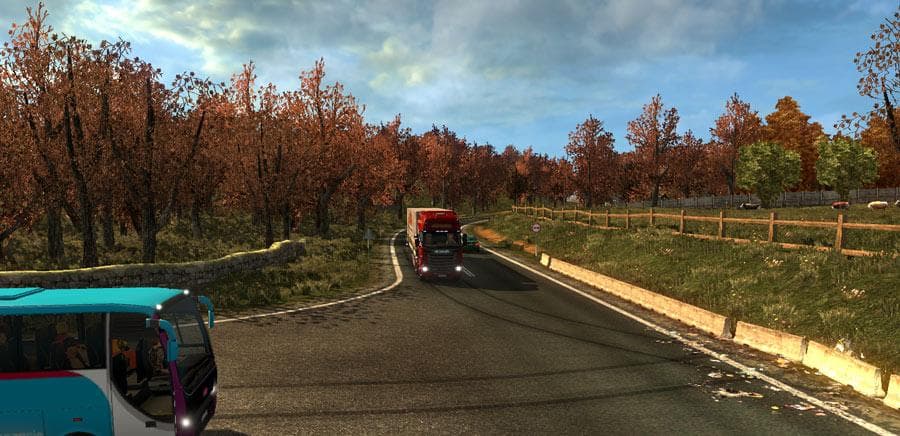
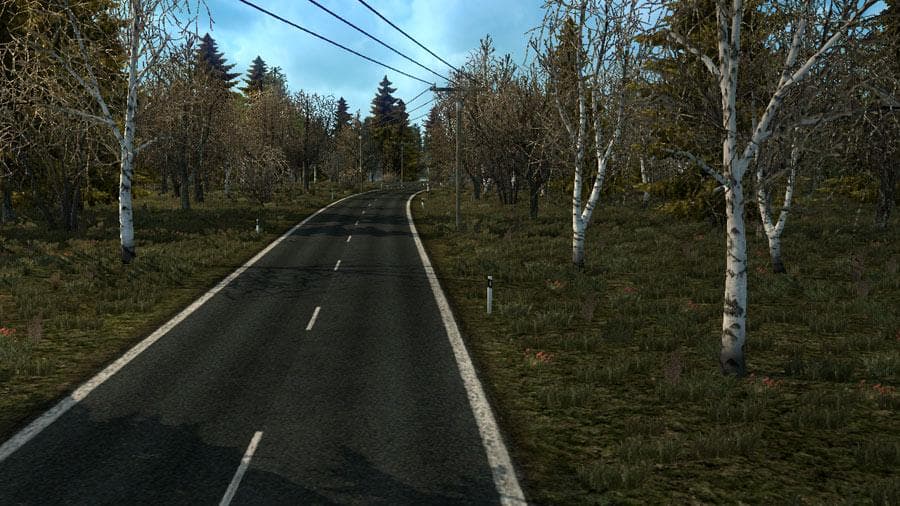
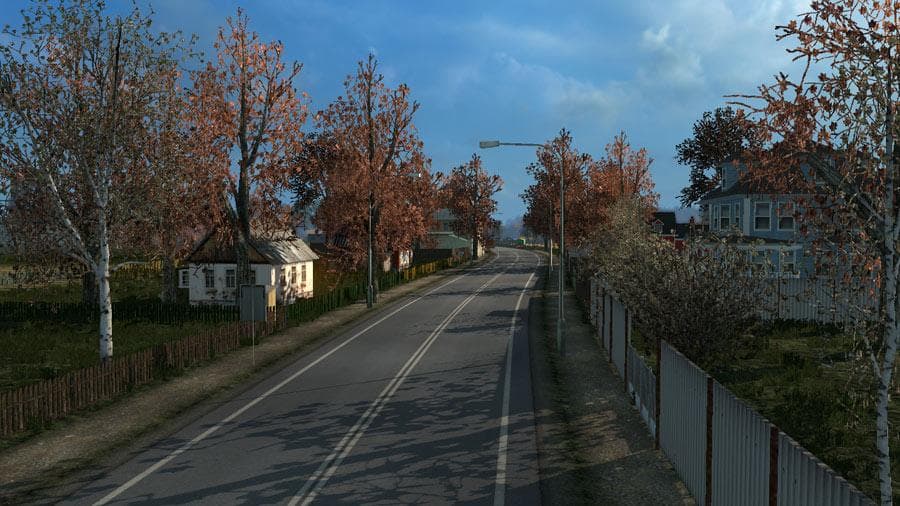
The "Early & Late Autumn Weather" mod version 4.3 by Euro Truck Simulator 2 simulates early and late autumn with less leaves on trees, autumnal colors, fallen l
The Early & Late Autumn Weather Mod v4.3 changes the visual atmosphere in Euro Truck Simulator 2 by introducing seasonal details typical of autumn. It adjusts the look of trees to show fewer leaves in early autumn and adds more fallen leaves on sidewalks and roadsides for late autumn. This kind of map mod affects how the environment appears without altering the actual map layout or adding new roads or cities.
Map mods like this one usually come as .scs files that you place into your ETS2 mod folder. They can be sensitive to load order, especially if combined with other map or weather mods, so it's wise to check compatibility and arrange your mods accordingly. Since it focuses on seasonal visuals rather than geography, it generally fits well within a modded setup without requiring a fresh profile or specific base-map DLCs.
This mod enhances immersion by reflecting real-world seasonal changes, which can appeal to players who enjoy more atmospheric variety during their drives. It doesn't expand the drivable area but offers a subtle change that refreshes familiar routes, making autumn deliveries feel different from other times of year.
Because the mod affects foliage and roadside visuals, it pairs nicely with weather or graphics mods that improve lighting and textures. Players running large map overhauls or multiple environmental tweaks may want to test load orders to avoid conflicts or unintended visual glitches.
Drivers who appreciate attention to detail in their virtual trucking experience will likely find this mod useful. It's particularly suited for those who prefer a touch of realism in how seasons progress across European landscapes while exploring regions covered in standard game maps.
How to install
1. Download every .scs file from the source page (map mods often ship multiple files). 2. Copy all files to `Documents/Euro Truck Simulator 2/mod/`. 3. Enable each file in Mod Manager **in the order documented by the modder**. Load order matters for maps. 4. Start a new save or use an existing save that already supports the map's base regions.
After the mod loads, save your game inside a safe area (parking lot or service) before deciding whether to keep it. If the game refuses to load with the mod enabled, check that all required DLCs are installed and that the supported ETS2 version chips on this page include your installed game patch.
Known conflicts
No conflicts reported for this mod yet. Running a big mod list? Check your whole setup for conflicts →
Reviews
No ratings yetNo reviews yet — be the first to rate this mod.





