EAA NORMAL MAP V3.0 FIXED
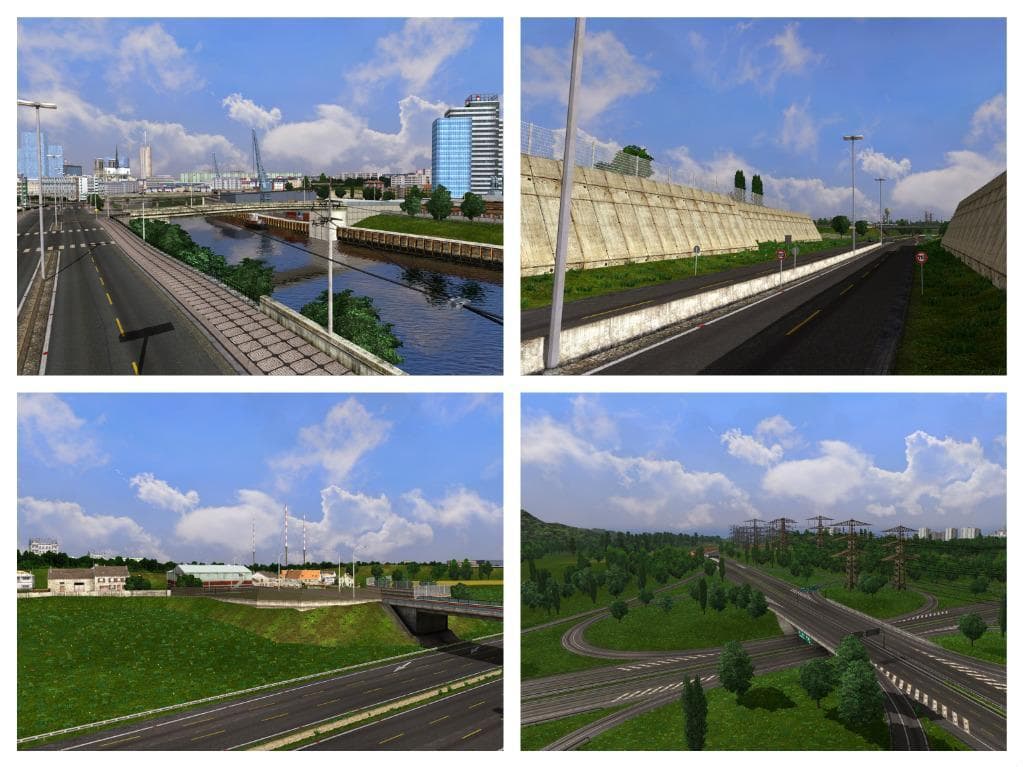
EAA NORMAL MAP FIXED v3.0 by ETS2 corrects vegetation error in Petrópolis, farm in Cel. lived, adds lights to Bridge Rio Ijui, and fixes various issues.
EAA NORMAL MAP V3.0 FIXED is a map mod focused on correcting specific visual and structural issues within certain areas of the game world. It targets problems like vegetation placement in Petrópolis, farm layouts in Cel. Lived, and lighting on the Bridge Rio Ijui, including reversed lights that can affect immersion and gameplay. These fixes help smooth out inconsistencies that might distract from the driving experience.
Map mods like this one typically adjust or enhance existing regions rather than adding entirely new territories. They come as .scs files and must be carefully loaded to avoid conflicts with other map expansions or base game content. Since this mod addresses visual corrections, it fits well alongside larger map overhauls by improving detail without altering core routes or geography.
Because it deals with detailed fixes rather than large-scale changes, EAA NORMAL MAP V3.0 FIXED usually requires a compatible base map to work properly. Players often need to ensure their load order prioritizes such patches after primary map mods to prevent overwriting improvements. Also, some mods demand a fresh profile or specific DLCs installed for full compatibility, so those factors should be checked when integrating this fix into a modded setup.
This mod is suited for players who have already invested in map expansions but want to iron out minor but noticeable errors affecting certain locations. If you drive through Petrópolis or around Bridge Rio Ijui frequently, these corrections could enhance your sense of realism without disrupting your current configuration.
How to install
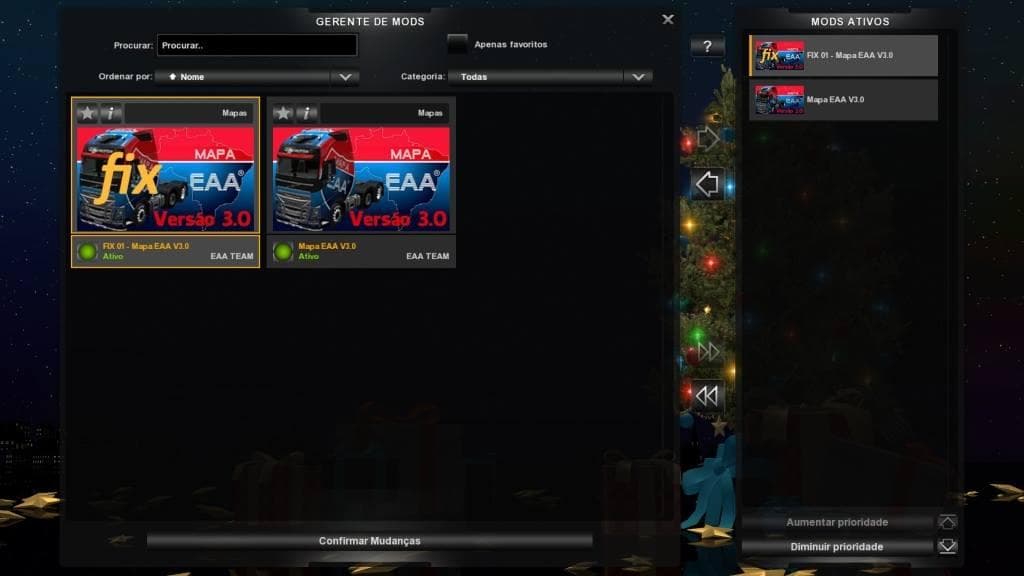
1. Download every .scs file from the source page (map mods often ship multiple files). 2. Copy all files to `Documents/Euro Truck Simulator 2/mod/`. 3. Enable each file in Mod Manager **in the order documented by the modder**. Load order matters for maps. 4. Start a new save or use an existing save that already supports the map's base regions.
After the mod loads, save your game inside a safe area (parking lot or service) before deciding whether to keep it. If the game refuses to load with the mod enabled, check that all required DLCs are installed and that the supported ETS2 version chips on this page include your installed game patch.
Known conflicts
No conflicts reported for this mod yet. Running a big mod list? Check your whole setup for conflicts →
Reviews
No ratings yetNo reviews yet — be the first to rate this mod.





