EAA MAP
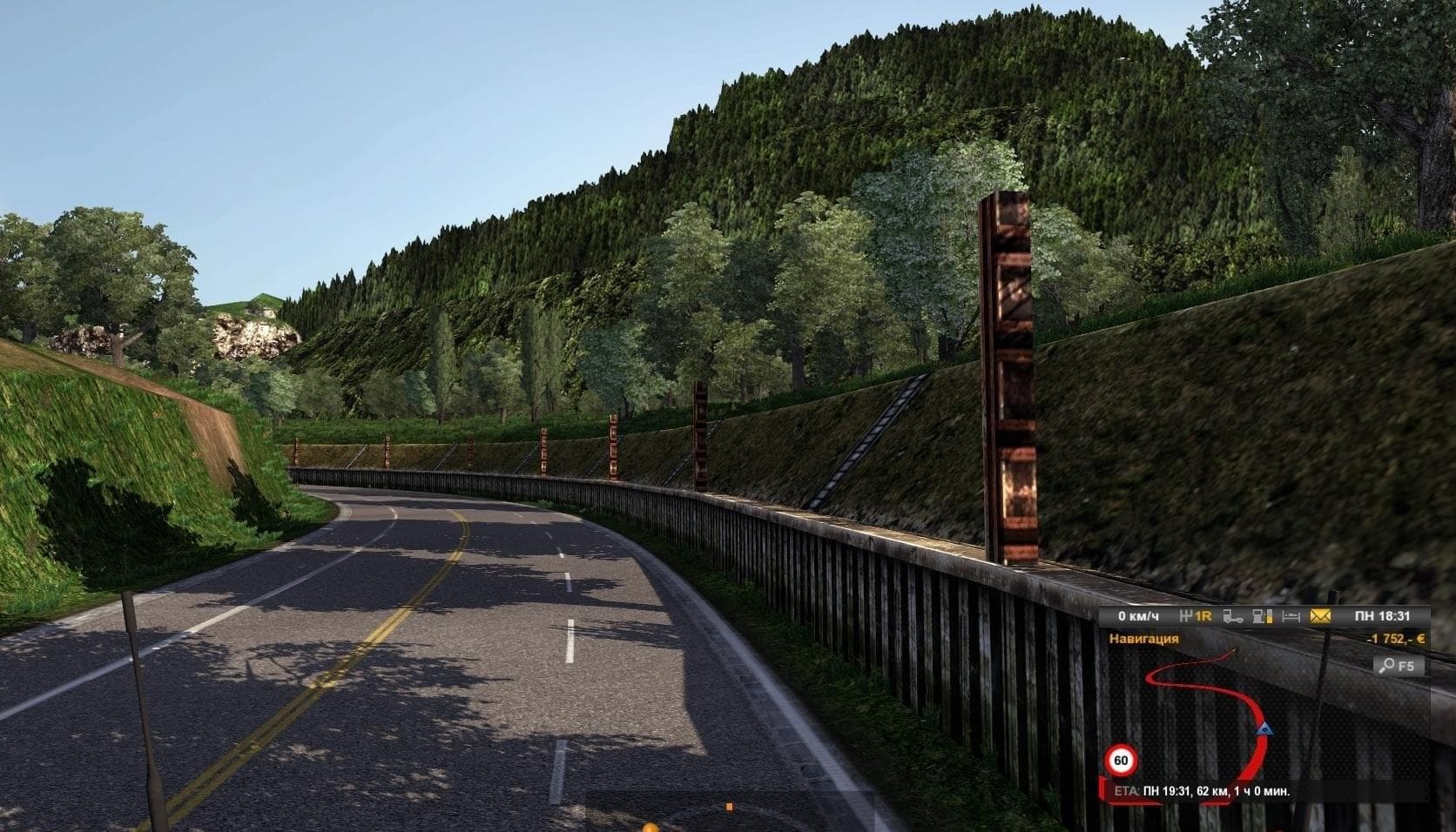
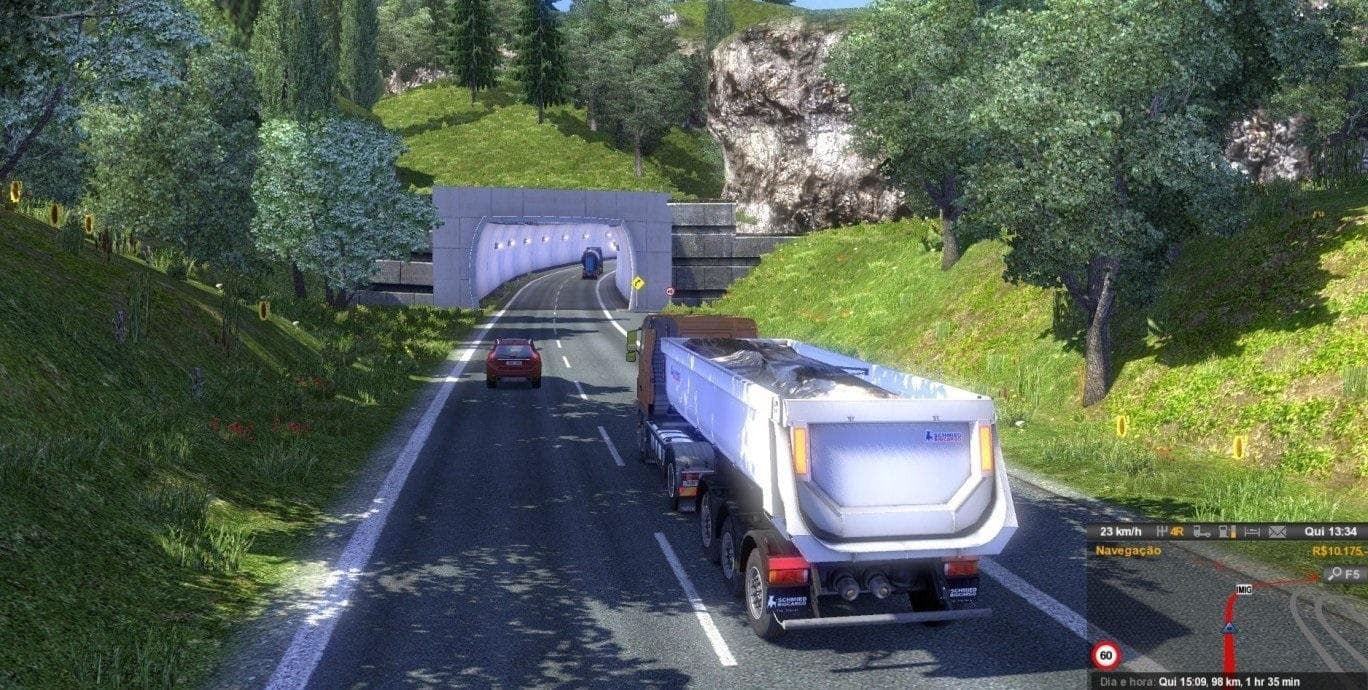
The EAA MAP mod version 6.1 adds rolling roads in various locations including Mafra, Joinville, Bagé, Pelotas, South Cacapava, and Butia. The creator, supported
EAA MAP is a map modification for Euro Truck Simulator 2 that introduces new rolling roads and extends the drivable areas in several locations, including Mafra, Joinville, Bagé, Pelotas, South Cacapava, and Butia. These additions aim to provide fresh routes and experiences within the game’s world. Map mods like this one typically come as .scs files that you add to your mod folder, expanding or altering the base map by adding cities, roads, and regions not present in the original game.
Map mods play a significant role in enhancing ETS2 by offering new territories to explore beyond the standard map. They often require careful attention to load order since conflicts with other maps or DLCs can occur. Some map mods need a fresh profile to work correctly or depend on certain base-map DLCs being installed first. EAA MAP fits into this category by expanding specific areas with additional roads and connections that mesh into the existing geography.
When combining multiple map modifications in a modded setup, it’s essential to manage load order properly so that no elements overlap or cause errors. Players should check compatibility notes for any known issues between different map expansions and make sure they are using profiles compatible with these changes. EAA MAP can be integrated alongside other regional or country-specific maps if they do not cover overlapping territory.
This mod would appeal mostly to players looking for new driving challenges within South American settings or those wanting more variety in their route options across less commonly featured locales. If you enjoy exploring new stretches of road and discovering alternate paths during your trucking runs, adding extra rolling roads through various towns might offer a refreshing change from the usual routes.
How to install
1. Download every .scs file from the source page (map mods often ship multiple files). 2. Copy all files to `Documents/Euro Truck Simulator 2/mod/`. 3. Enable each file in Mod Manager **in the order documented by the modder**. Load order matters for maps. 4. Start a new save or use an existing save that already supports the map's base regions.
After the mod loads, save your game inside a safe area (parking lot or service) before deciding whether to keep it. If the game refuses to load with the mod enabled, check that all required DLCs are installed and that the supported ETS2 version chips on this page include your installed game patch.
Known conflicts
No conflicts reported for this mod yet. Running a big mod list? Check your whole setup for conflicts →
Reviews
No ratings yetNo reviews yet — be the first to rate this mod.





