EAA MAP 2.8.1

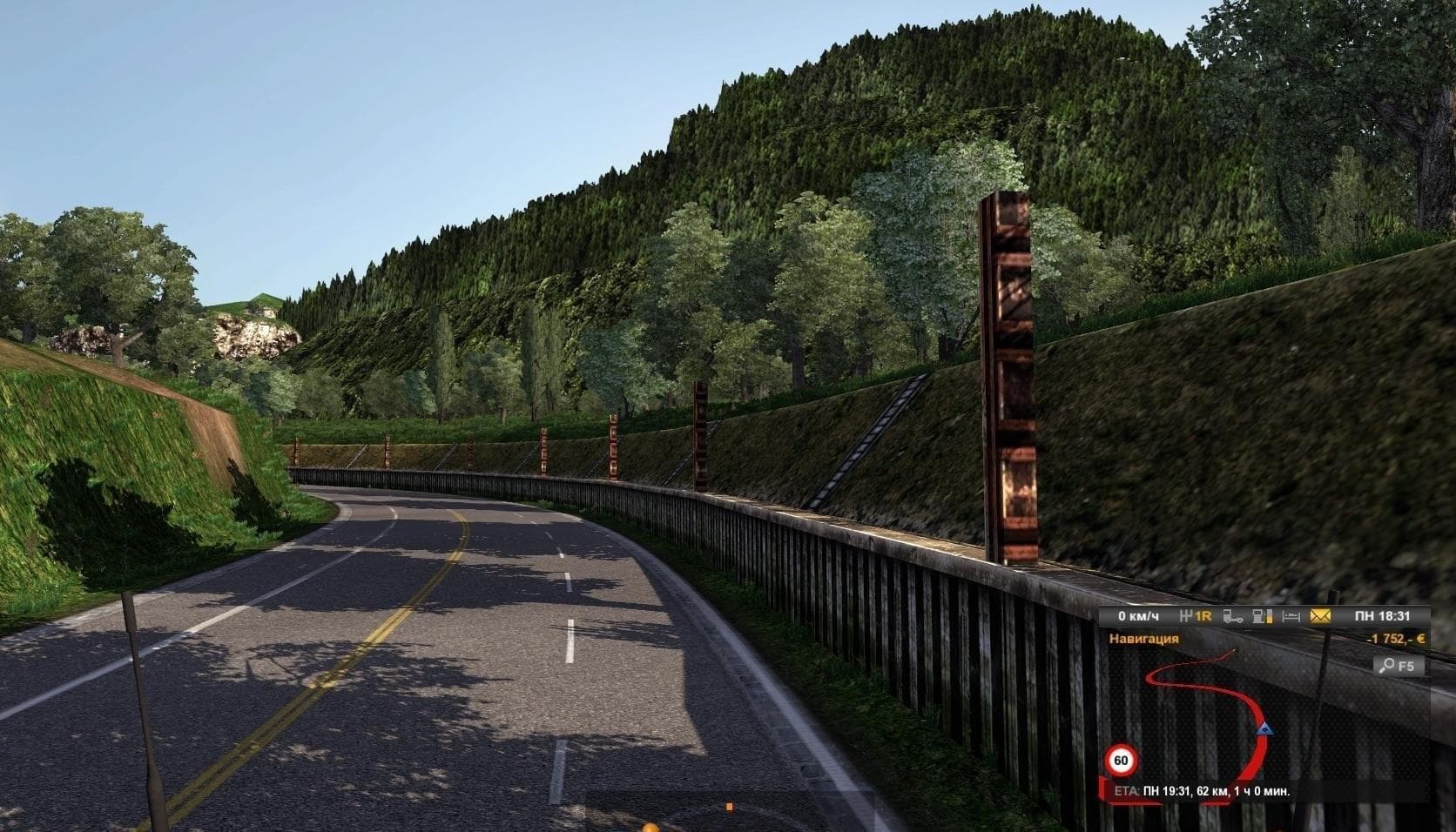
EAA MAP 2.8.1 is a map mod for ETS2 version 1.20 and 1.21, created by Euro Truck Simulator 2. Explore America with this mod, which adds new locations and roads
EAA MAP 2.8.1 is a map mod designed for Euro Truck Simulator 2 versions 1.20 and 1.21. It expands the game world by adding new drivable regions and roads, offering fresh routes for long-haul trucking across America. This kind of mod changes how players experience the geography within ETS2, often making the environment feel larger and more diverse.
Map mods like this one come as .scs files that you place in your mod folder. They usually need to be loaded carefully to avoid conflicts with other mods, especially if you have several map expansions active. It's common practice to check compatibility notes and load order recommendations since some maps require specific base DLCs or even a new profile to work properly.
EAA MAP fits well into setups where players want to explore beyond the official content. It's aimed at truckers looking for new challenges on unfamiliar highways or those who want a bit more variety in their virtual trucking routes. Because it's version-specific, make sure your ETS2 client matches one of the supported versions before trying it out.
When using multiple map mods, managing load order is crucial because overlapping files can cause issues like missing textures or inaccessible roads. Players often position larger map expansions lower in the load order with smaller ones above them to maintain stability and ensure all added content loads correctly.
This mod will likely appeal to players who enjoy extended road networks and exploring detailed American landscapes not covered by standard maps or official DLCs. Those who prefer a richer driving experience with new destinations and scenic routes will find this kind of map addition worth trying.
How to install
1. Download every .scs file from the source page (map mods often ship multiple files). 2. Copy all files to `Documents/Euro Truck Simulator 2/mod/`. 3. Enable each file in Mod Manager **in the order documented by the modder**. Load order matters for maps. 4. Start a new save or use an existing save that already supports the map's base regions.
After the mod loads, save your game inside a safe area (parking lot or service) before deciding whether to keep it. If the game refuses to load with the mod enabled, check that all required DLCs are installed and that the supported ETS2 version chips on this page include your installed game patch.
Known conflicts
No conflicts reported for this mod yet. Running a big mod list? Check your whole setup for conflicts →
Reviews
No ratings yetNo reviews yet — be the first to rate this mod.





