EAA MAP 2.6.2
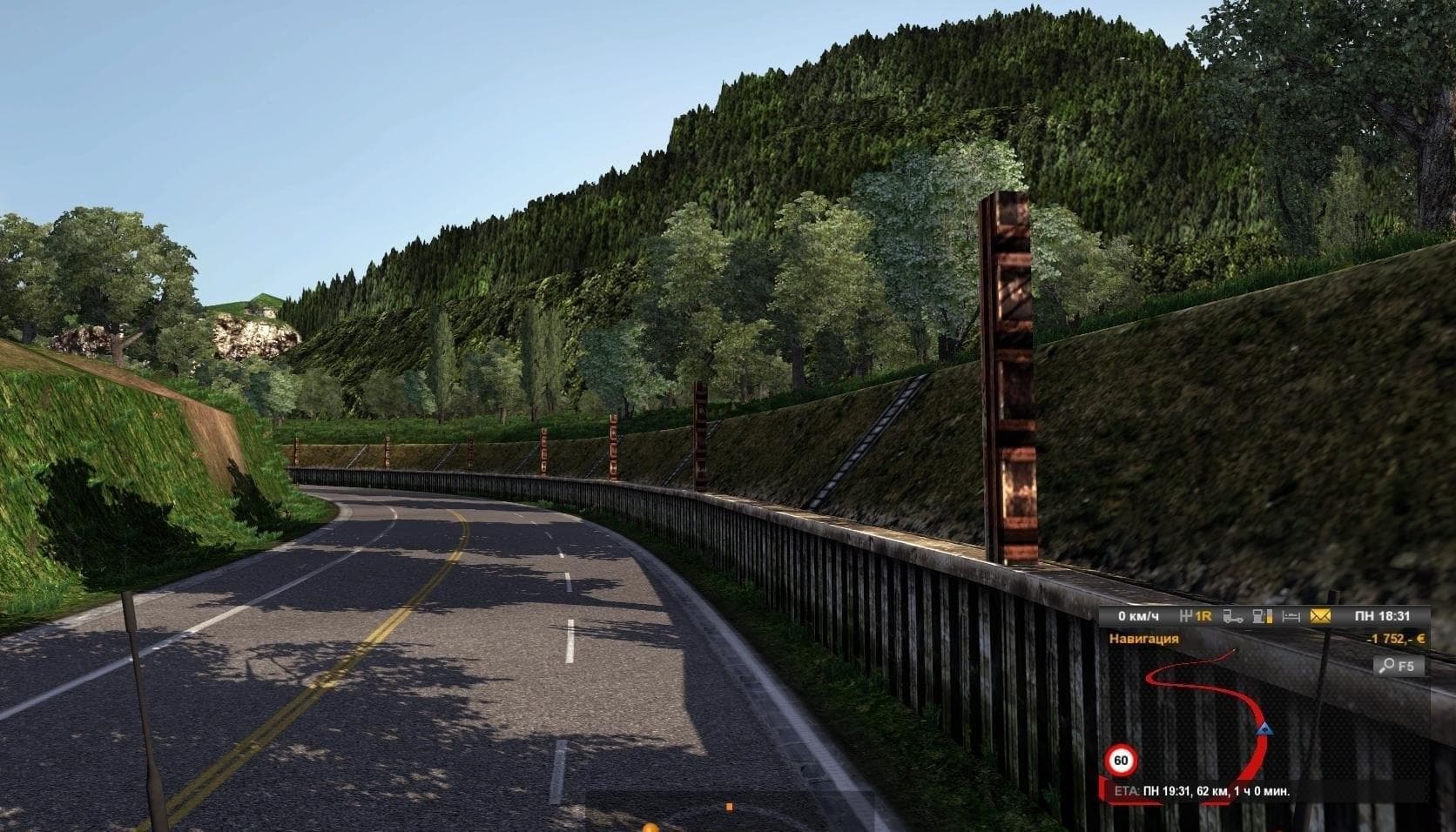
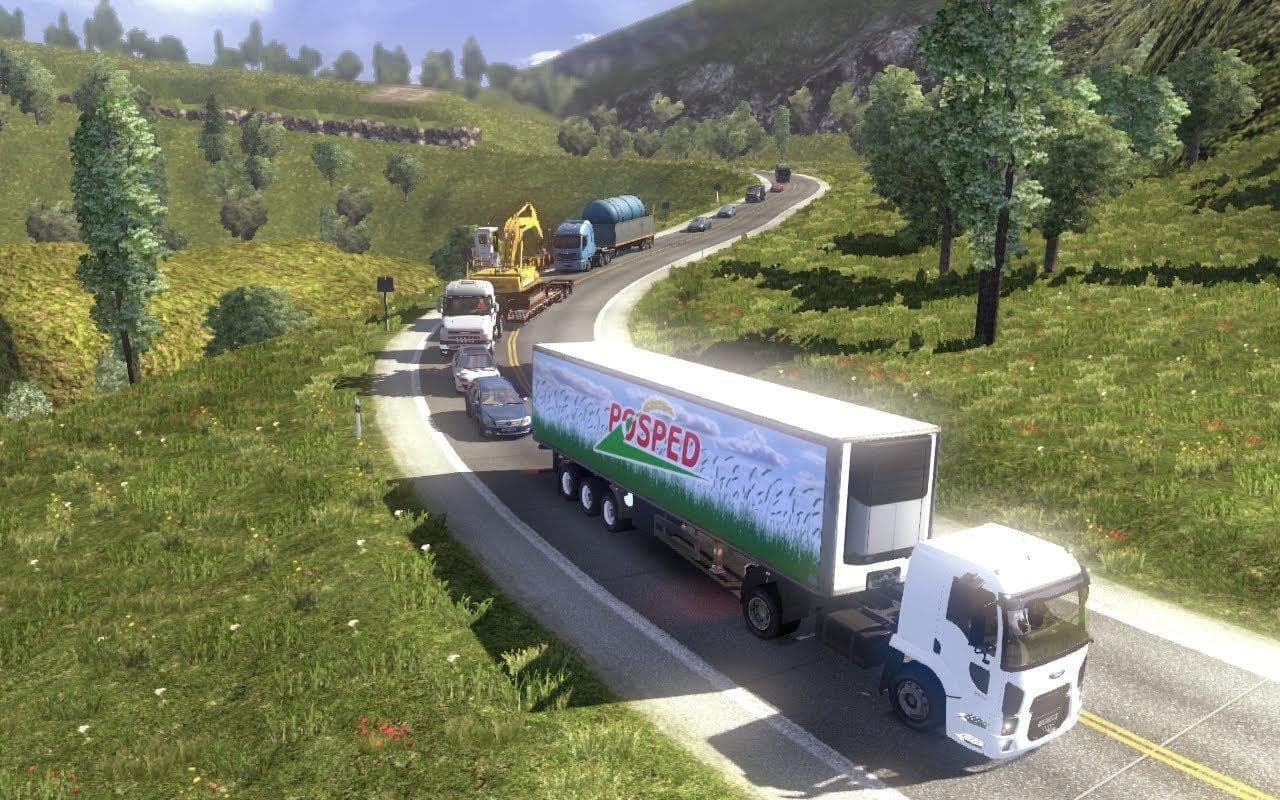
EAA MAP 2.6.2 is a map mod for ETS2, with version 2.6.2 bringing compatibility with ETS2 1.19 and a company correction in Sao Paulo. The creator and file size a
EAA MAP 2.6.2 is a map mod that updates and refines the drivable world of Euro Truck Simulator 2. This version brings improvements tailored for compatibility with ETS2 version 1:19, along with adjustments like company corrections in specific locations such as Sao Paulo. Map mods like this one add or modify roads, cities, and regions to broaden the scope of your trucking routes beyond the base game.
Map mods typically come as .scs files that players place into their mod folder and activate via the in-game menu. They are known for being load-order sensitive, which means they need to be arranged properly relative to other mods to avoid conflicts. Some require starting a fresh profile or owning particular base-map DLCs to work correctly.
Integrating EAA MAP 2.6.2 into a modded setup will depend on what other maps or expansions you have installed. It's common for players to use these large-scale map mods alongside smaller tweaks or graphical enhancements, but ensuring the right load order is key since map changes often overwrite default game data.
Players interested in expanding their world geography will find this mod appealing, especially those who enjoy exploring new routes or refining existing ones with more accurate company placements and road networks. It fits well for truckers looking to add variety and detail without straying from familiar environments.
While details like supported versions or file size aren't specified here, users should always check for compatibility with their current ETS2 version before installing. Backup your save files if you're adding or updating major map modifications to prevent potential issues.
How to install
1. Download every .scs file from the source page (map mods often ship multiple files). 2. Copy all files to `Documents/Euro Truck Simulator 2/mod/`. 3. Enable each file in Mod Manager **in the order documented by the modder**. Load order matters for maps. 4. Start a new save or use an existing save that already supports the map's base regions.
After the mod loads, save your game inside a safe area (parking lot or service) before deciding whether to keep it. If the game refuses to load with the mod enabled, check that all required DLCs are installed and that the supported ETS2 version chips on this page include your installed game patch.
Known conflicts
No conflicts reported for this mod yet. Running a big mod list? Check your whole setup for conflicts →
Reviews
No ratings yetNo reviews yet — be the first to rate this mod.





