EAA MAP
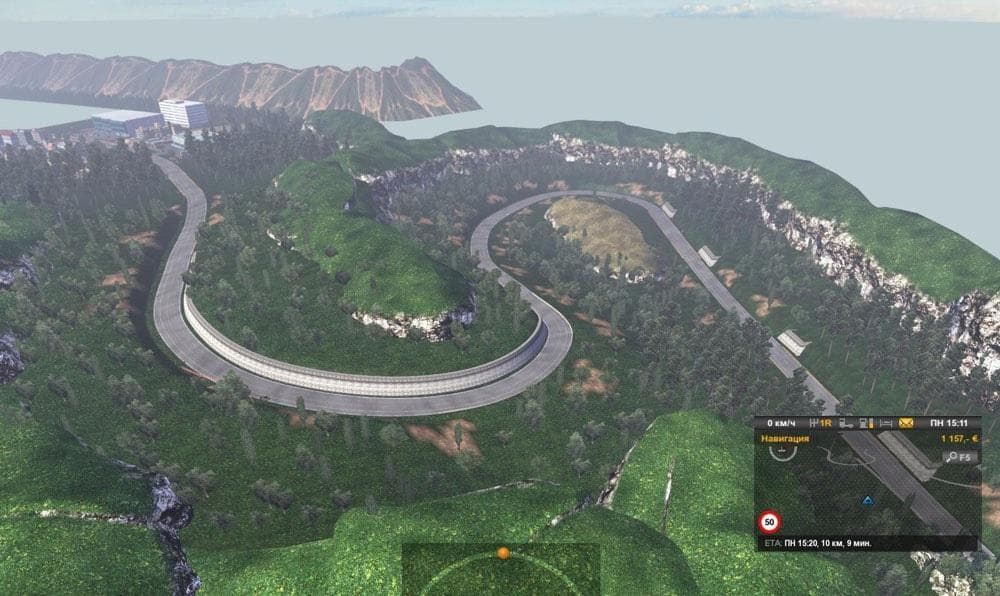
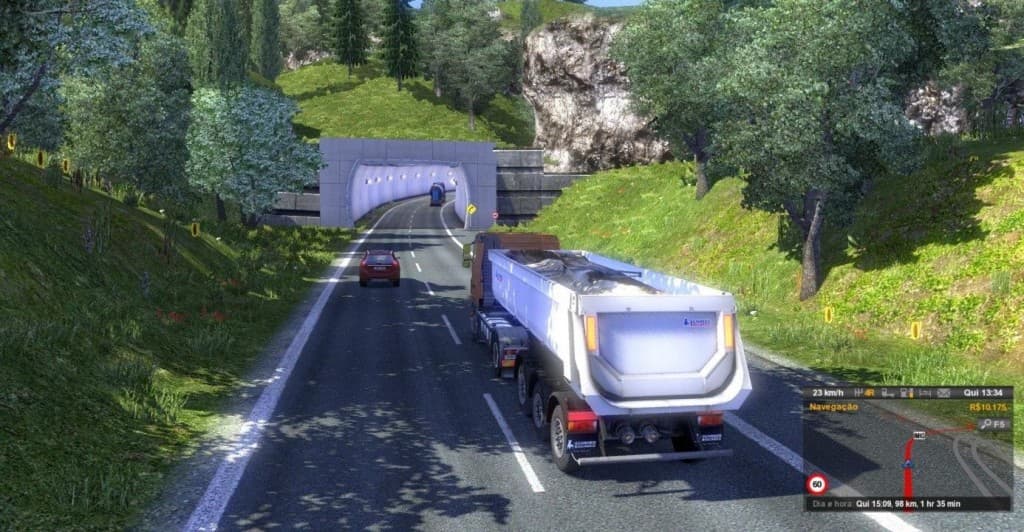
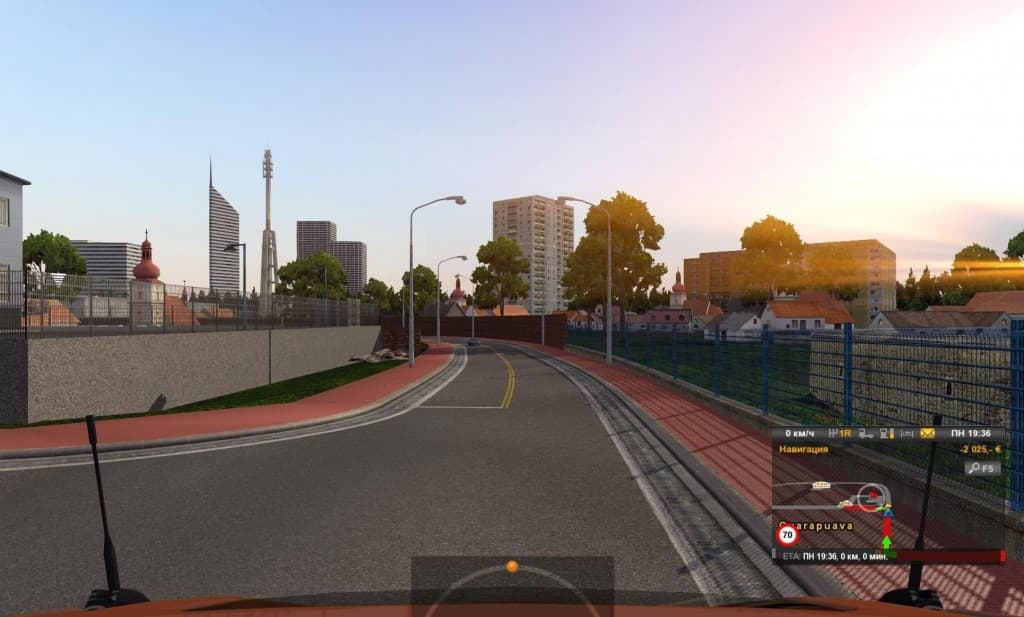
The EAA MAP V 2.3.2 is a map mod for Euro Truck Simulator 2, last updated on May 6, 2015. The mod's supported ETS2 versions and file size are unknown.
EAA MAP is a map modification for Euro Truck Simulator 2 that changes or adds to the game's driving environment. Map mods like this one typically extend the base game by introducing new roads, towns, and regions, giving players more ground to cover and explore beyond the official map limits.
These kinds of mods are distributed as .scs files and must be placed in the ETS2 mod folder. They often require careful attention to load order because conflicts can arise if multiple map mods overlap or alter similar areas. Sometimes, using them with a fresh profile or specific base-map DLCs helps avoid issues.
Adding EAA MAP to a heavily modded setup means considering compatibility with other map expansions. Since these mods reshape the geography of ETS2, you want to make sure it doesn't clash with others that modify nearby zones or use conflicting assets. Load order is key; map mods generally go near the top so their changes take precedence.
Players interested in expanding their driving range will find this type of mod appealing. It suits those who have already explored much of ETS2's vanilla content and want new challenges or scenery. Truckers aiming for variety on long hauls might appreciate how map mods change gameplay dynamics by introducing fresh routes.
While details about EAA MAP's specific coverage or version support aren't provided here, its general category suggests it enhances the world with additional locations and road networks. This addition broadens the scope of the ETS2 experience for users seeking more than what comes standard.
How to install
1. Download every .scs file from the source page (map mods often ship multiple files). 2. Copy all files to `Documents/Euro Truck Simulator 2/mod/`. 3. Enable each file in Mod Manager **in the order documented by the modder**. Load order matters for maps. 4. Start a new save or use an existing save that already supports the map's base regions.
After the mod loads, save your game inside a safe area (parking lot or service) before deciding whether to keep it. If the game refuses to load with the mod enabled, check that all required DLCs are installed and that the supported ETS2 version chips on this page include your installed game patch.
Known conflicts
No conflicts reported for this mod yet. Running a big mod list? Check your whole setup for conflicts →
Reviews
No ratings yetNo reviews yet — be the first to rate this mod.





