EAA Map
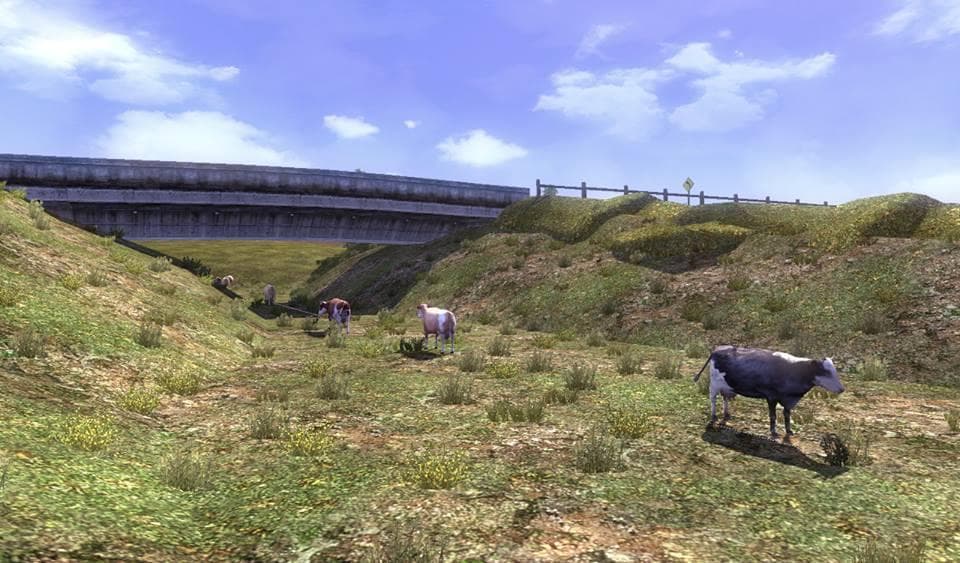
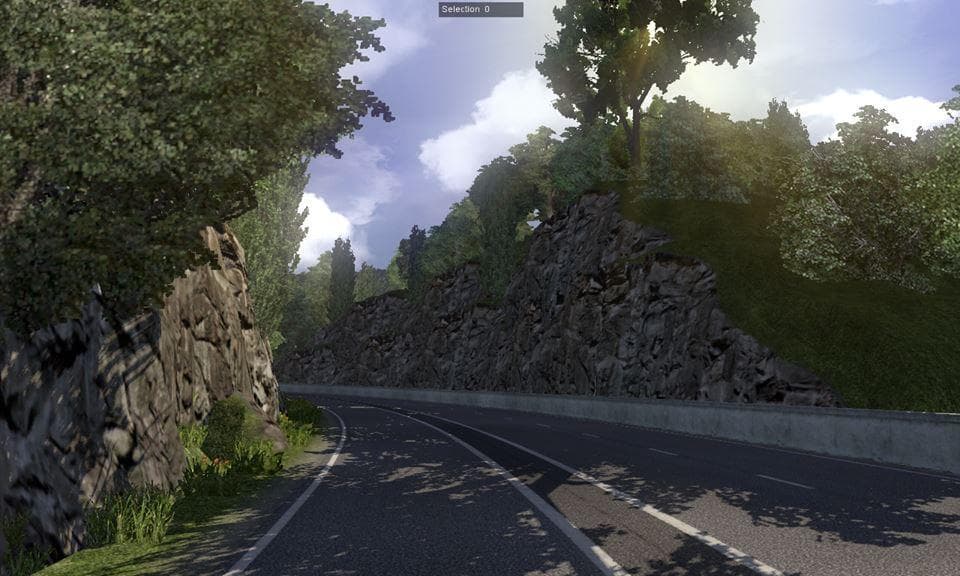
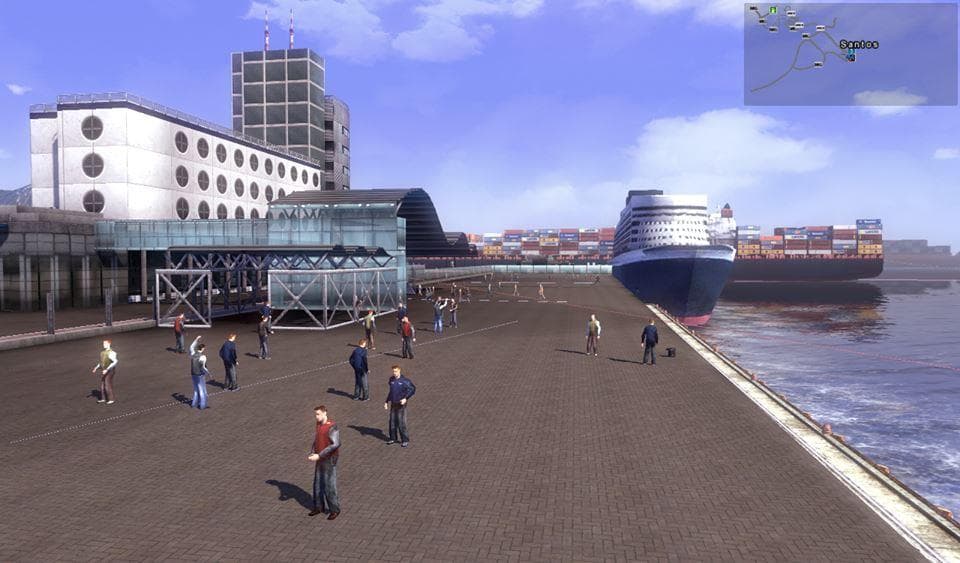
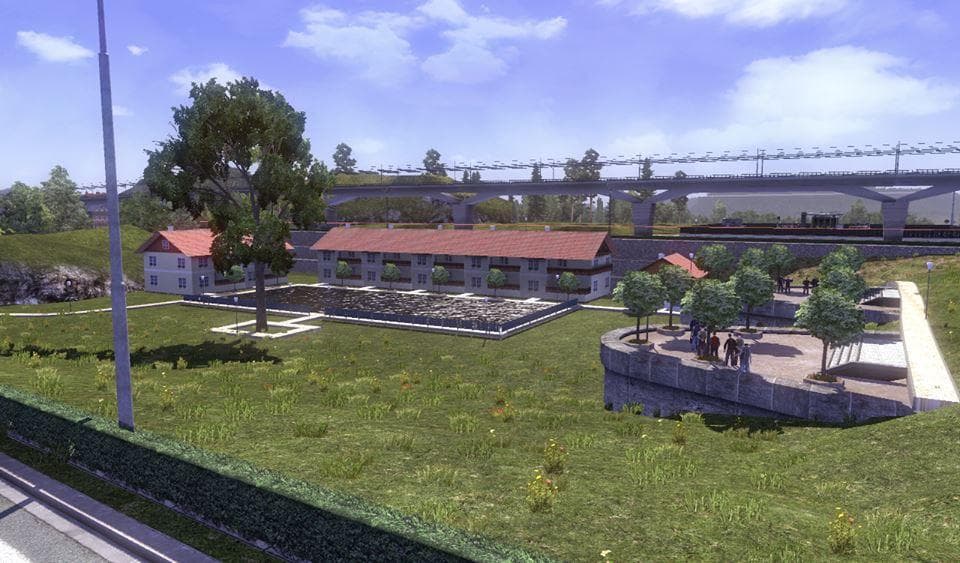
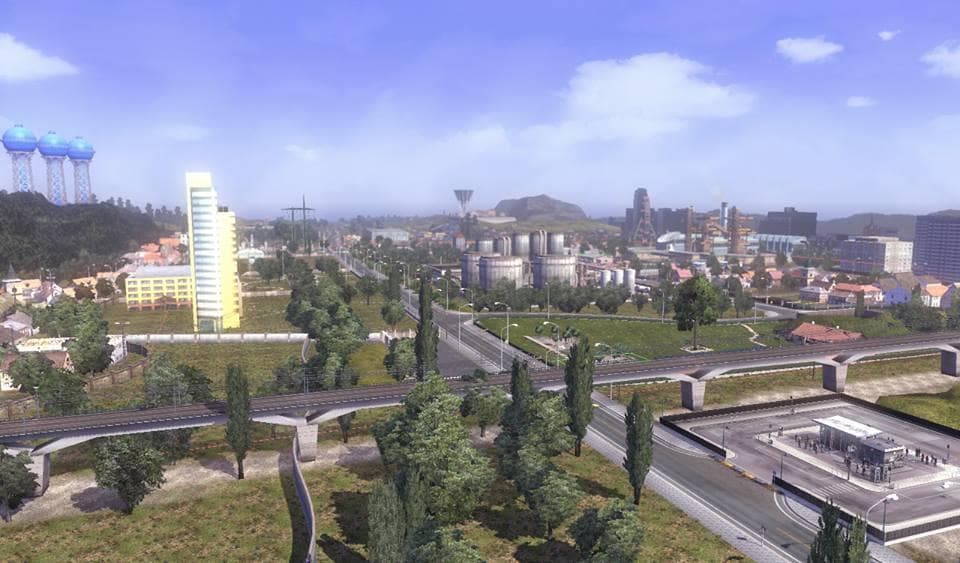
The EAA Map is a map mod for Euro Truck Simulator 2, version 2.3, last updated on April 17, 2015. The supported ETS2 versions and file size are unknown.
EAA Map is a map modification for Euro Truck Simulator 2 that expands the game's drivable areas with additional roads and locations. This type of mod usually comes as one or more .scs files that add new regions or rework existing ones, enhancing the overall map without altering core gameplay mechanics. Map mods like this one can significantly change your experience by introducing fresh routes and destinations to explore beyond the base game’s scope.
When using map mods, it's common to encounter load-order sensitivity. That means EAA Map should be loaded in a specific order relative to other map expansions or mods you have installed to avoid conflicts. Players often need a fresh profile or certain base map DLCs for such mods to work correctly, depending on the requirements set by the mod author. Compatibility with other map mods may vary, so careful attention is needed when combining multiple expansions.
EAA Map fits well into a modded setup where players want to drive through new territories and enjoy a broader geographical variety. It complements existing map packs and can refresh long-time players’ experience by providing different road networks and possibly new towns or landmarks. As with most maps, it's advisable to test it in isolation before adding other complex mods.
This mod will appeal mostly to those who enjoy exploring the ETS2 world beyond standard limits and appreciate having more options for long-haul trucking routes. If you're someone who likes expanding your virtual trucking horizons and crafting diverse delivery itineraries, EAA Map could be a useful addition to your collection.
How to install
1. Download every .scs file from the source page (map mods often ship multiple files). 2. Copy all files to `Documents/Euro Truck Simulator 2/mod/`. 3. Enable each file in Mod Manager **in the order documented by the modder**. Load order matters for maps. 4. Start a new save or use an existing save that already supports the map's base regions.
After the mod loads, save your game inside a safe area (parking lot or service) before deciding whether to keep it. If the game refuses to load with the mod enabled, check that all required DLCs are installed and that the supported ETS2 version chips on this page include your installed game patch.
Known conflicts
No conflicts reported for this mod yet. Running a big mod list? Check your whole setup for conflicts →
Reviews
No ratings yetNo reviews yet — be the first to rate this mod.





