DOMTRANSA GARAGE FOR SCANDINAVIA DLC
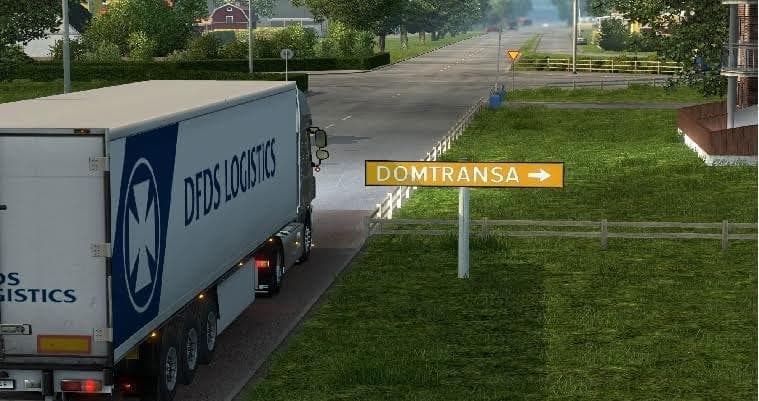
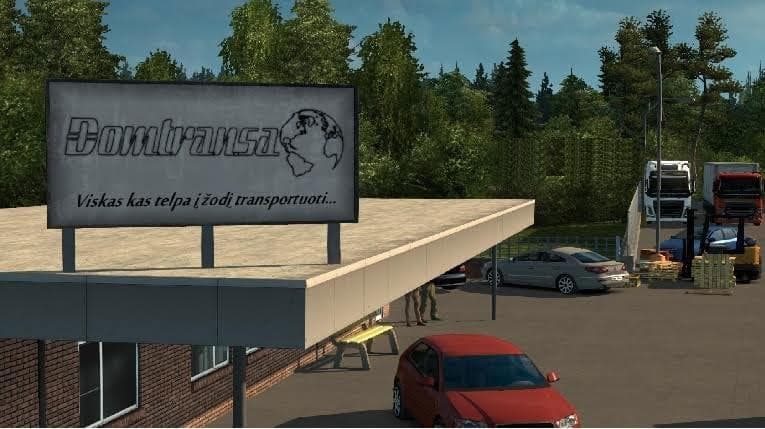
This mod adds a garage in Vaxjo city, Sweden, for Euro Truck Simulator 2. Explore Scandinavia with this map mod. Created by Domas TIR.
The DOMTRANSA GARAGE FOR SCANDINAVIA DLC adds a new garage location in Växjö, Sweden. This kind of mod typically provides players with additional bases to operate from within the game, expanding the range of starting points for trucking routes. Garages like this one enhance immersion by giving more realistic options for managing your fleet in specific regions.
Map mods like this one usually come as .scs files that need to be loaded alongside the base game and relevant DLC—in this case, the Scandinavia expansion. Because map and garage mods alter the game's world structure, they often require careful attention to load order to avoid conflicts or glitches. It's advisable to check compatibility with other map-related mods you might have installed to ensure smooth gameplay.
Adding a garage in Växjö fits well into setups focused on Scandinavian routes, especially if you enjoy hauling cargo through Sweden and neighboring countries. It can complement other mods that expand roads or cities in this region, creating a richer environment for long-haul driving. Since garages are crucial for truck customization and restocking, more locations mean greater flexibility during your journeys.
Players who favor detailed map exploration or those running modded profiles centered on Scandinavia will find this garage mod useful. It’s particularly handy if you want a fresh base of operations without relying solely on default game locations. This kind of mod is generally straightforward to install but always worth backing up saves before adding new map elements.
While specifics like version support or file size are not provided, mods in this category usually don't require updates unless there's a major ETS2 patch or DLC change. The creator credit goes to Domas TIR DomtransaGarageVAXJO, which can be helpful if you're looking for support or updates within community forums.
How to install
1. Download every .scs file from the source page (map mods often ship multiple files). 2. Copy all files to `Documents/Euro Truck Simulator 2/mod/`. 3. Enable each file in Mod Manager **in the order documented by the modder**. Load order matters for maps. 4. Start a new save or use an existing save that already supports the map's base regions.
After the mod loads, save your game inside a safe area (parking lot or service) before deciding whether to keep it. If the game refuses to load with the mod enabled, check that all required DLCs are installed and that the supported ETS2 version chips on this page include your installed game patch.
Known conflicts
No conflicts reported for this mod yet. Running a big mod list? Check your whole setup for conflicts →
Reviews
No ratings yetNo reviews yet — be the first to rate this mod.





