DAF XF VIP 105 + INTERIOR
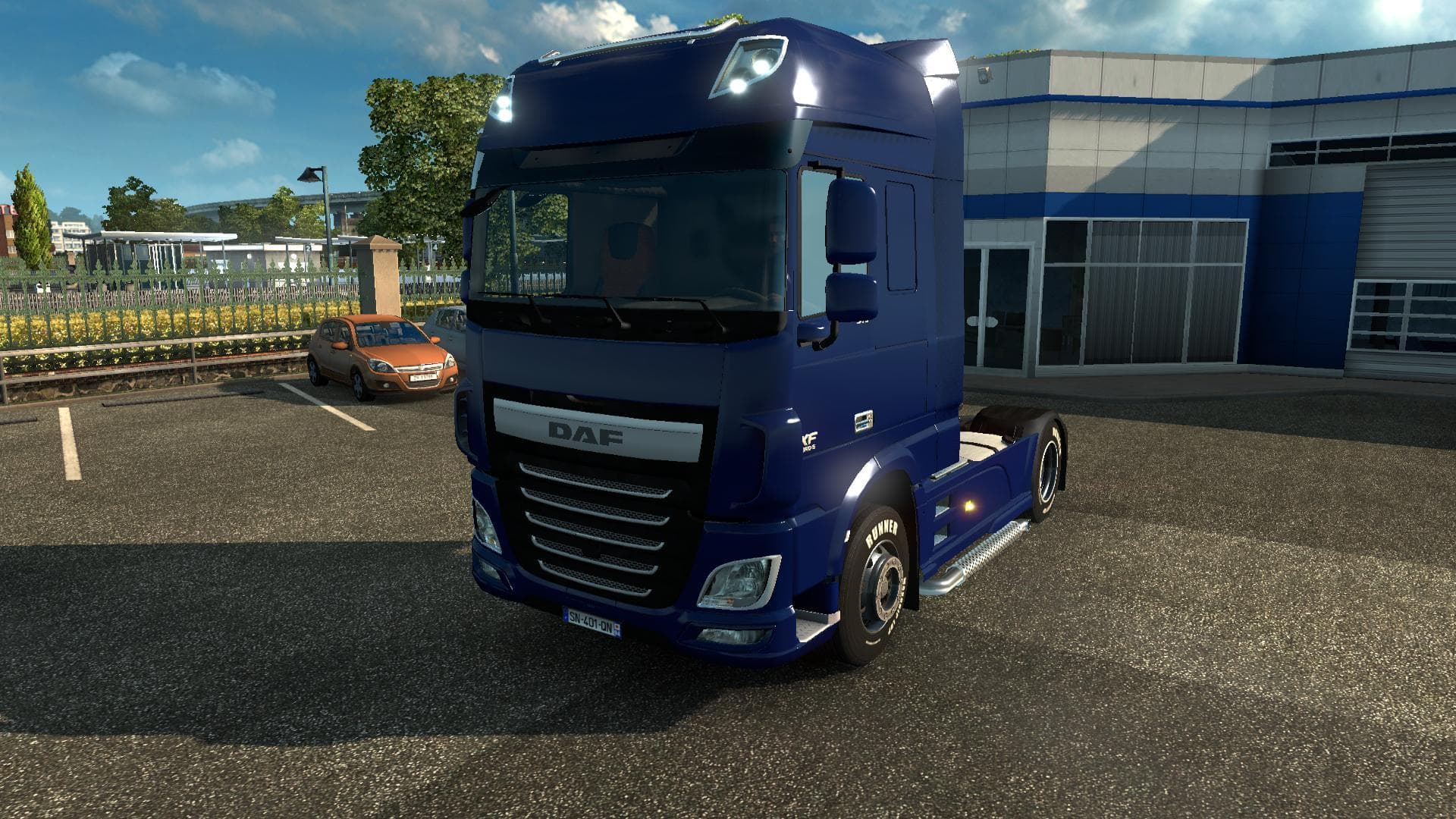
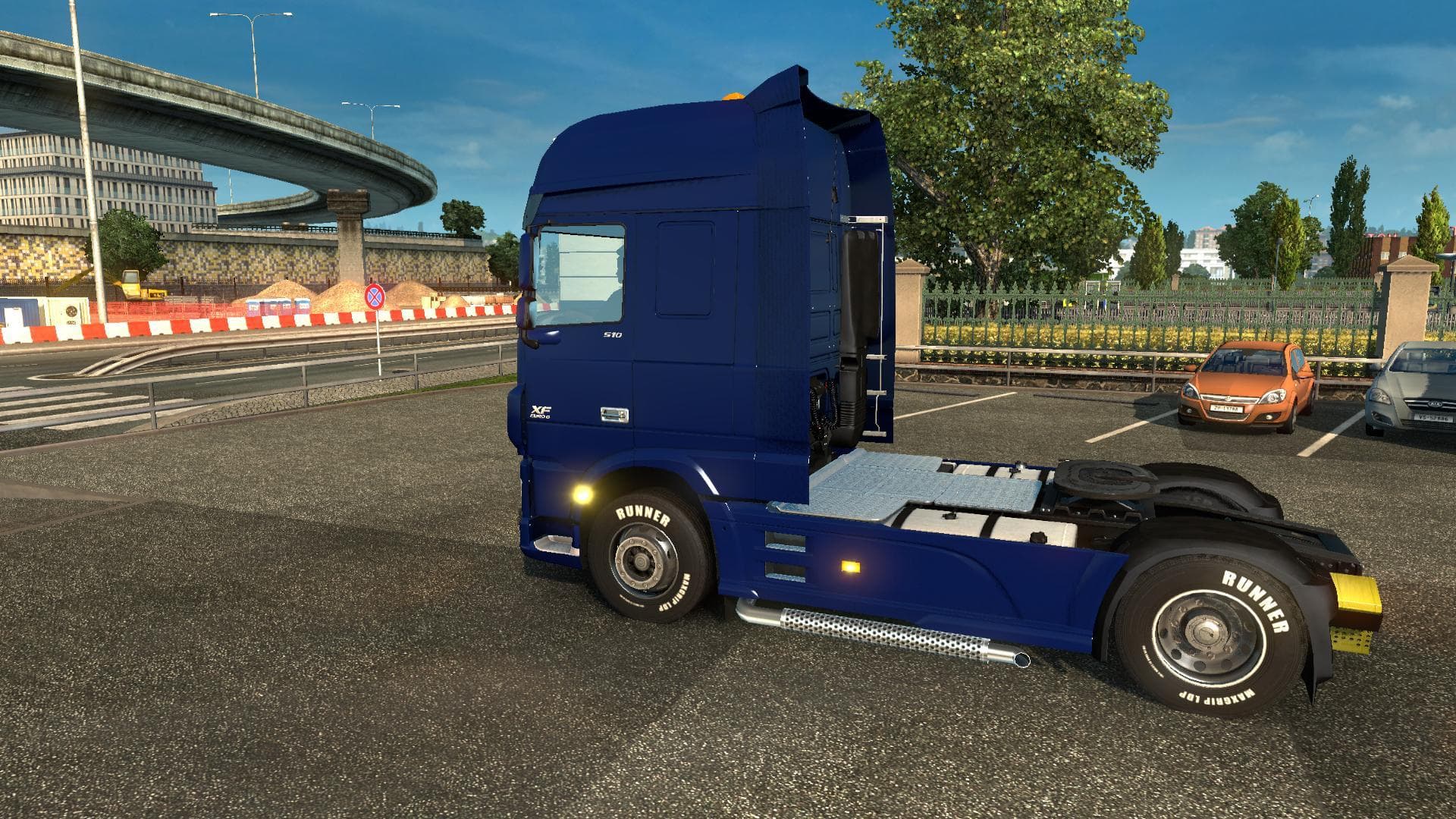
The "DAF XF VIP 105 + Interior" mod for ETS2 offers a modified version of the default DAF truck with new dirt skins, wheels, and various addons. Creator, versio
The DAF XF VIP 105 + INTERIOR mod introduces a variation of the familiar DAF truck model to Euro Truck Simulator 2. It sticks close to the original design but adds a few tweaks like new dirt skins, updated wheels, and various addons that enhance the overall look. This kind of mod swaps out the standard truck for one with custom visuals and sometimes additional features inside the cab.
Truck mods in ETS2 generally add a new drivable vehicle that you can buy at dealers across the map. They often come with unique interiors, engine and transmission options, and paint jobs that let you personalize your rig further. Mods like this one provide fresh options for players who want a slightly different driving experience without straying too far from stock models.
When integrating a truck mod into your setup, it's wise to check how it fits with other mods, especially those affecting trucks or graphics. Load order can matter if multiple mods change similar aspects, so placing this mod after others that tweak trucks might help avoid conflicts. Since this mod builds on an existing truck model with added skins and parts, it should slot in smoothly alongside typical truck upgrades or cabin interior enhancements.
This type of mod appeals to players who enjoy customizing their fleet but prefer subtle changes rather than entirely new vehicles. If you like driving DAF trucks and want some added visual variety along with extra interior details, this mod fits well into a collection focused on enhancing realism or personal style in ETS2.
How to install
1. Download the .scs file from the original source linked above. 2. Copy the file to `Documents/Euro Truck Simulator 2/mod/`. 3. Launch ETS2, open the Mod Manager from the main menu, enable the mod, restart the game. 4. Visit any truck dealer to spawn the new truck.
After the mod loads, save your game inside a safe area (parking lot or service) before deciding whether to keep it. If the game refuses to load with the mod enabled, check that all required DLCs are installed and that the supported ETS2 version chips on this page include your installed game patch.
Reviews
No ratings yetNo reviews yet — be the first to rate this mod.