DAF XF V2.0
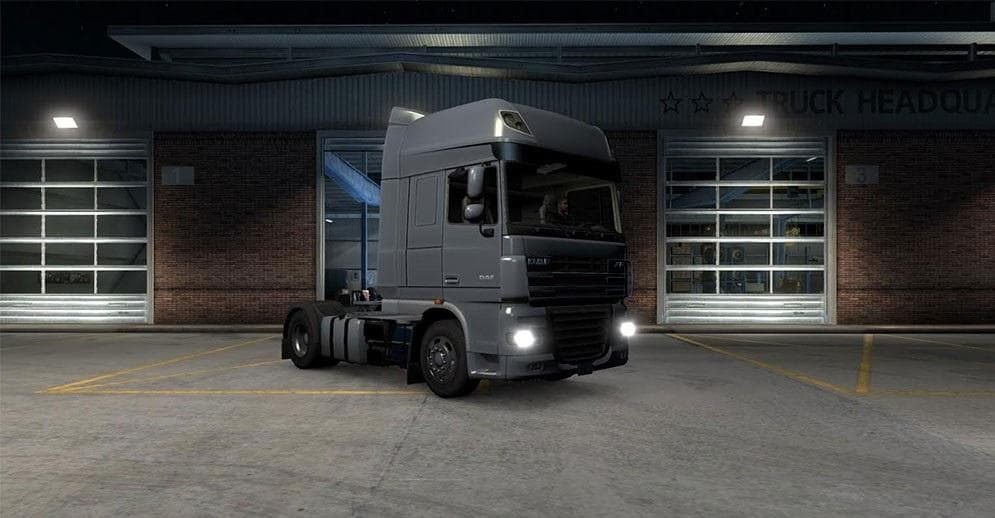
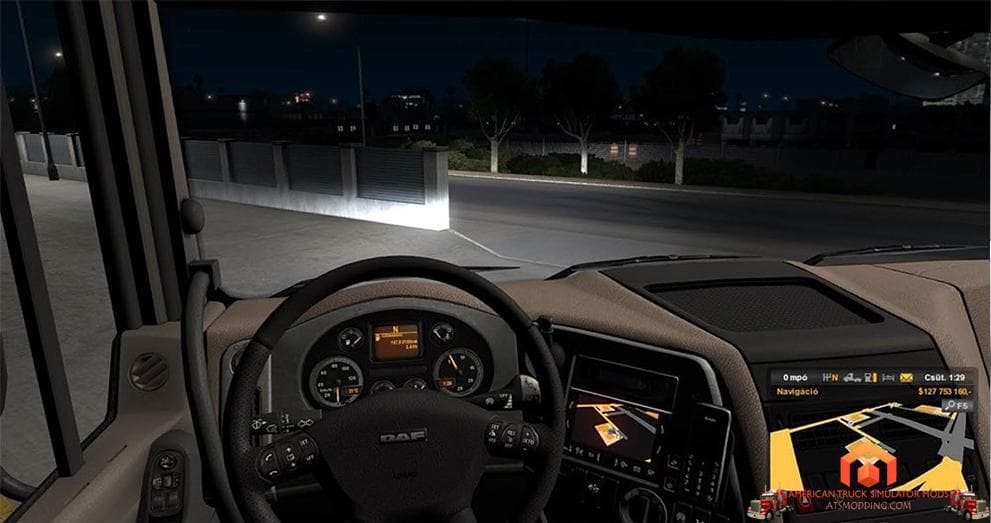
DAF XF is an ETS2 trucks.
The DAF XF V2.0 mod introduces a drivable truck to Euro Truck Simulator 2, available for purchase at a dealer in-game. This type of truck mod typically adds a new cab and chassis option, often including its own interior, engine choices, and paint job slots, expanding the variety of vehicles players can use on their virtual hauls. While this particular mod is found in the Peterbilt shop and has some tuning parts that don't function yet, it still offers a fresh driving experience for those wanting something different from the default fleet.
Truck mods like this one slot into the game by adding new vehicles that you can buy and customize just like official trucks. They usually come with their own sounds and visual features, though compatibility with other mods depends on load order and any overlapping files. It's common practice to load truck mods after map or gameplay mods to avoid conflicts. Given that some tuning options aren't working here yet, users might want to keep an eye out for updates or adjust expectations accordingly.
For players running a heavily modded setup, integrating a new truck involves checking how it interacts with other vehicle or tuning mods. Since DAF XF V2.0 is placed in the Peterbilt shop, it may mix interestingly with American-themed or custom dealership packs but could cause overlap if similar trucks are also installed. Ensuring no duplicate IDs or conflicting files is key for smooth operation.
This mod suits those who enjoy experimenting with different truck brands and want more variety on the roads of ETS2. Even if some customization features aren't fully functional yet, having another truck model to drive expands roleplay possibilities and keeps long-term gameplay engaging.
While specific details like supported ETS2 versions or file size are unknown, users familiar with installing truck mods should find this straightforward enough to add to their collection. The noted fix related to red wheels hints at ongoing maintenance by the creator community, so it's reasonable to expect further refinements over time.
How to install
1. Download the .scs file from the original source linked above. 2. Copy the file to `Documents/Euro Truck Simulator 2/mod/`. 3. Launch ETS2, open the Mod Manager from the main menu, enable the mod, restart the game. 4. Visit any truck dealer to spawn the new truck.
After the mod loads, save your game inside a safe area (parking lot or service) before deciding whether to keep it. If the game refuses to load with the mod enabled, check that all required DLCs are installed and that the supported ETS2 version chips on this page include your installed game patch.
Reviews
No ratings yetNo reviews yet — be the first to rate this mod.





![Fuso Supergreat Hi Cab Truck [1.50 – 1.60] – Trucks mod for Euro Truck Simulator 2](/_next/image?url=https%3A%2F%2F802software.s3.us-east-1.amazonaws.com%2Fets2modspot%2Fscreenshots%2F7494%2F0.jpg&w=3840&q=75)