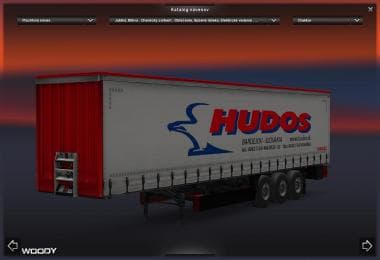
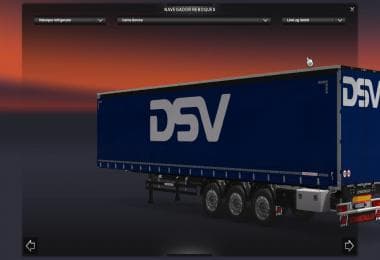
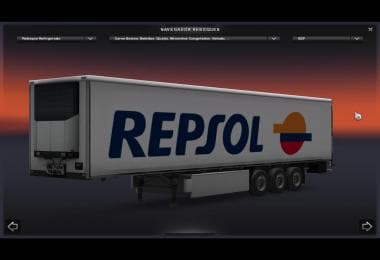
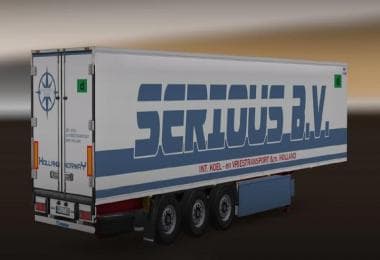
DAF XF SCHWERTRSANPORT SKIN
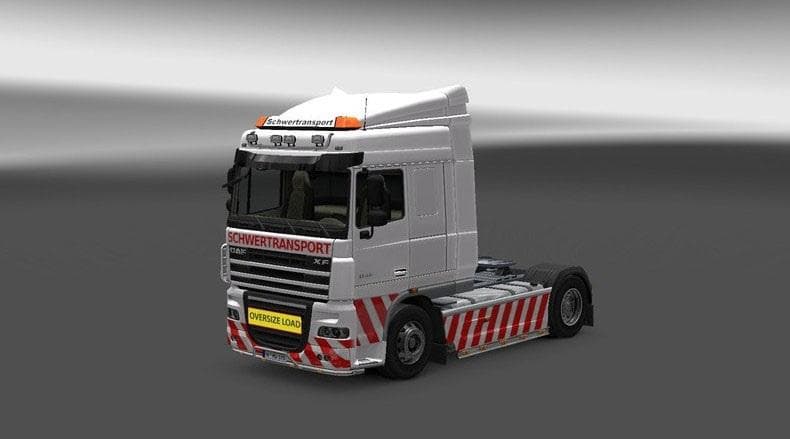
The "DAF XF SCHWERTRSANPORT SKIN" is a skin mod for the DAF XF truck in ETS2 version 1.22. Created by Euro Truck Simulator 2, this mod features a Schwertrsanpor
The DAF XF SCHWERTRANSPORT SKIN is a paint job designed specifically for the DAF XF truck model in Euro Truck Simulator 2. This type of mod doesn't alter the truck's performance or structure but changes its visual appearance, giving it a fresh and unique look. Skins like this one are applied through the game's paint shop interface and rely on the original vehicle model to work properly.
Skin mods serve as an easy way to customize your trucks without dealing with complex model changes or compatibility issues related to physics or mechanics. They simply repaint existing vehicles, which means they usually have minimal impact on game stability and can be stacked alongside other mods that don't affect visuals. Since this skin was tested with ETS2 version 1.22, it's suited for setups running that or possibly nearby versions, though always check for conflicts.
In a modded setup, skins generally load after map or gameplay mods because they focus solely on aesthetics. It's wise to keep skins grouped and load them after any truck tuning packs or cabin accessory mods to avoid override issues. The DAF XF SCHWERTRANSPORT SKIN fits neatly into collections aimed at enhancing truck appearances without touching core gameplay elements.
Players who enjoy adding variety to their fleet will find this skin useful, especially if they prefer the look of heavy transport themes or want their DAF XF to stand out on European roads. It doesn’t change driving dynamics but adds personality, which can make long hauls feel a bit more engaging visually.
While details about the creator and file size aren't specified, installing skins typically involves placing them in your mod folder and activating them via the game's mod manager. Since it's focused on one truck model, it won't conflict with other skins meant for different trucks or trailers.
How to install
1. Download the .scs file. 2. Drop it into `Documents/Euro Truck Simulator 2/mod/`. 3. Enable in Mod Manager. 4. Apply the skin in the truck/trailer paint shop.
After the mod loads, save your game inside a safe area (parking lot or service) before deciding whether to keep it. If the game refuses to load with the mod enabled, check that all required DLCs are installed and that the supported ETS2 version chips on this page include your installed game patch.
Reviews
No ratings yetNo reviews yet — be the first to rate this mod.