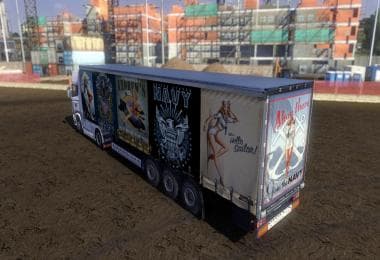
DAF XF EURO 6 AZERBAIJAN SKIN
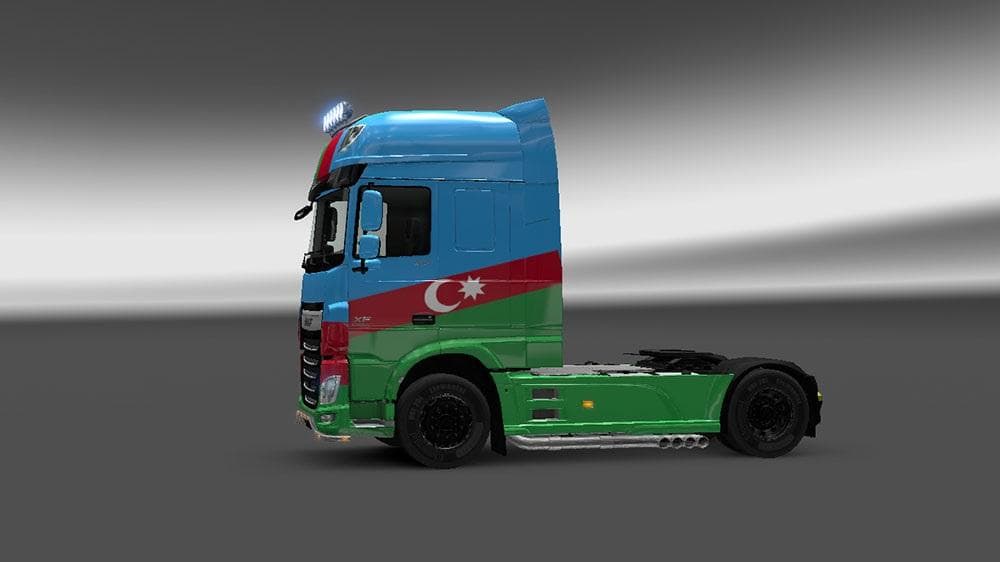
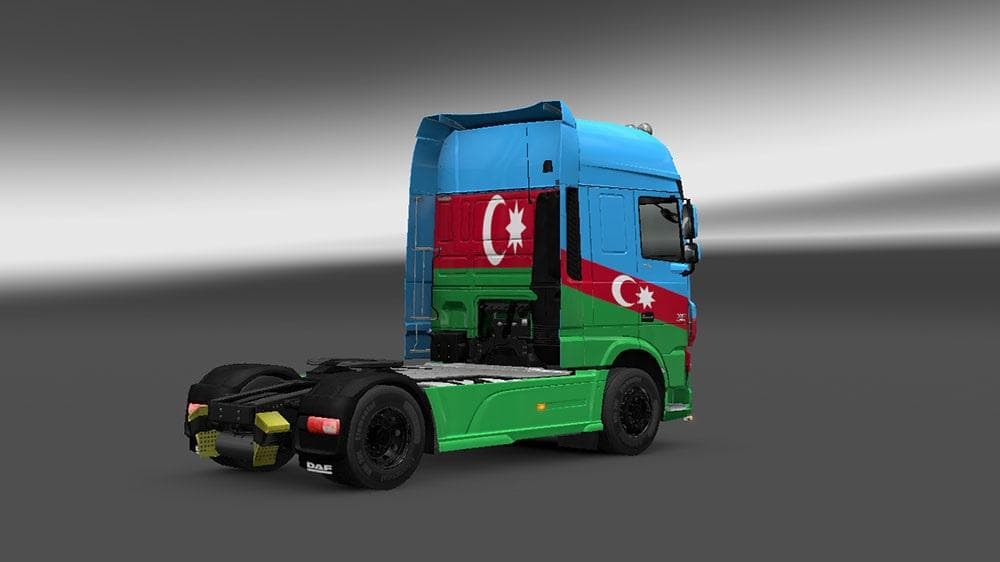
This mod adds an Azerbaijan skin for the DAF XF Euro 6 truck in Euro Truck Simulator 2. Created by Agaxan, the file size is 1.3 MB and is compatible with ETS2 v
The DAF XF EURO 6 AZERBAIJAN SKIN is a paint job mod designed specifically for the DAF XF Euro 6 truck in Euro Truck Simulator 2. It doesn't alter the truck's model or performance but gives it a fresh look inspired by Azerbaijan. This kind of skin mod is applied through the in-game paint shop and relies on having the matching base vehicle available to work correctly.
Skin mods like this one serve to personalize your trucks without affecting gameplay mechanics. They repaint the existing model with new textures, allowing players to express regional pride or simply change up their fleet's appearance. Since it targets the DAF XF Euro 6, it fits neatly into setups where this truck model is used, complementing other cosmetic or tuning mods you might have installed.
When adding skins to your mod lineup, load order usually places them after any model-changing mods but before gameplay tweaks. This ensures that the paint job displays properly without conflicts. Because it only changes visuals, compatibility issues with other mods tend to be minimal as long as they don't modify the same texture files for the DAF XF Euro 6.
Players interested in representing Azerbaijan on their virtual trucks will find this skin useful for adding a unique regional touch. It's particularly suited for those who enjoy customizing their vehicles with country-themed designs or want their convoy to stand out on European roads within ETS2.
This skin supports ETS2 version 1.3, so make sure your game version matches or is compatible to avoid problems during loading. Installation generally involves placing the mod file into your mod folder and activating it via the game's mod manager, which is straightforward for most users familiar with ETS2 modding.
How to install
1. Download the .scs file. 2. Drop it into `Documents/Euro Truck Simulator 2/mod/`. 3. Enable in Mod Manager. 4. Apply the skin in the truck/trailer paint shop.
After the mod loads, save your game inside a safe area (parking lot or service) before deciding whether to keep it. If the game refuses to load with the mod enabled, check that all required DLCs are installed and that the supported ETS2 version chips on this page include your installed game patch.
Reviews
No ratings yetNo reviews yet — be the first to rate this mod.