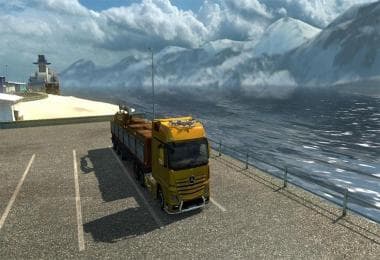
DAF XF E6 BY OHAHA 1.45
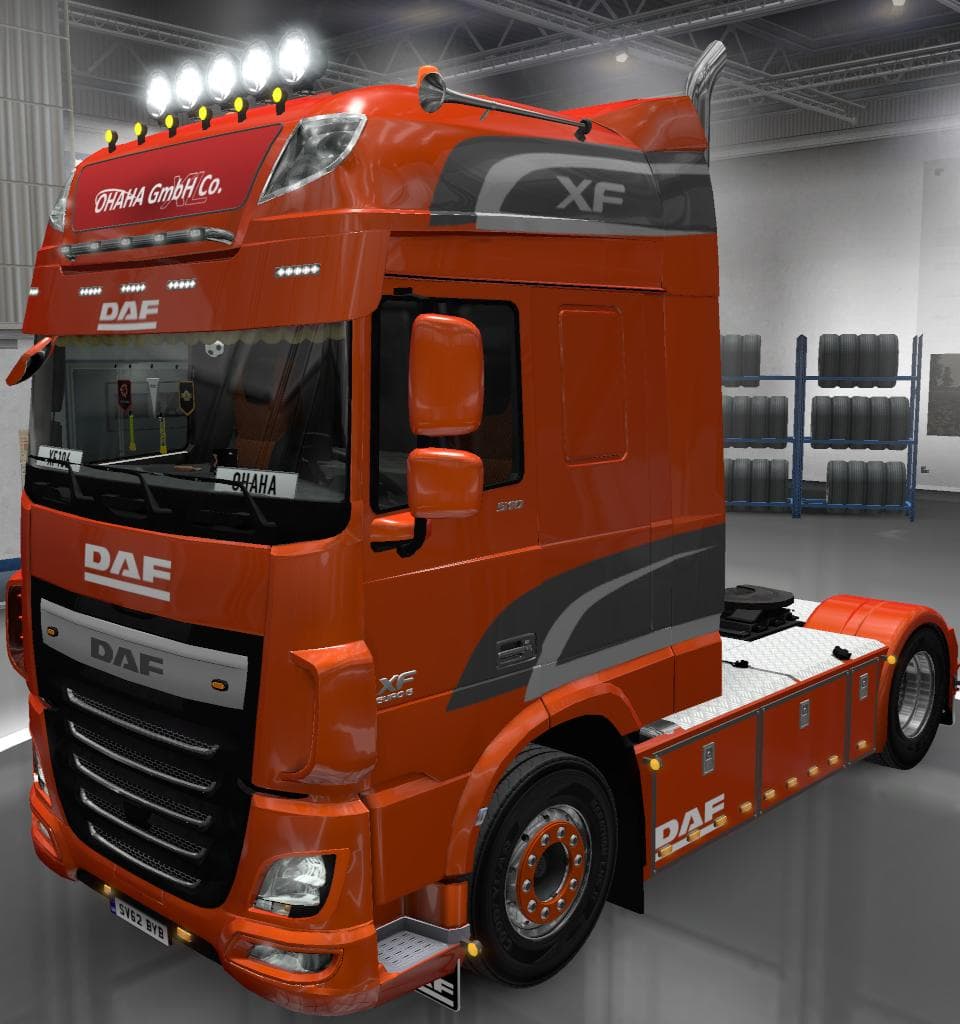
The DAF XF E6 BY OHAHA 1.45 mod for Euro Truck Simulator 2 is a parts mod updated to version 1.45. It includes fixes for wrong part assignments and locator name
This mod, titled DAF XF E6 BY OHAHA 1.45, is a parts addon specifically designed for the DAF XF E6 truck model in Euro Truck Simulator 2. It updates some elements related to the Space cabin camera and corrects part assignments to ensure smoother customization experiences. Mods like this one focus on adding or fixing accessories such as cameras, lights, or other interior and exterior components that you can fit in the truck's customization menu.
Parts mods in ETS2 usually enhance your truck by providing more options to tweak its appearance or functionality. They let you tailor your vehicle more closely to your preferences, sometimes improving visual details or adding realistic touches that stock trucks might lack. Since this mod addresses camera parts and locator fixes, it fits into the category of tuning mods aimed at refining how certain features work rather than introducing entirely new parts.
When using a modded setup, it's generally wise to pay attention to load order with parts mods like this one. Typically, these mods should be loaded after any broad tuning packs but before other cosmetic-only mods to avoid conflicts. Compatibility is usually straightforward if you're running ETS2 version 1.45 since that's what this mod supports, ensuring it works well with the base game and other content designed for the same update.
Players who own a DAF XF E6 and enjoy customizing their truck down to fine details would find this mod useful. It helps fix minor issues with cabin camera placement and other small locator names that might otherwise detract from immersion or cause glitches during gameplay. If you want your vehicle's customization options to function properly without odd bugs related to these parts, installing this mod makes sense.
Since no creator information or file size details are provided, it's advisable to back up your profile before applying it and check for updates as needed. Parts mods like this typically slot easily into existing setups without requiring additional adjustments unless combined with major overhaul packs that also modify similar components.
How to install
1. Download the file(s) from the original source linked above. 2. Drop them into `Documents/Euro Truck Simulator 2/mod/`. 3. Enable in Mod Manager and restart the game.
After the mod loads, save your game inside a safe area (parking lot or service) before deciding whether to keep it. If the game refuses to load with the mod enabled, check that all required DLCs are installed and that the supported ETS2 version chips on this page include your installed game patch.
Reviews
No ratings yetNo reviews yet — be the first to rate this mod.