Daf Xf 105
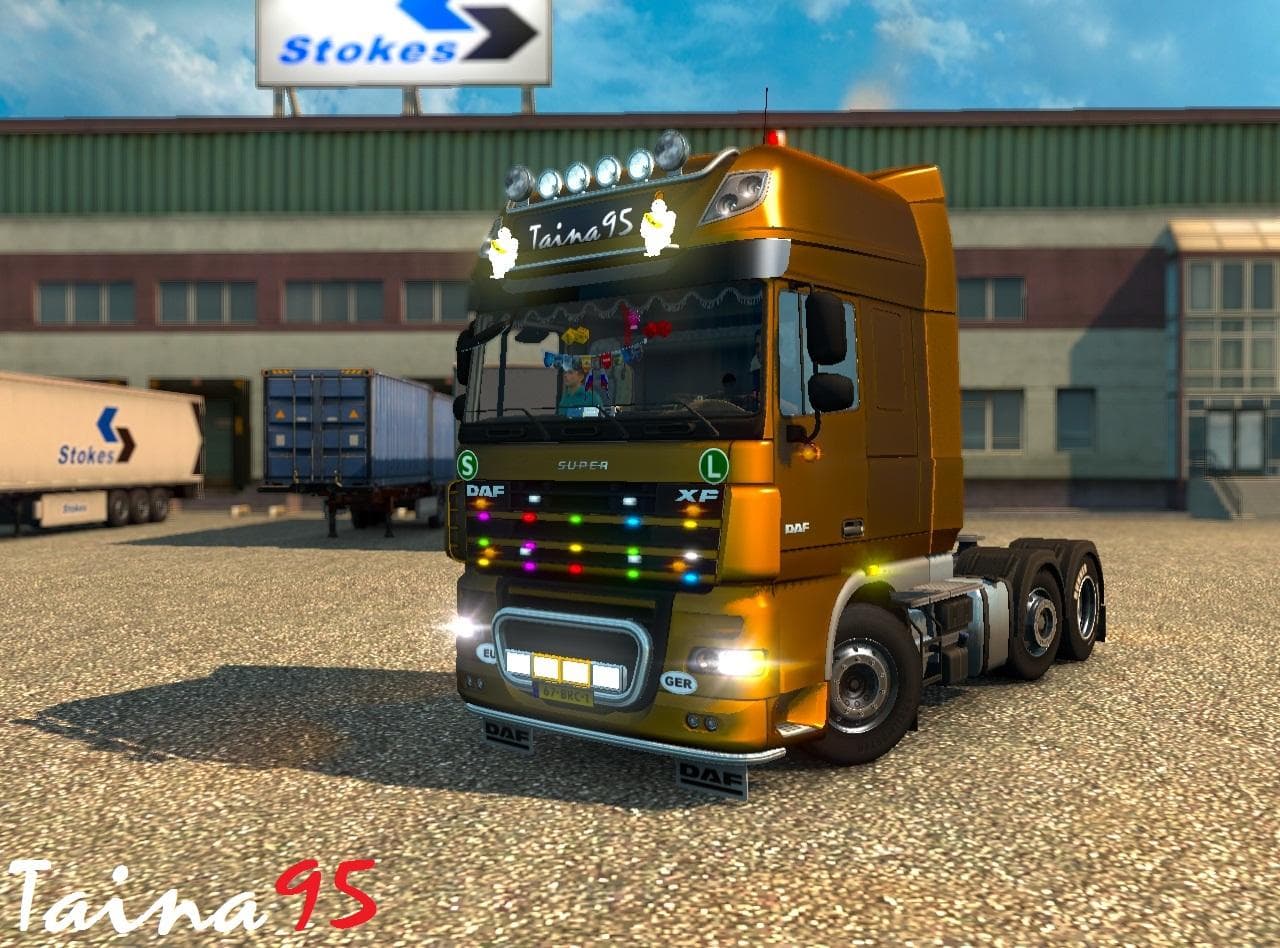
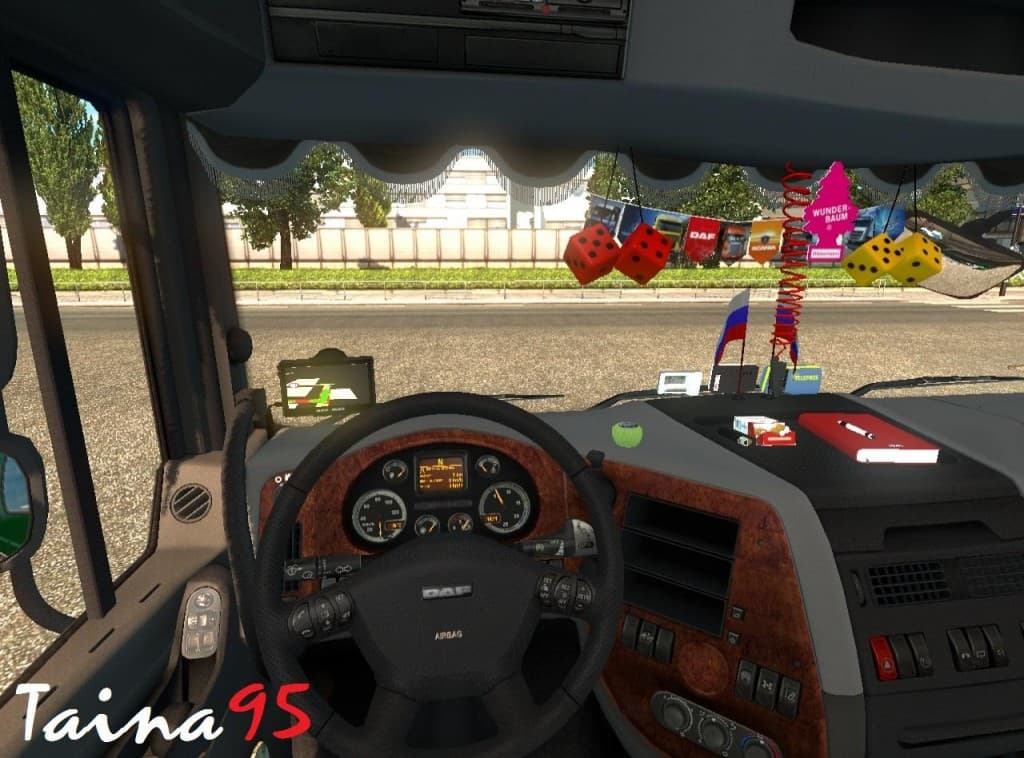
The Daf Xf 105 mod adds a drivable truck to Euro Truck Simulator 2, modeled after the popular Daf XF series. This truck mod offers players a new cab and chassis option that can be purchased from dealers within the game, expanding the variety of vehicles available for transport jobs. It includes its own interior design along with engine and transmission choices, making it feel like a complete addition rather than just a visual swap.
Truck mods like this one are designed to integrate smoothly into ETS2's existing setup by providing realistic driving experiences and customization options. The Daf Xf 105 mod is compatible with game versions 1.16 and 1.18, which covers a good range of player setups. It also brings new accessories for the interior and additional slots for customization, enhancing the in-cab experience.
When using truck mods, it's important to consider load order if you're running multiple vehicle mods or map extensions. Generally, truck mods should be placed after map mods but before gameplay-altering mods to avoid conflicts or missing textures. While specifics aren't given here, users should check compatibility notes for other installed mods to ensure smooth operation.
This particular mod would appeal to players who enjoy driving European trucks and want more authenticity in their fleet options. Since it adds detailed interiors and mechanical choices, it suits those who like customizing their rigs as well as exploring different vehicle types beyond what's available by default.
For anyone running a heavily modded ETS2 setup focused on trucking realism or variety, adding the Daf Xf 105 could enrich the experience without risking stability issues due to its compatibility with recent ETS2 versions. It's a solid pick if you want another familiar European cab with modern features.
Installing this mod follows typical procedures: place it in your mod folder via the game launcher and activate it in your profile's mod list. Because it supports multiple game versions, you can keep it active while updating ETS2 without needing immediate replacement.
How to install
1. Download the .scs file from the original source linked above. 2. Copy the file to `Documents/Euro Truck Simulator 2/mod/`. 3. Launch ETS2, open the Mod Manager from the main menu, enable the mod, restart the game. 4. Visit any truck dealer to spawn the new truck.
After the mod loads, save your game inside a safe area (parking lot or service) before deciding whether to keep it. If the game refuses to load with the mod enabled, check that all required DLCs are installed and that the supported ETS2 version chips on this page include your installed game patch.
Reviews
No ratings yetNo reviews yet — be the first to rate this mod.





![Fuso Supergreat Hi Cab Truck [1.50 – 1.60] – Trucks mod for Euro Truck Simulator 2](/_next/image?url=https%3A%2F%2F802software.s3.us-east-1.amazonaws.com%2Fets2modspot%2Fscreenshots%2F7494%2F0.jpg&w=3840&q=75)