CROATIAN PODRAVKA TRAILER
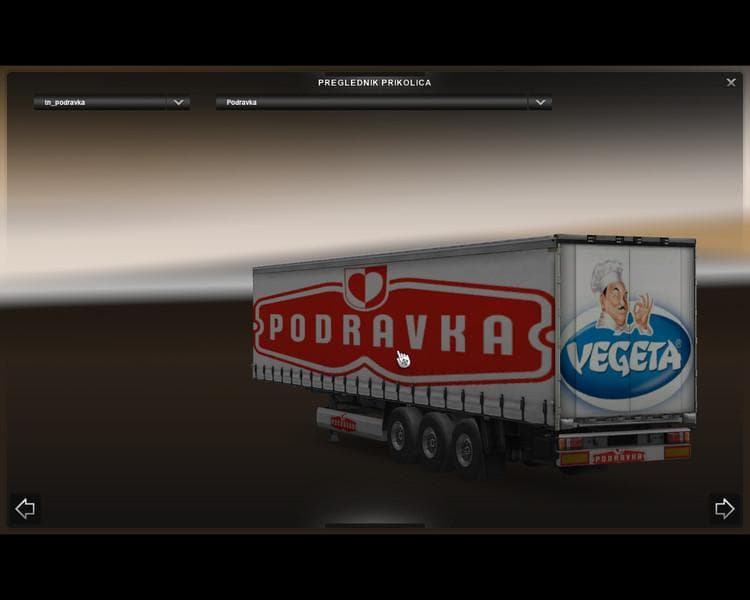
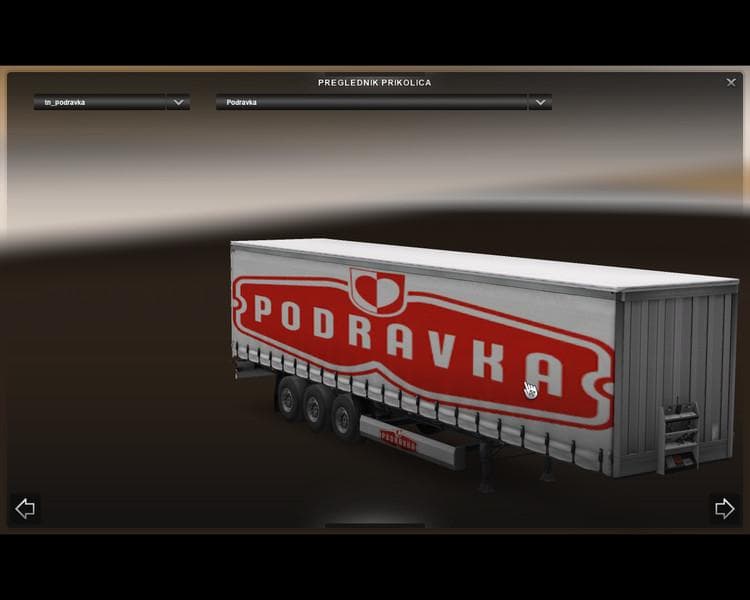
The Croatian Podravka Trailer adds a new trailer option to Euro Truck Simulator 2, reflecting a specific Croatian brand in the game. It brings an additional haulable trailer model that players can own and use for transporting cargo. This kind of mod expands the variety of trailers you can find in the cargo market or buy from trailer dealers, enriching your trucking experience with regional flavor.
Trailer mods like this one typically introduce new trailer designs or unique cargo types that aren't part of the base game. They slot into your existing setup by appearing alongside standard trailers, so you can select them when planning jobs. Since this mod is compatible with several ETS2 versions including 1.0, 1.1, and 1.19, it fits well with different updates and DLCs without much hassle.
When using multiple mods, it's wise to pay attention to load order for trailers to avoid conflicts. Generally, new trailers should load after map and truck mods but before any gameplay scripts affecting cargo or economy. This ensures that the trailer appears correctly in your selection menus and functions properly during transport runs.
This mod suits players who enjoy adding regional content to their game or want a more diverse fleet of trailers reflecting European brands. Fans of Balkan trucking themes or those who like to customize their routes with authentic vehicles will appreciate what it offers. It blends nicely into setups focused on European regions such as Croatia and neighboring countries.
Installing a trailer mod like the Croatian Podravka Trailer is straightforward: just place it in your mod folder and activate it via the game's mod manager. Once loaded, it becomes part of the available inventory for hauling jobs without requiring complex configuration or extra dependencies.
How to install
1. Download the .scs file. 2. Drop it into `Documents/Euro Truck Simulator 2/mod/`. 3. Enable in Mod Manager. 4. Trailer should appear in cargo selection or trailer dealer depending on the mod's design.
After the mod loads, save your game inside a safe area (parking lot or service) before deciding whether to keep it. If the game refuses to load with the mod enabled, check that all required DLCs are installed and that the supported ETS2 version chips on this page include your installed game patch.
Reviews
No ratings yetNo reviews yet — be the first to rate this mod.





