COUNTRYSIDE/TARANIA MAP .4A
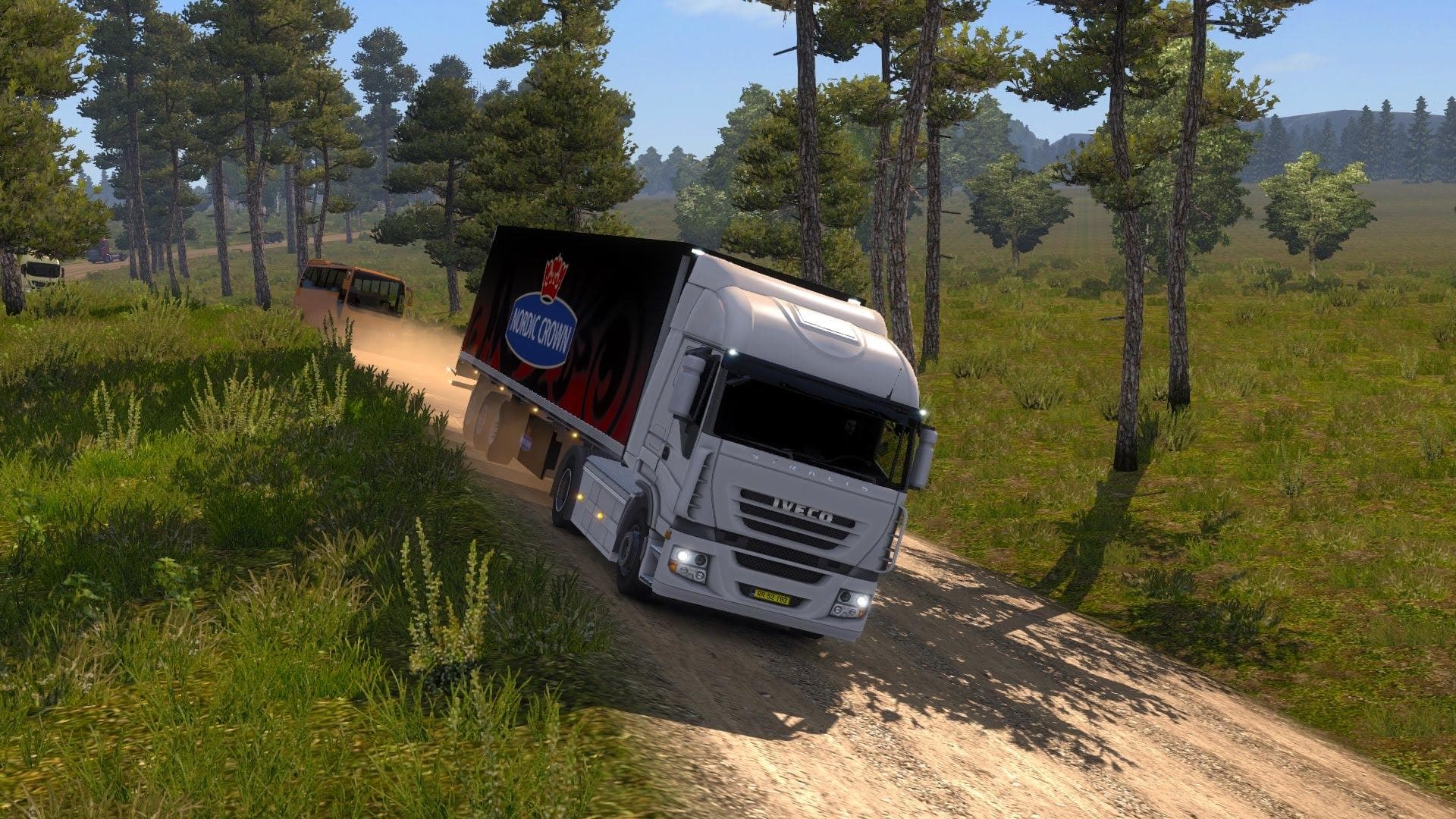
The COUNTRYSIDE/TARANIA MAP .4A is a map mod for Euro Truck Simulator 2, version 0.0. It offers a new countryside experience for players to explore. The mod's f
COUNTRYSIDE/TARANIA MAP .4A is an alpha version of a map mod that adds a new region to Euro Truck Simulator 2. This kind of mod modifies the game’s world by introducing fresh roads and areas to explore beyond the base game and official expansions. Players can expect a different driving environment, potentially with unique town layouts and landscapes compared to existing maps.
Map mods like this one are provided as .scs files that you place in your ETS2 mod folder. Because map changes affect the core game geography, they often require creating a new profile or using specific compatible DLCs to avoid conflicts. Load order matters here; typically, map mods should be loaded before other mods that add gameplay elements or vehicle content.
Adding COUNTRYSIDE/TARANIA MAP .4A fits well into setups focused on expanding exploration or combining multiple map extensions for a broader trucking experience. It can complement official regions or other user-created maps if arranged correctly in the mod manager. However, since it’s an alpha build, users might encounter bugs or incomplete areas, so backing up save data is wise before use.
This mod appeals mainly to players interested in testing new map expansions early on or those looking for fresh routes outside of familiar ETS2 locations. If you enjoy exploring uncharted territories or experimenting with less mainstream mods, this could offer some interesting driving challenges and scenery variety.
Since details about supported versions and file size aren't specified, users should proceed cautiously and check for updates from the source when available. As with all map mods, patience and some trial-and-error may be needed to get everything working smoothly within your particular setup.
How to install
1. Download every .scs file from the source page (map mods often ship multiple files). 2. Copy all files to `Documents/Euro Truck Simulator 2/mod/`. 3. Enable each file in Mod Manager **in the order documented by the modder**. Load order matters for maps. 4. Start a new save or use an existing save that already supports the map's base regions.
After the mod loads, save your game inside a safe area (parking lot or service) before deciding whether to keep it. If the game refuses to load with the mod enabled, check that all required DLCs are installed and that the supported ETS2 version chips on this page include your installed game patch.
Known conflicts
No conflicts reported for this mod yet. Running a big mod list? Check your whole setup for conflicts →
Reviews
No ratings yetNo reviews yet — be the first to rate this mod.





