COMPLETE WINTER MOD V2.5.1
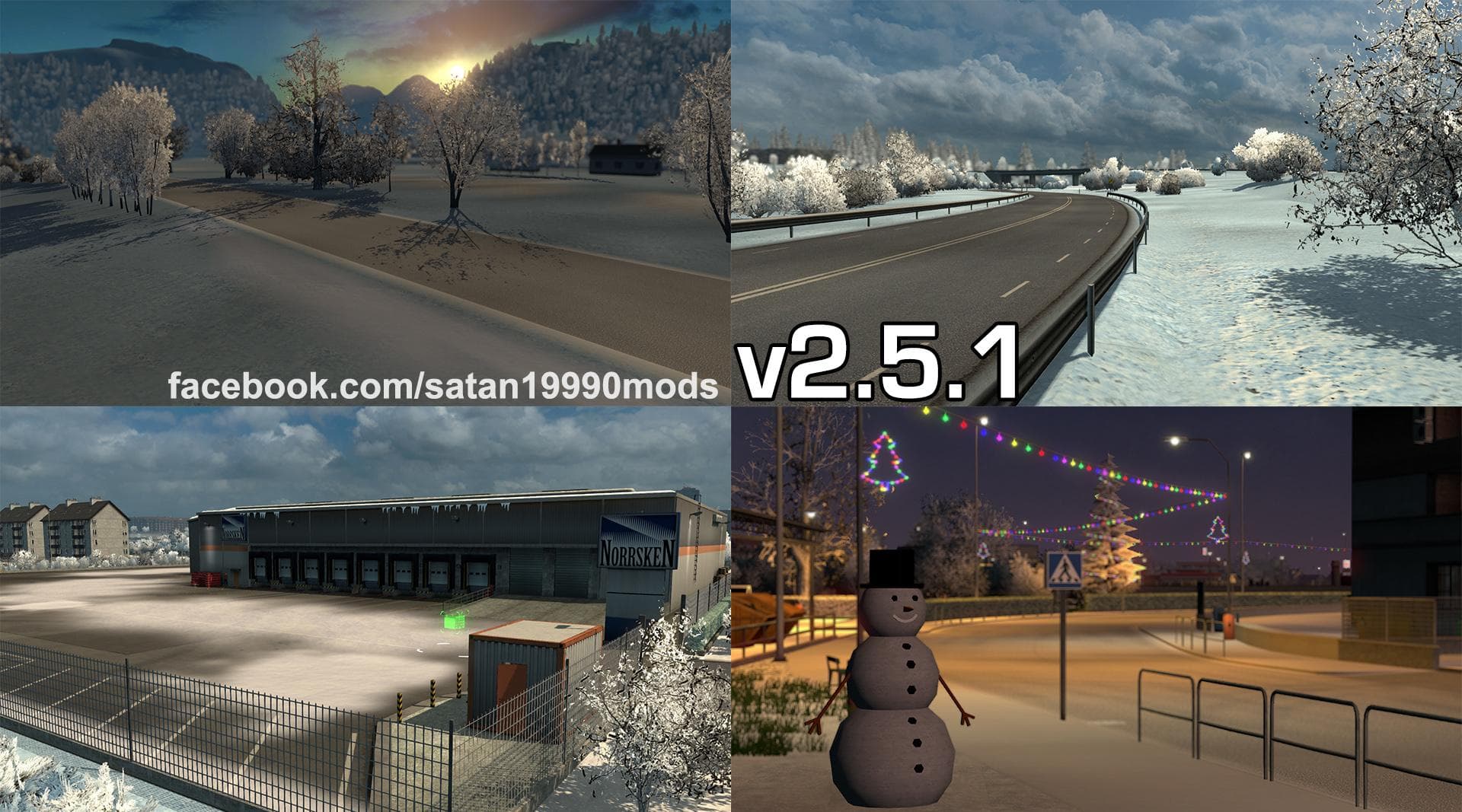
COMPLETE WINTER is a map mod by Euro Truck Simulator 2, version 5.1. It is compatible with ETS2 versions 1.21 and 1.22, featuring fixes for red texture errors,
COMPLETE WINTER MOD V2.5.1 is an update patch designed to improve the winter experience in Euro Truck Simulator 2. This particular version addresses issues like red texture errors and adjusts the air temperature for more realistic conditions, making it compatible with game versions 1.21 and 1.22. Mods like this typically focus on enhancing the environmental aspects of the base game, often requiring careful installation to avoid conflicts with other map expansions or seasonal mods.
Map mods such as this one expand or alter the drivable world by adding new roads, cities, or regions, though in this case, the focus is on refining existing winter elements rather than introducing new locations. They usually come as .scs files and need to be placed correctly within your mod folder to work properly alongside other map-related mods. Load order is crucial since overlapping textures or conflicting data can cause visual glitches or crashes.
This patch fits well into a modded setup that already includes a winter-themed environment or broader map enhancements. Players who use multiple map mods should check for compatibility and load this patch after any primary winter mod to ensure its fixes apply correctly without being overwritten. A fresh profile might not be necessary unless combined with other major changes.
Anyone looking to drive through snowy landscapes in ETS2 will find this mod useful for its improvements to texture quality and climate simulation during winter gameplay. It’s especially relevant for those running versions 1.21 or 1.22 who want a smoother visual experience without red texture errors disrupting immersion.
How to install
1. Download every .scs file from the source page (map mods often ship multiple files). 2. Copy all files to `Documents/Euro Truck Simulator 2/mod/`. 3. Enable each file in Mod Manager **in the order documented by the modder**. Load order matters for maps. 4. Start a new save or use an existing save that already supports the map's base regions.
After the mod loads, save your game inside a safe area (parking lot or service) before deciding whether to keep it. If the game refuses to load with the mod enabled, check that all required DLCs are installed and that the supported ETS2 version chips on this page include your installed game patch.
Known conflicts
No conflicts reported for this mod yet. Running a big mod list? Check your whole setup for conflicts →
Reviews
No ratings yetNo reviews yet — be the first to rate this mod.





