CITIES NAMES (+ RUS MAP 1.4.9 & 1.5) V1.18.XX & 1.19.XX BY STEINI
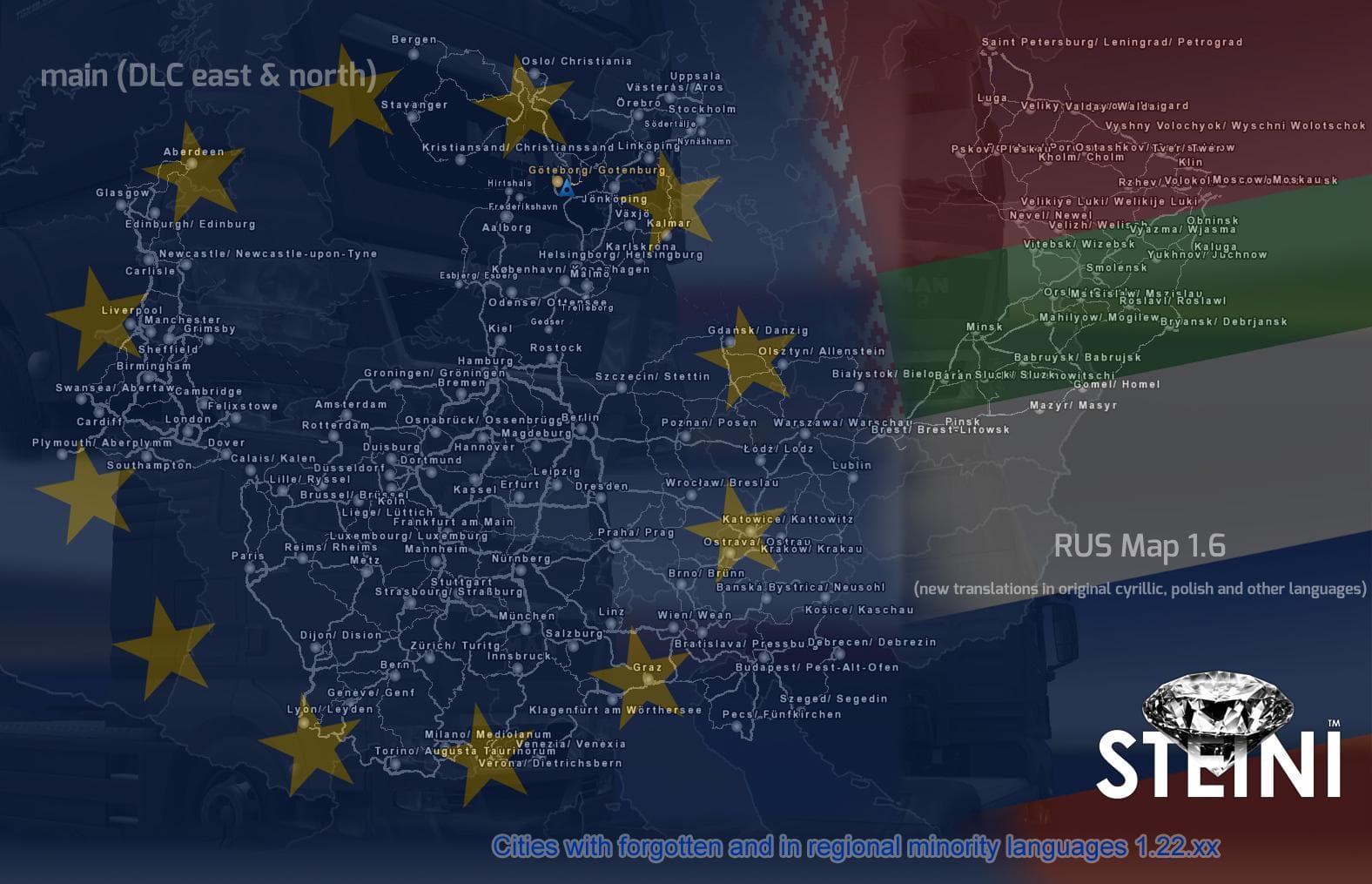
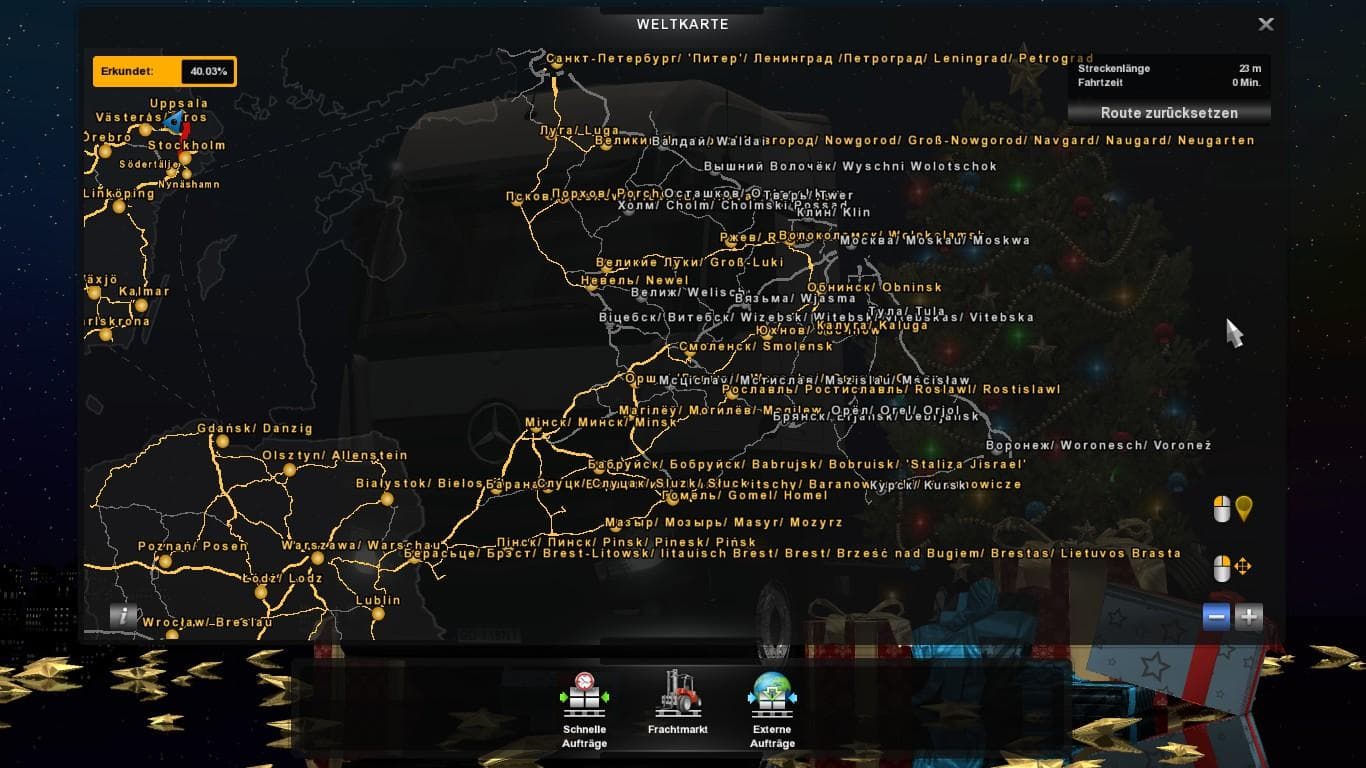
Cities Names mod adds forgotten and minority language names to cities in DLC East and North, along with support for Rus Map 1.4.9 & 1.5. Compatible with ETS2 ve
This mod adds city names in regional minority languages and forgotten dialects for the eastern and northern areas of the map, including compatibility with Rus Map versions 1.4.9 and 1.5. It supports multiple ETS2 versions, ranging from 1.4 up to 1.19, making it a useful addition for players using these game releases. The focus on localized city names offers a more immersive experience when driving through those specific regions.
Map mods like this one generally extend or adjust the playable world by introducing new roads, cities, or regions, enhancing exploration beyond the base game content. They typically come as .scs files that you place into your mod folder and enable through the game's mod manager. Because map mods affect game geography directly, their load order is quite important; they should be loaded after any required base maps and before other map extensions to avoid conflicts.
For those running a modded setup featuring Rus Map or other Eastern European expansions, this city name mod fits nicely as it builds upon existing regional content without altering road layouts or gameplay mechanics. Users should ensure they have the compatible base maps installed and consider starting a fresh profile if instructed by other mods to prevent issues with world data.
This type of mod appeals mostly to players who enjoy roleplaying or want greater authenticity in their driving routes across Russia and neighboring areas. If you prefer your virtual trucking experience to reflect local cultures through signage and place names, then this will add an interesting layer to your journeys.
How to install
1. Download every .scs file from the source page (map mods often ship multiple files). 2. Copy all files to `Documents/Euro Truck Simulator 2/mod/`. 3. Enable each file in Mod Manager **in the order documented by the modder**. Load order matters for maps. 4. Start a new save or use an existing save that already supports the map's base regions.
After the mod loads, save your game inside a safe area (parking lot or service) before deciding whether to keep it. If the game refuses to load with the mod enabled, check that all required DLCs are installed and that the supported ETS2 version chips on this page include your installed game patch.
Known conflicts
No conflicts reported for this mod yet. Running a big mod list? Check your whole setup for conflicts →
Reviews
No ratings yetNo reviews yet — be the first to rate this mod.





