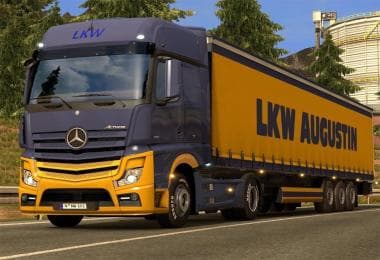
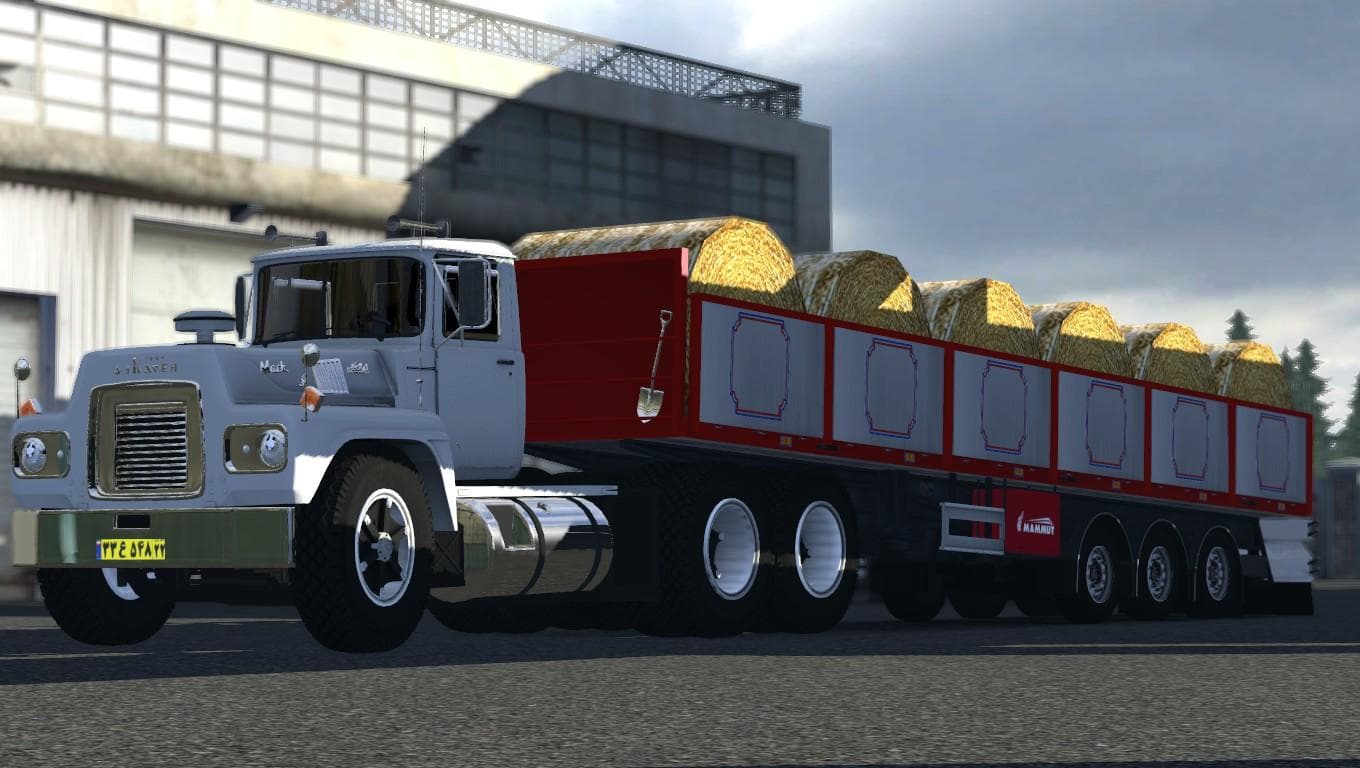
CHROME WHEEL COVER 1.21.X
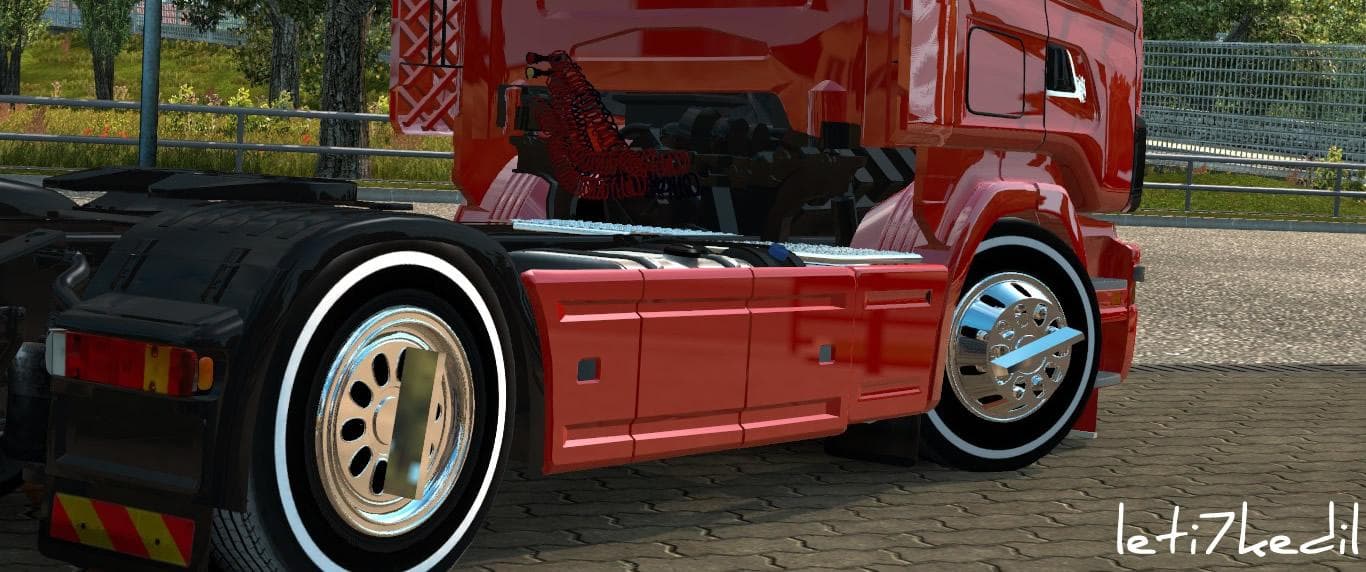
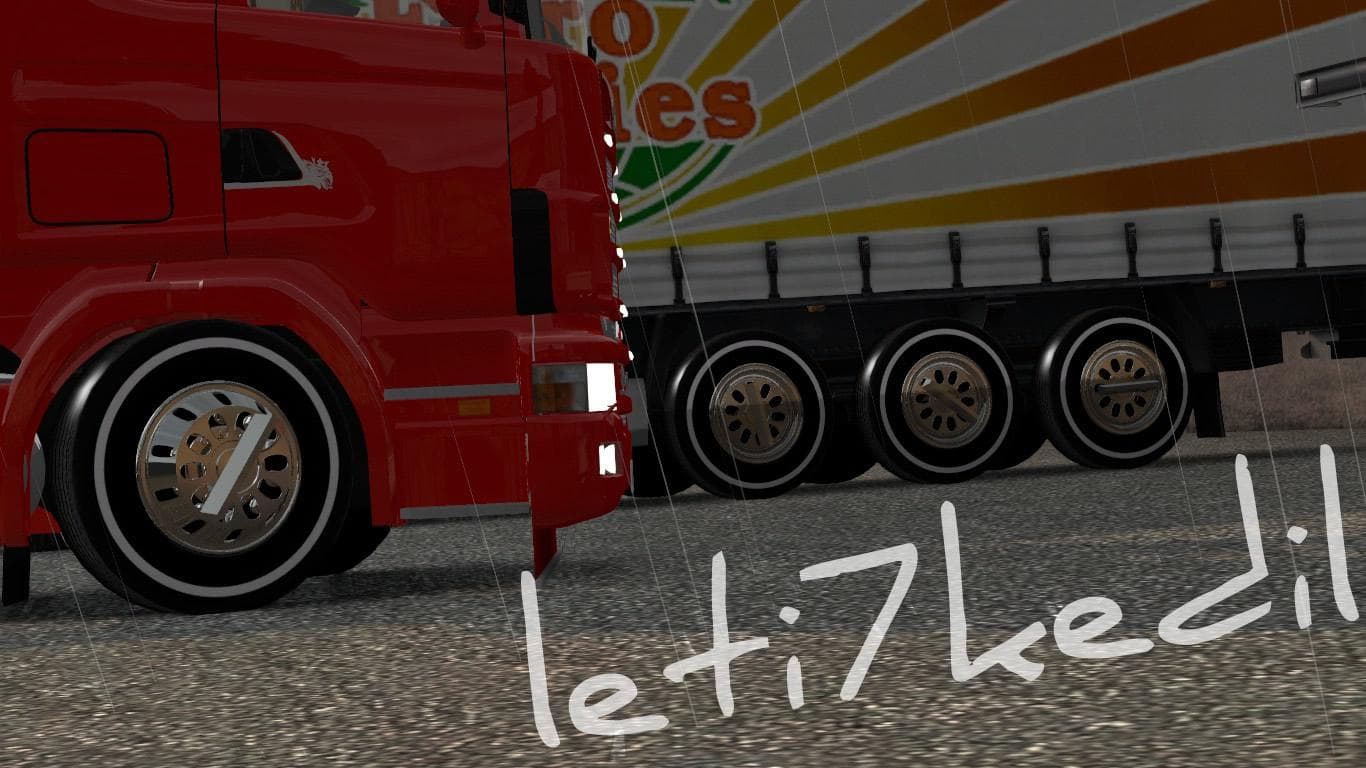
CHROME WHEEL COVER 1.21.X is an ETS2 parts. Listed compatible with ETS2 1.21, 1.17.
The CHROME WHEEL COVER 1.21.X mod adds a shiny chrome finish to your truck's wheel covers, giving your vehicle a distinct look in Euro Truck Simulator 2. Parts mods like this one allow players to customize their trucks beyond the standard options, fitting accessories such as bull bars, lights, and mirrors through the in-game customization menu. This particular mod works with ETS2 versions 1.17 and 1.21, so it should fit smoothly into setups running those versions without issues.
Mods that modify parts like wheel covers generally slot into the truck tuning category. They are designed to complement specific truck models or brands by enhancing their visual details or functionality slightly. Since parts mods operate within the existing customization system, they usually don't conflict with map or gameplay mods but can sometimes require proper load order if combined with other parts modifications that alter the same components.
If you’re running a modded truck setup focused on personalization and detailed looks, adding a chrome wheel cover can enhance your rig’s style without altering performance or game mechanics. It’s a subtle change but effective for players who appreciate fine touches in their vehicles’ appearance. Just ensure this mod is loaded alongside compatible truck mods and avoid overlapping parts changes to prevent glitches.
Truck enthusiasts who enjoy tweaking their rigs’ aesthetics will find this mod fits right into their collection. It’s particularly useful for those wanting extra shine on their wheels during long hauls across various European regions modeled in ETS2. Even though the creator remains unknown, the fact it supports multiple game versions suggests it’s been maintained enough to stay functional.
How to install
1. Download the file(s) from the original source linked above. 2. Drop them into `Documents/Euro Truck Simulator 2/mod/`. 3. Enable in Mod Manager and restart the game.
After the mod loads, save your game inside a safe area (parking lot or service) before deciding whether to keep it. If the game refuses to load with the mod enabled, check that all required DLCs are installed and that the supported ETS2 version chips on this page include your installed game patch.
Reviews
No ratings yetNo reviews yet — be the first to rate this mod.