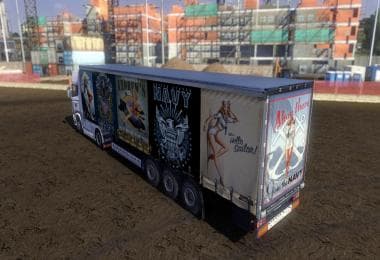
CHRISTMAS SKIN SCANIA LONGLINE RJL
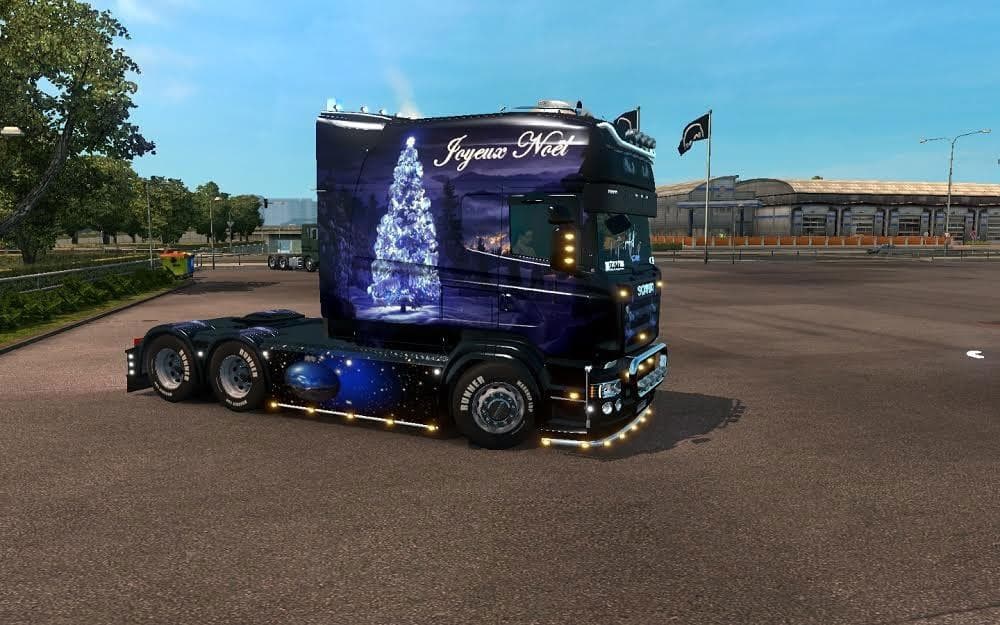
This mod is a Christmas-themed skin for the Scania Longline RJL truck in Euro Truck Simulator 2. It is compatible with game versions 1.21 and 1.22, and credits
The CHRISTMAS SKIN SCANIA LONGLINE RJL is a repaint mod designed specifically for the Scania Longline RJL truck model in Euro Truck Simulator 2. This mod applies a festive Christmas-themed skin, giving your truck a seasonal makeover without altering the original model or its performance. Such skin mods are generally used to add visual variety and personal flair to the trucks you drive in ETS2.
Skin mods like this one are applied directly through the game's paint shop interface and rely on the base vehicle they were created for. They don't affect gameplay mechanics but can enhance immersion by reflecting different themes or holidays. Since this particular skin supports ETS2 versions 1.21 and 1.22, it fits well with setups running these game versions or compatible mods.
When incorporating skins into a modded setup, it's good practice to ensure that no other skin mods override the same truck model to avoid conflicts. Typically, skins load based on their position in the mod manager list, so placing this Christmas skin lower down can help if you want it prioritized over others for the Scania Longline RJL.
This type of mod suits players who enjoy customizing their fleet's appearance according to seasons or events. If you like celebrating holidays within ETS2 or simply want your rig to stand out during winter runs, adding a Christmas-themed design brings some festive spirit on the road.
While details about the creator and file size are unknown, this mod credits Scania Rémois for its design elements. It's straightforward to install and use for anyone familiar with applying skins in ETS2, making it an easy addition for those looking to refresh their Scania Longline's look during the holiday season.
How to install
1. Download the .scs file. 2. Drop it into `Documents/Euro Truck Simulator 2/mod/`. 3. Enable in Mod Manager. 4. Apply the skin in the truck/trailer paint shop.
After the mod loads, save your game inside a safe area (parking lot or service) before deciding whether to keep it. If the game refuses to load with the mod enabled, check that all required DLCs are installed and that the supported ETS2 version chips on this page include your installed game patch.
Reviews
No ratings yetNo reviews yet — be the first to rate this mod.