BUSSCAR JUMBUSS 360
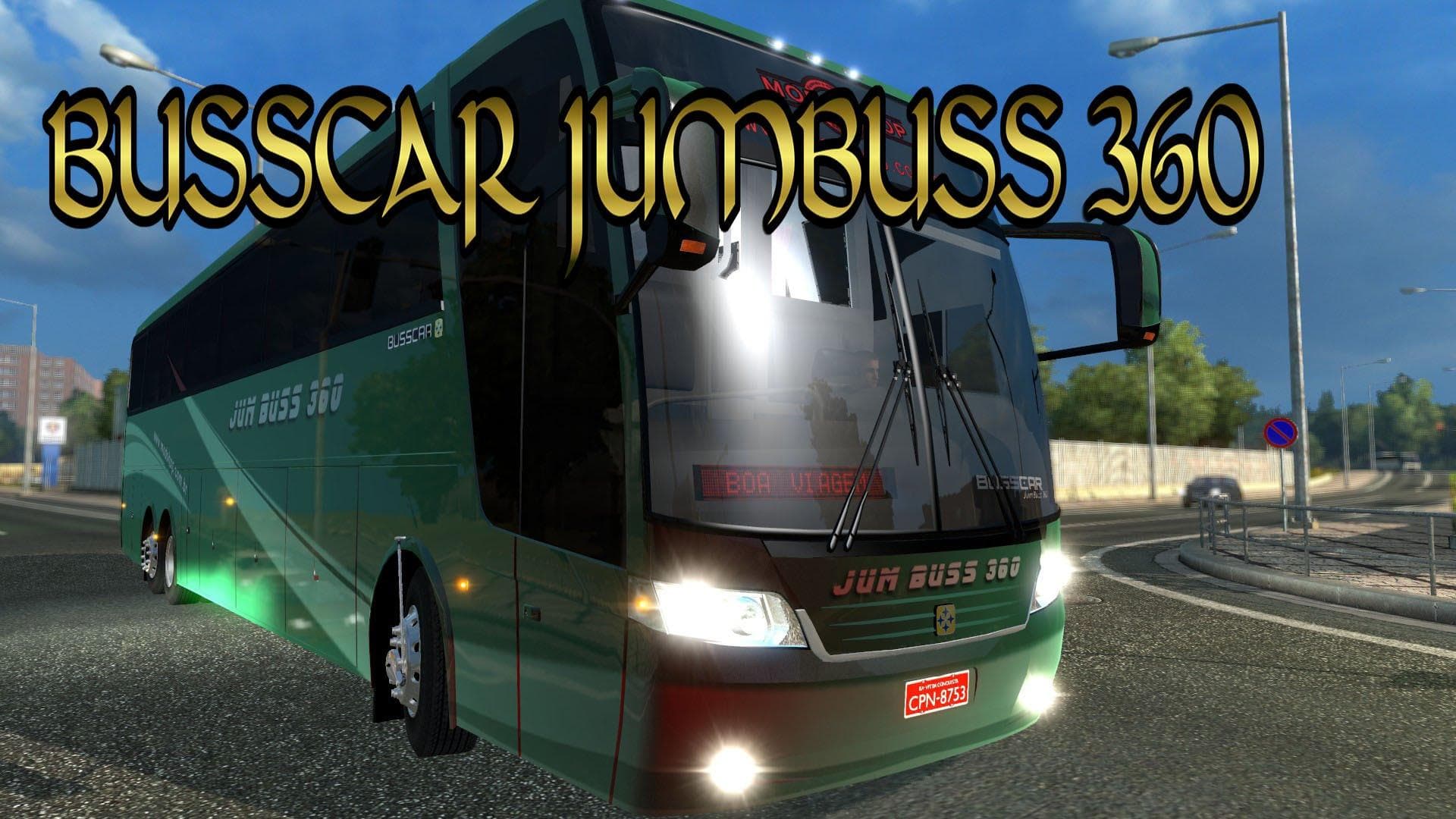
BUSSCAR JUMBUSS 360 - ETS2 mods download is an ETS2 trucks.
The BUSSCAR JUMBUSS 360 mod introduces a bus model to Euro Truck Simulator 2, expanding the selection of drivable vehicles beyond standard trucks. This type of mod typically adds a new cab or chassis that players can buy from dealers within the game, often including its own interior design and configuration options. With eight different salon variants and multiple color schemes available, this mod offers some variety for those who want to drive a bus rather than a typical freight truck.
In ETS2, truck mods like this one change up gameplay by giving players access to new vehicles with distinct visual styles and sometimes unique driving characteristics. The BUSSCAR JUMBUSS 360 comes with one engine choice and an option for the front panel, which is common for mods that focus on adding authentic details without overcomplicating the configuration process.
When incorporating this bus into a modded setup, it’s important to consider load order and compatibility. Truck mods generally need to be placed above map mods but below core gameplay modifications in the load list. Conflicts are rare if you avoid overlapping cabin or vehicle mods, so combining the BUSSCAR JUMBUSS 360 with other trucks or trailers usually works smoothly.
This mod suits players looking to diversify their fleet with something different from heavy-duty trucks. If you’re interested in exploring ETS2 with a bus that offers several interior variations and paint options, this could be a worthwhile addition. It fits well into setups focused on roleplay or simply changing up the driving experience on European roads.
Overall, if you're someone who enjoys testing out various vehicle types within ETS2 and wants more than just trucks in your garage, the BUSSCAR JUMBUSS 360 provides a solid alternative. Its multiple salon choices and color options help keep things fresh when cruising across regions like Germany or France.
How to install
1. Download the .scs file from the original source linked above. 2. Copy the file to `Documents/Euro Truck Simulator 2/mod/`. 3. Launch ETS2, open the Mod Manager from the main menu, enable the mod, restart the game. 4. Visit any truck dealer to spawn the new truck.
After the mod loads, save your game inside a safe area (parking lot or service) before deciding whether to keep it. If the game refuses to load with the mod enabled, check that all required DLCs are installed and that the supported ETS2 version chips on this page include your installed game patch.
Reviews
No ratings yetNo reviews yet — be the first to rate this mod.





![Fuso Supergreat Hi Cab Truck [1.50 – 1.60] – Trucks mod for Euro Truck Simulator 2](/_next/image?url=https%3A%2F%2F802software.s3.us-east-1.amazonaws.com%2Fets2modspot%2Fscreenshots%2F7494%2F0.jpg&w=3840&q=75)