Bridge from Calais to Dover and City on Island
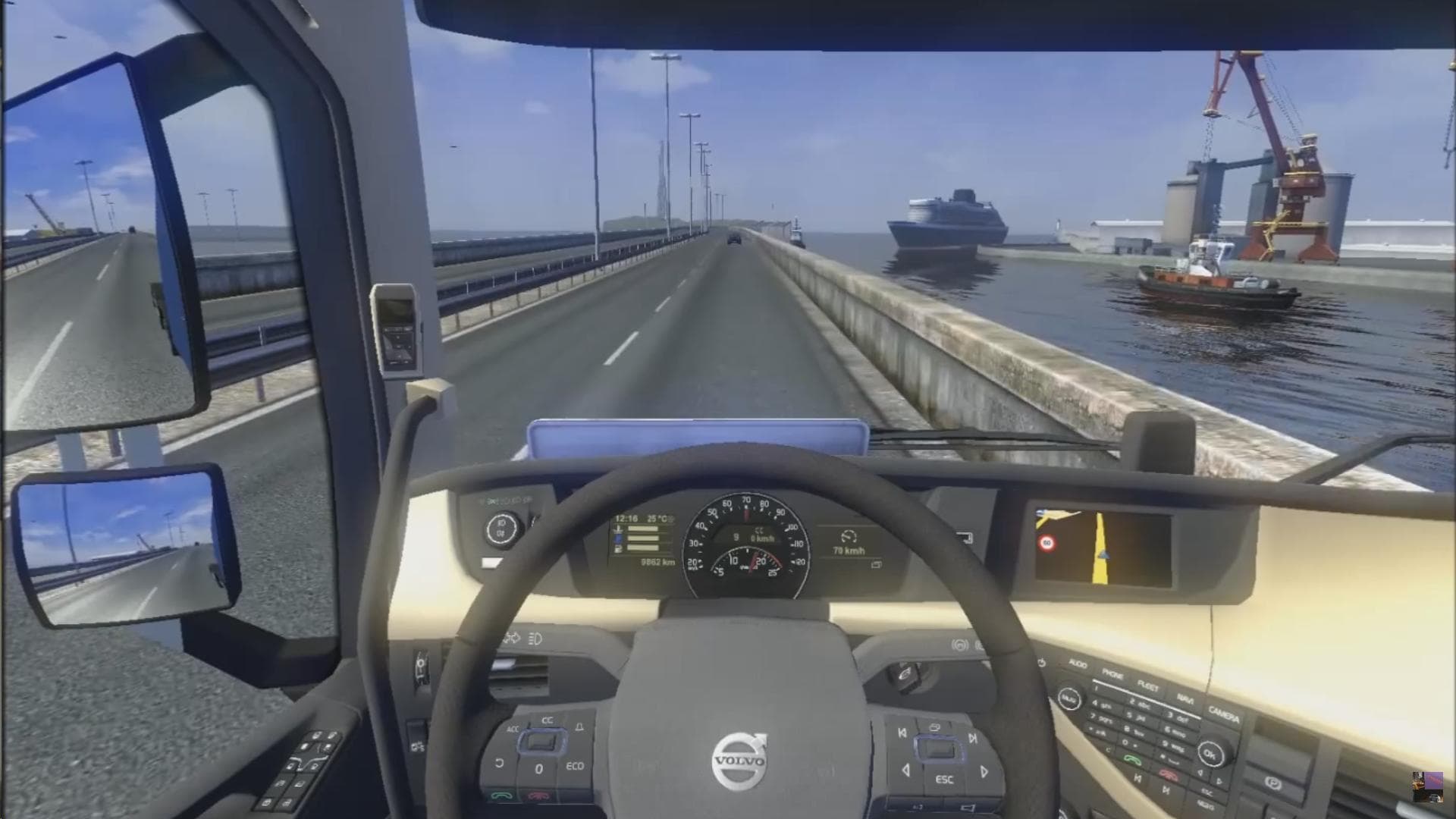
The Bridge from Calais to Dover and City on Island mod expands the map by adding a new route connecting France to the United Kingdom, complete with a detailed city located on an island. This type of map mod enhances the base game by introducing fresh roads, urban areas, and points of interest that players can explore while driving their trucks across Europe. It also includes a new garage in the city, providing additional opportunities for vehicle management and customization within this expanded area.
Map mods like this one usually come as .scs files that need to be loaded alongside your existing ETS2 setup. They often require careful attention to load order because conflicts or overwrites can occur if multiple map expansions are used simultaneously. Starting a new profile might be necessary when using major map overhauls or when combining them with official DLCs that cover nearby regions.
This particular mod fits well into setups where players want to experience cross-channel trucking without relying solely on ferry routes. By adding a bridge and a fully fleshed-out city environment, it offers more realistic and immersive travel between France and the UK. Players who enjoy exploring new areas and managing garages in different locations will likely find this addition worthwhile.
Anyone interested in expanding their European trucking routes beyond the base game's limits would benefit from this mod. It's especially suited for those who prefer road-based connectivity over ferry rides and want extra variety in their delivery destinations. Since it's focused on France and the United Kingdom, it complements other map mods that cover adjacent countries or regions around western Europe.
How to install
1. Download every .scs file from the source page (map mods often ship multiple files). 2. Copy all files to `Documents/Euro Truck Simulator 2/mod/`. 3. Enable each file in Mod Manager **in the order documented by the modder**. Load order matters for maps. 4. Start a new save or use an existing save that already supports the map's base regions.
After the mod loads, save your game inside a safe area (parking lot or service) before deciding whether to keep it. If the game refuses to load with the mod enabled, check that all required DLCs are installed and that the supported ETS2 version chips on this page include your installed game patch.
Known conflicts
No conflicts reported for this mod yet. Running a big mod list? Check your whole setup for conflicts →
Reviews
No ratings yetNo reviews yet — be the first to rate this mod.





