Brazil Total
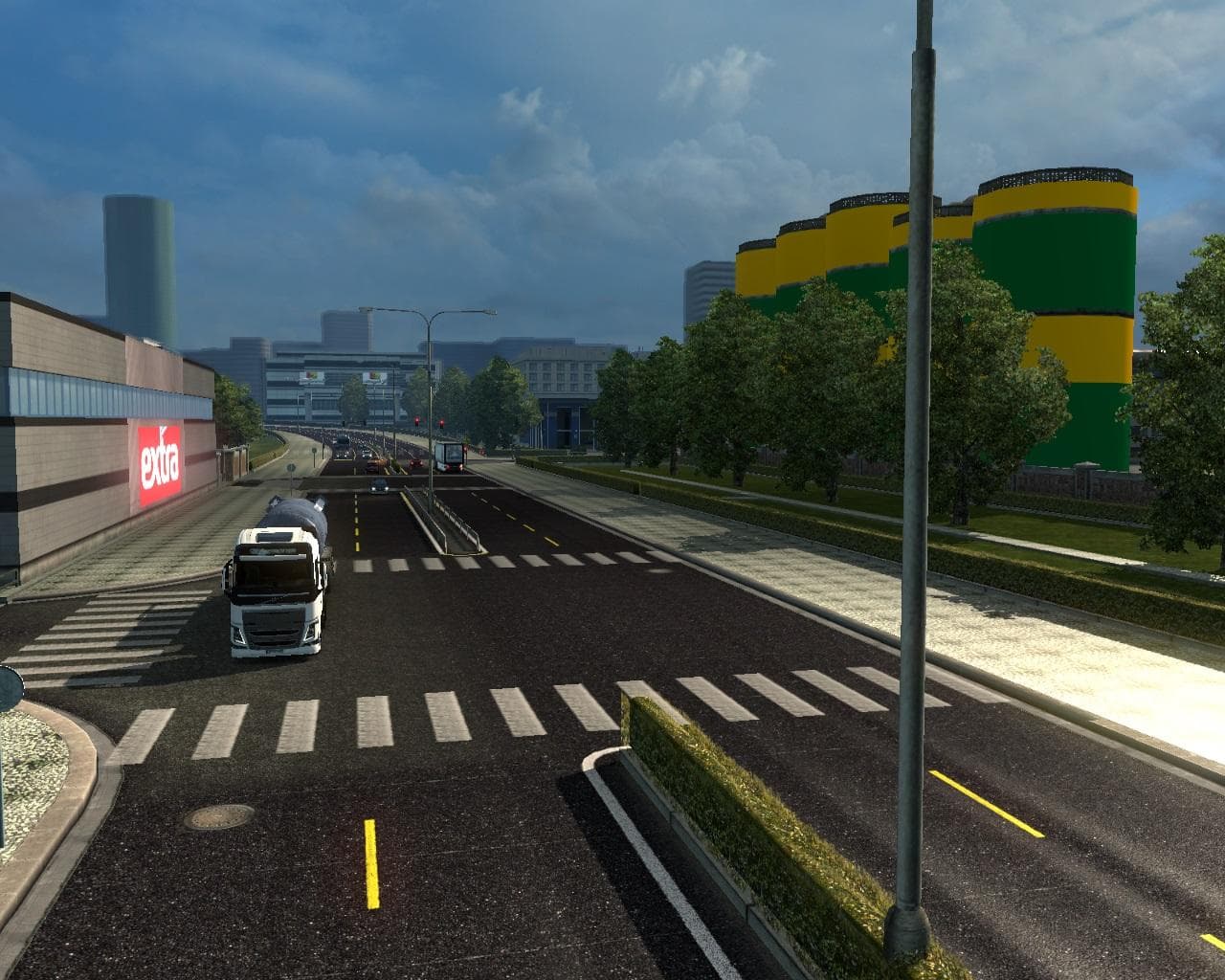
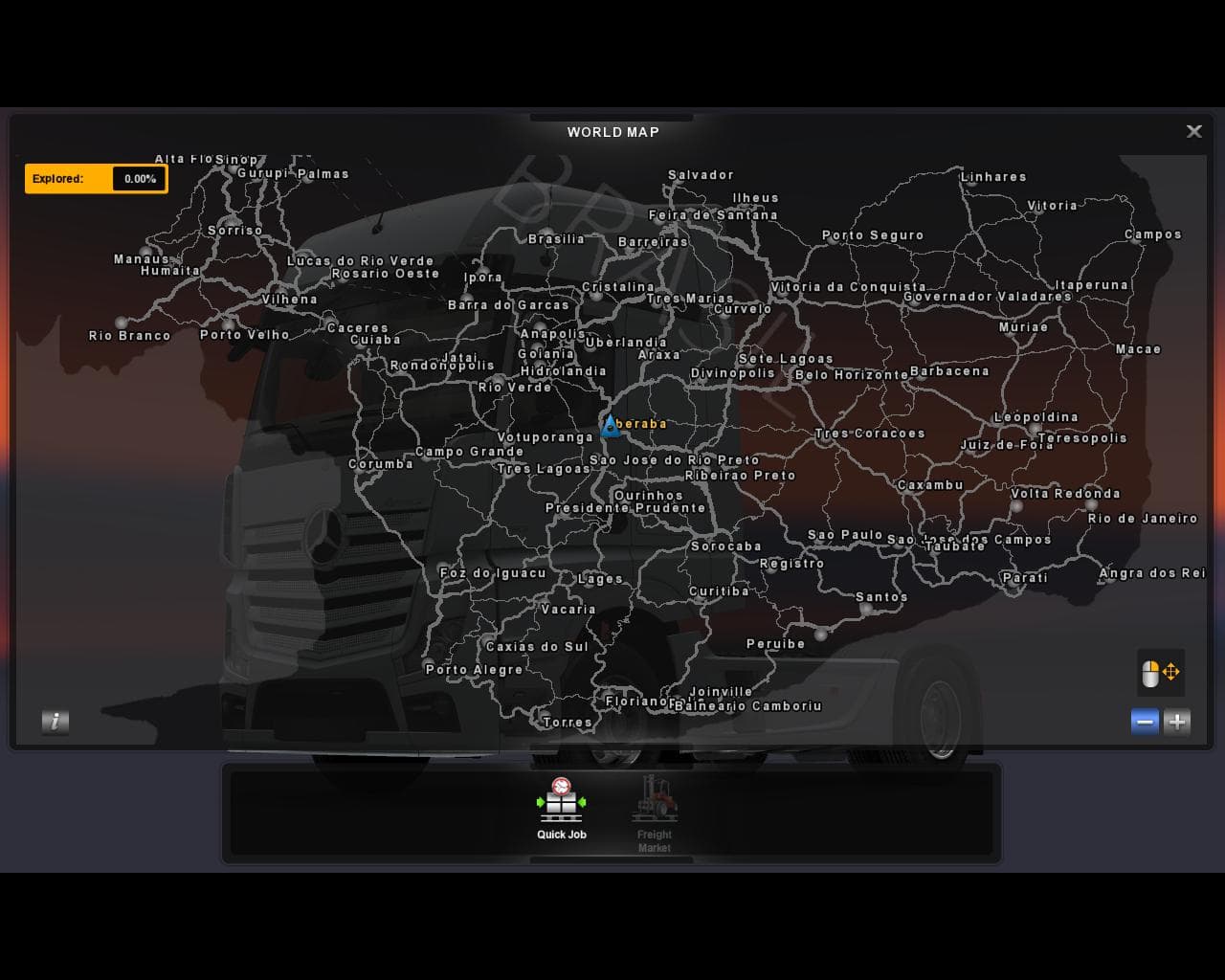
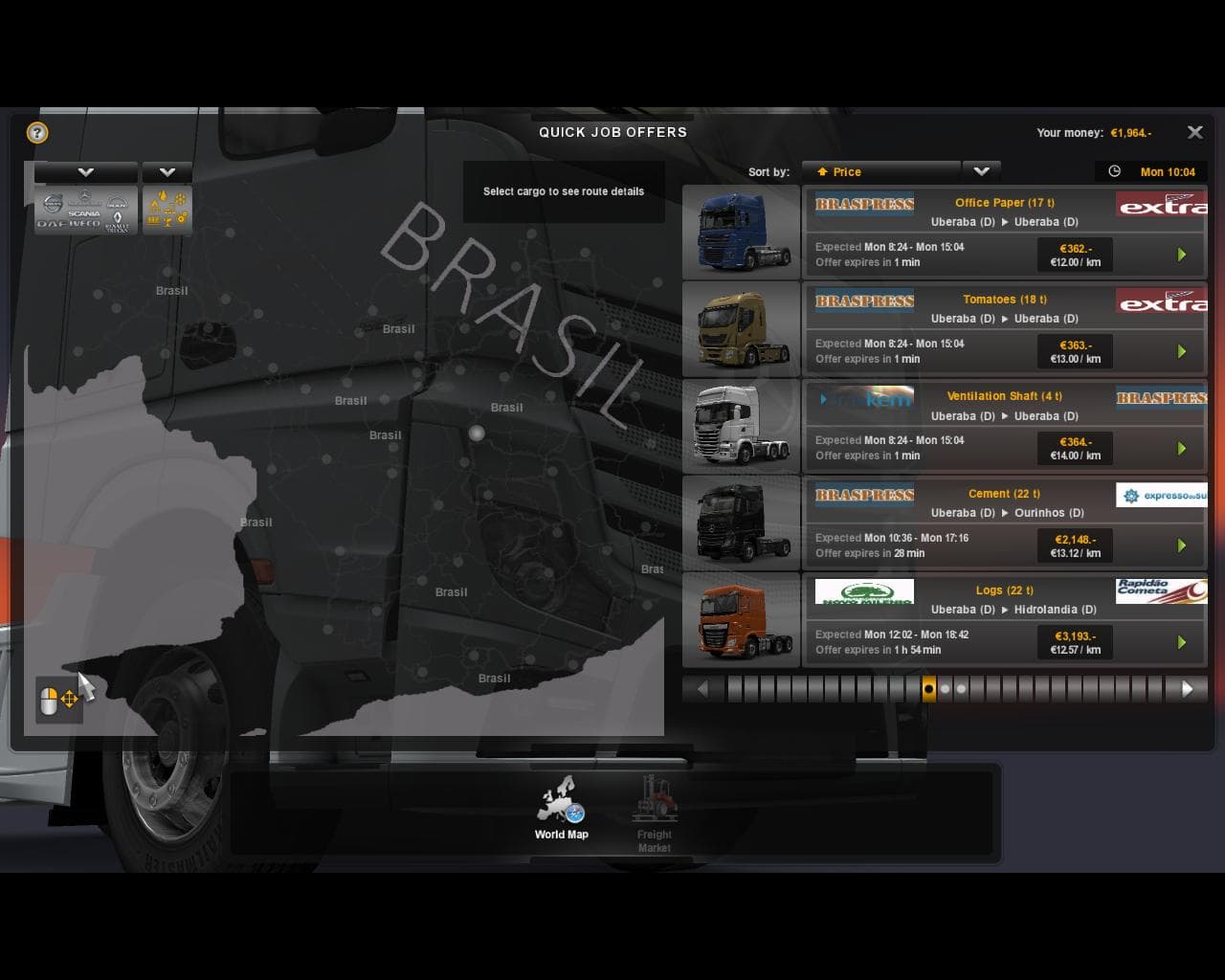
Brazil Total - ETS2 mods download is an ETS2 maps.
Brazil Total is a map mod that adds almost all the states of Brazil to Euro Truck Simulator 2, except for Roraima and Amapá. It includes many main cities and transforms dozens of city buildings into Brazilian stores, giving players a more localized driving experience in the country. This type of mod significantly expands the in-game world by introducing new regions and urban areas to explore.
Map mods like Brazil Total usually come as one or more .scs files that need to be loaded with ETS2. They can be sensitive to load order, so it’s wise to place them correctly in your mod manager if you have other map expansions installed. Some map mods also require starting a fresh profile or having specific base game DLCs active to work properly.
Because it covers an entire country with multiple states and cities, Brazil Total fits well into setups focused on South America or global trucking routes where players want diverse locations beyond Europe. It complements other regional maps by broadening the range of destinations and cargo options available.
Players interested in exploring Brazil’s landscape and urban culture through ETS2 would appreciate this mod. The inclusion of Brazilian-style stores adds a touch of local flavor that enhances immersion when driving through these cities. It caters especially to those who enjoy long-haul routes across large continents or are fans of map mods that reshape the drivable world extensively.
When integrating Brazil Total with other map mods, keep an eye on compatibility since some conflicts can occur if multiple expansive maps overlap. Checking mod forums or documentation for recommended load orders can save trouble down the road. Overall, this mod brings a detailed version of Brazil into ETS2 for players seeking new roads and environments outside the usual European settings.
How to install
1. Download every .scs file from the source page (map mods often ship multiple files). 2. Copy all files to `Documents/Euro Truck Simulator 2/mod/`. 3. Enable each file in Mod Manager **in the order documented by the modder**. Load order matters for maps. 4. Start a new save or use an existing save that already supports the map's base regions.
After the mod loads, save your game inside a safe area (parking lot or service) before deciding whether to keep it. If the game refuses to load with the mod enabled, check that all required DLCs are installed and that the supported ETS2 version chips on this page include your installed game patch.
Known conflicts
No conflicts reported for this mod yet. Running a big mod list? Check your whole setup for conflicts →
Reviews
No ratings yetNo reviews yet — be the first to rate this mod.





