Brazil Map
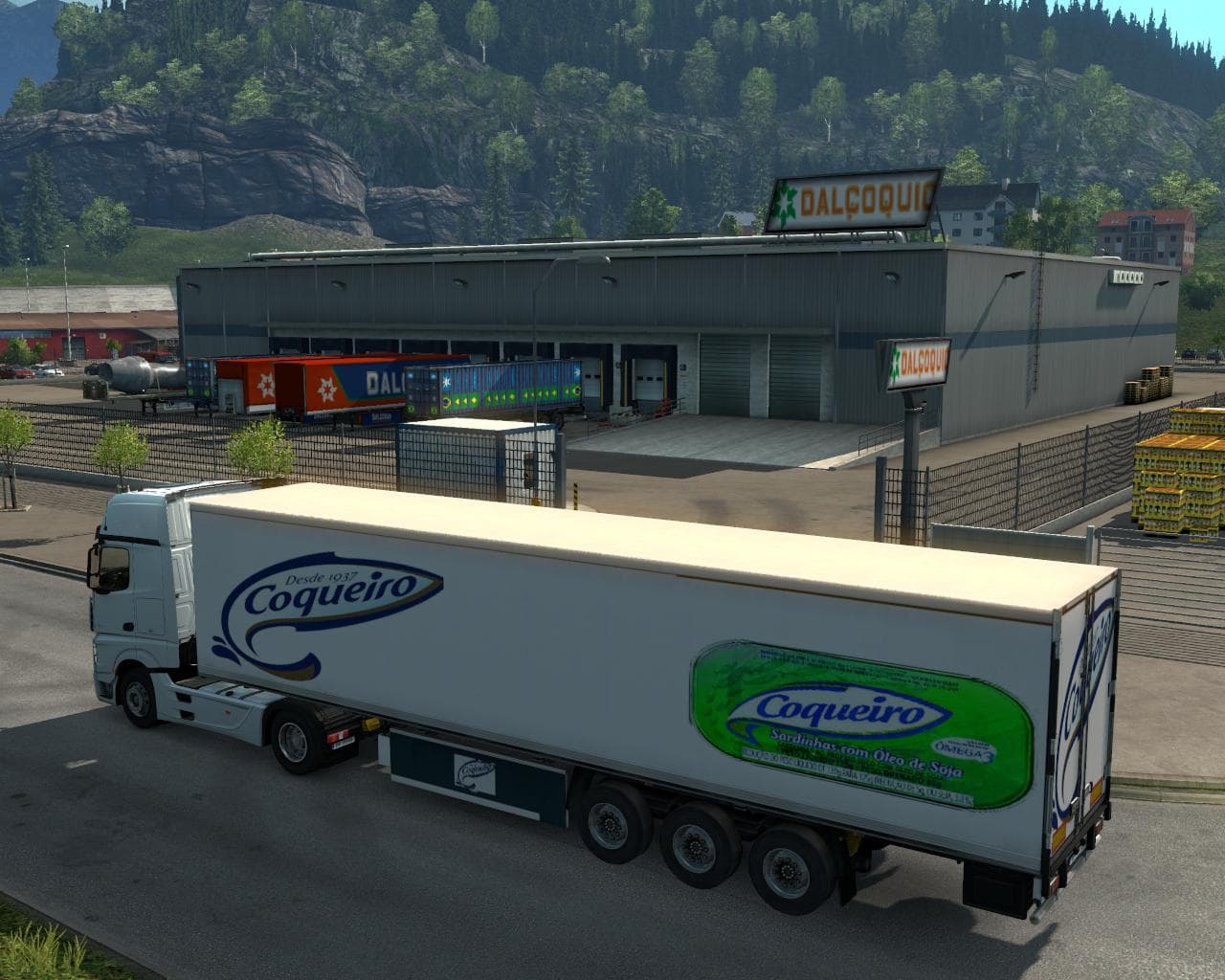
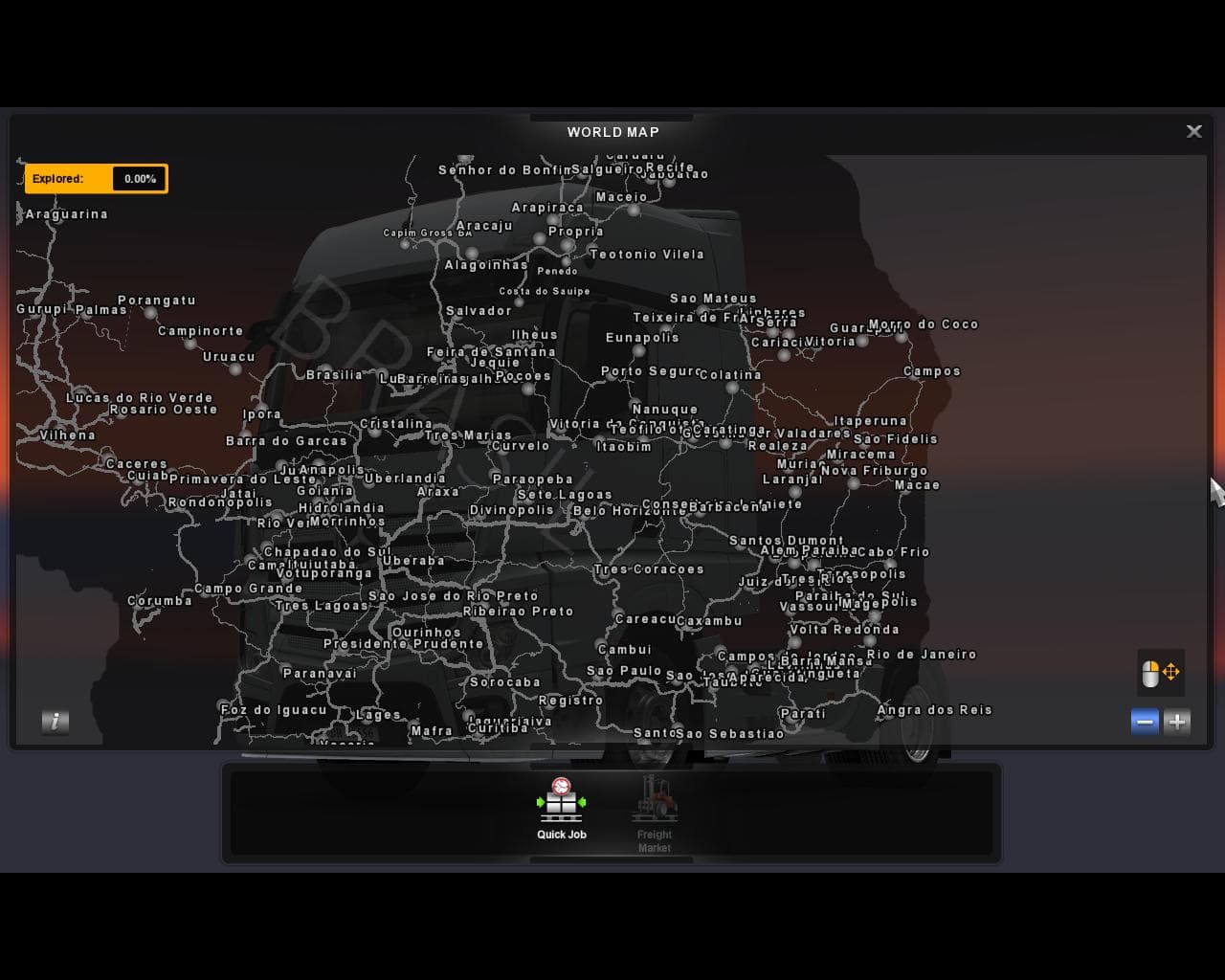
Brazil Map - ETS2 mods download version 3.1 adds a linking road from Rio to Teresopolis and the Serra de region. Other changes from previous versions are also i
The Brazil Map mod introduces a detailed expansion focused on Brazilian geography, including new roads and regions such as the link between Rio de Janeiro and Teresopolis. This version continues improvements made in previous updates, enhancing connectivity and landscape features. Map mods like this one reshape the driving environment by adding new cities, routes, and landscapes to explore beyond the base game’s coverage.
Map mods generally come as one or more .scs files that you add to your ETS2 mods folder. They can be quite sensitive to load order, so it’s a good idea to place them below any gameplay or graphics mods but above skins or tuning packs. Some map expansions may require specific base-map DLCs or even a fresh profile to avoid conflicts or corrupted save data.
If you’re running a heavily modded setup with multiple map additions, combining them can be tricky because they often overlap or modify the same world areas. Careful attention is needed to ensure compatibility, especially with large-scale regional mods like this one that cover an entire country or state. Checking community forums for compatibility patches or load order recommendations can save you time and headaches.
This type of map mod appeals mostly to players who want to explore areas outside the standard European maps in ETS2. It offers a fresh experience by driving through distinctive Brazilian terrain and cities not found in the original game. Players interested in expanding their route options and trying out new delivery challenges will find value here.
How to install
1. Download every .scs file from the source page (map mods often ship multiple files). 2. Copy all files to `Documents/Euro Truck Simulator 2/mod/`. 3. Enable each file in Mod Manager **in the order documented by the modder**. Load order matters for maps. 4. Start a new save or use an existing save that already supports the map's base regions.
After the mod loads, save your game inside a safe area (parking lot or service) before deciding whether to keep it. If the game refuses to load with the mod enabled, check that all required DLCs are installed and that the supported ETS2 version chips on this page include your installed game patch.
Known conflicts
No conflicts reported for this mod yet. Running a big mod list? Check your whole setup for conflicts →
Reviews
No ratings yetNo reviews yet — be the first to rate this mod.





