BOLIVIA MAP

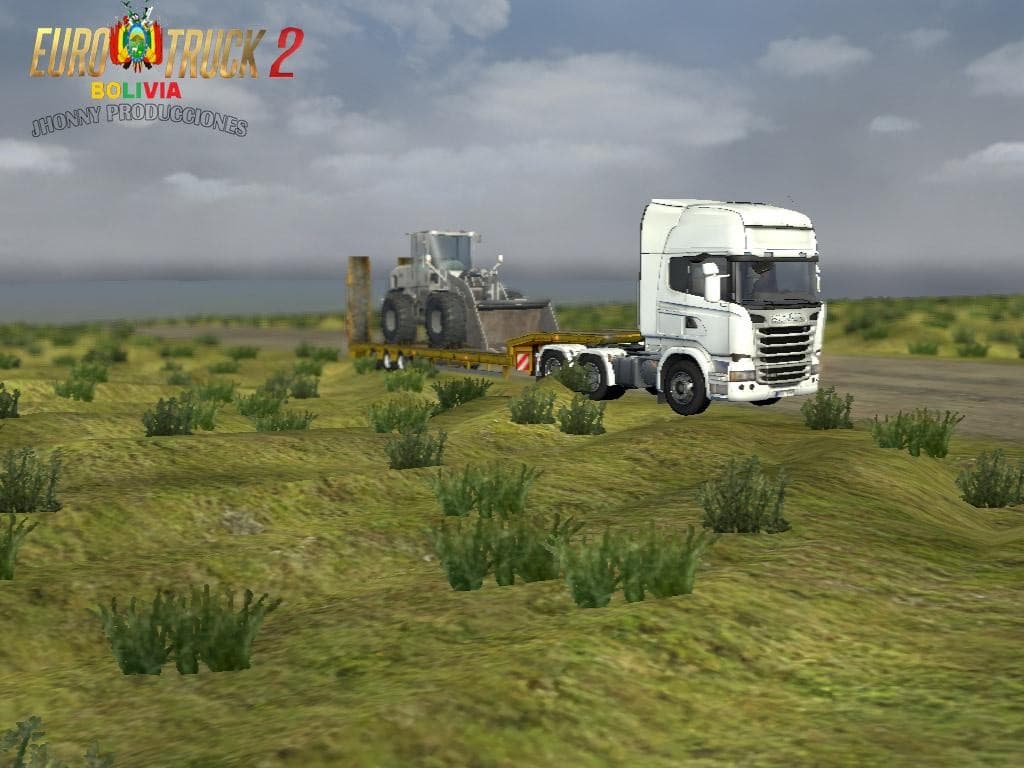
The BOLIVIA MAP mod adds a new geographical area to Euro Truck Simulator 2, expanding the base game’s drivable world with Bolivian roads and cities. As a map mod, it reshapes the landscape by introducing fresh routes and terminals that players can explore. This version includes fixes for various bugs and updates like a new terminal in Peace and a dedicated avenue for exclusive bus traffic, which adds some local flavor to your trucking runs.
Map mods like this one typically come as .scs files and are sensitive to load order in the mod manager. They often require compatibility with certain base-map DLCs or even a fresh profile to work correctly without conflicts. Players should check which ETS2 version they’re running, as BOLIVIA MAP is designed specifically for version 1.2, so using it with other versions may cause issues.
In terms of fitting into a modded setup, this Bolivia map expansion can be combined with other map mods if managed carefully, but overlapping regions might lead to conflicts. It's advisable to place large map expansions lower down in the load order and avoid mixing multiple extensive maps that cover similar areas.
Truckers interested in exploring South America or simply looking for new destinations beyond the usual European highways will find this mod appealing. The inclusion of local bus traffic adds an interesting dynamic, making the world feel more alive and diverse while driving through Bolivian landscapes.
Since the creator is unknown and file size details aren’t provided, users should ensure they back up their profiles before installing this mod. The updated version 2.3 brings improvements over earlier releases by addressing stability issues and adding content that enriches gameplay within this region.
How to install
1. Download every .scs file from the source page (map mods often ship multiple files). 2. Copy all files to `Documents/Euro Truck Simulator 2/mod/`. 3. Enable each file in Mod Manager **in the order documented by the modder**. Load order matters for maps. 4. Start a new save or use an existing save that already supports the map's base regions.
After the mod loads, save your game inside a safe area (parking lot or service) before deciding whether to keep it. If the game refuses to load with the mod enabled, check that all required DLCs are installed and that the supported ETS2 version chips on this page include your installed game patch.
Known conflicts
No conflicts reported for this mod yet. Running a big mod list? Check your whole setup for conflicts →
Reviews
No ratings yetNo reviews yet — be the first to rate this mod.





