BOLIVIA MAP 1.18 AND 1.19
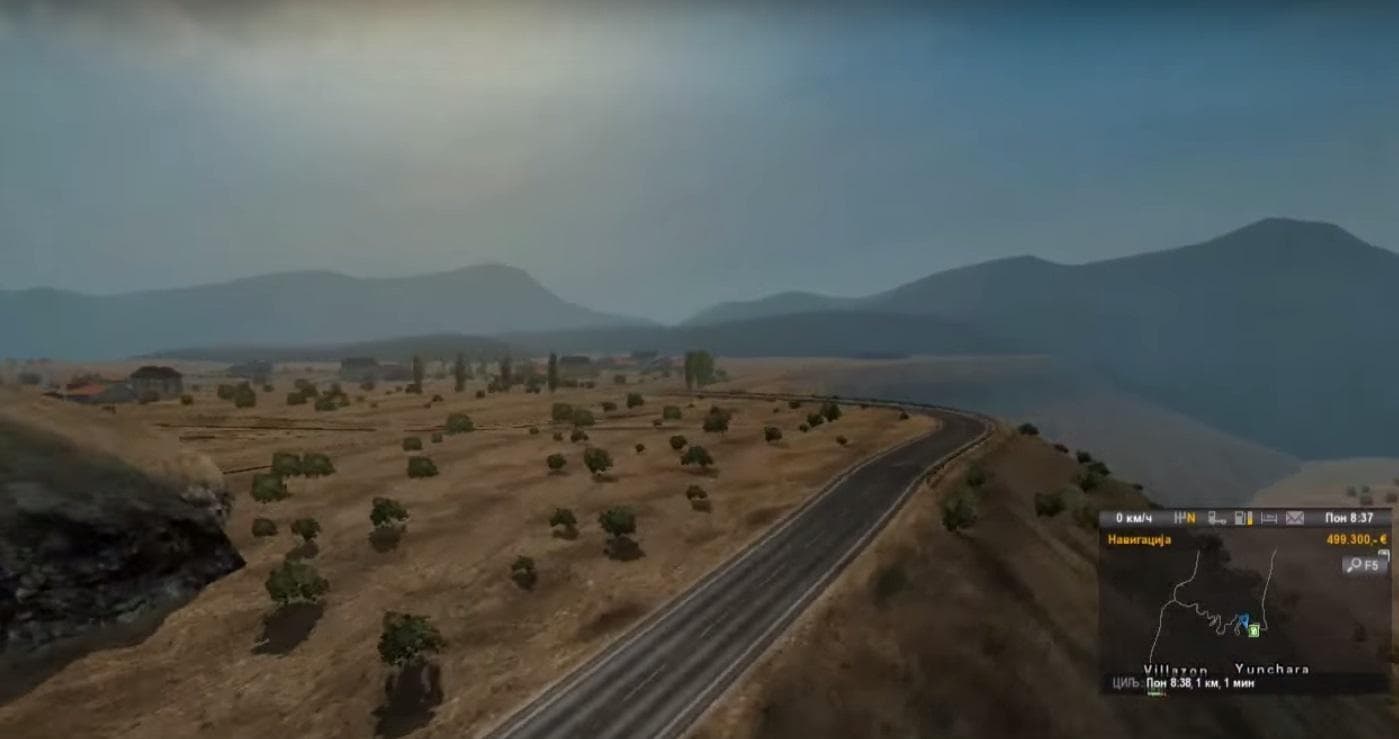
The BOLIVIA MAP 1.18 AND 1.19 mod brings an expanded drivable area centered on Bolivia, offering players a fresh geographic experience within Euro Truck Simulator 2. This map mod introduces new roads and regions to explore, contributing to the diversity of the base game’s world. While it’s still under development with room for improvement, this version is among the more awaited in its category.
Map mods like this one work by adding or reworking large portions of the ETS2 map using .scs files. They require careful attention to load order since conflicts with other map expansions can occur if not arranged properly. Players often need to start a new profile or have certain base map DLCs installed for these mods to function correctly.
In a heavily modded setup, BOLIVIA MAP fits as an additional destination alongside other regional maps but might demand specific ordering within your mod manager to prevent overlap issues. Compatibility depends on which other map mods you have active; some combinations can cause crashes or graphical glitches if not handled right.
This kind of mod appeals mostly to those who want to drive through South American environments or are looking to diversify their virtual trucking routes beyond the usual European or North American locations. It adds variety and extends gameplay by opening new logistical challenges tied to Bolivia's terrain and road network.
Since it supports both ETS2 versions 1.18 and 1.19, it remains relevant for players running either update without needing further modifications. The creator behind this project is unknown, which is common for many community-made maps that evolve over time through contributions and feedback from users.
How to install
1. Download every .scs file from the source page (map mods often ship multiple files). 2. Copy all files to `Documents/Euro Truck Simulator 2/mod/`. 3. Enable each file in Mod Manager **in the order documented by the modder**. Load order matters for maps. 4. Start a new save or use an existing save that already supports the map's base regions.
After the mod loads, save your game inside a safe area (parking lot or service) before deciding whether to keep it. If the game refuses to load with the mod enabled, check that all required DLCs are installed and that the supported ETS2 version chips on this page include your installed game patch.
Known conflicts
No conflicts reported for this mod yet. Running a big mod list? Check your whole setup for conflicts →
Reviews
No ratings yetNo reviews yet — be the first to rate this mod.





