BLUE XENON AND YELLOW XENON
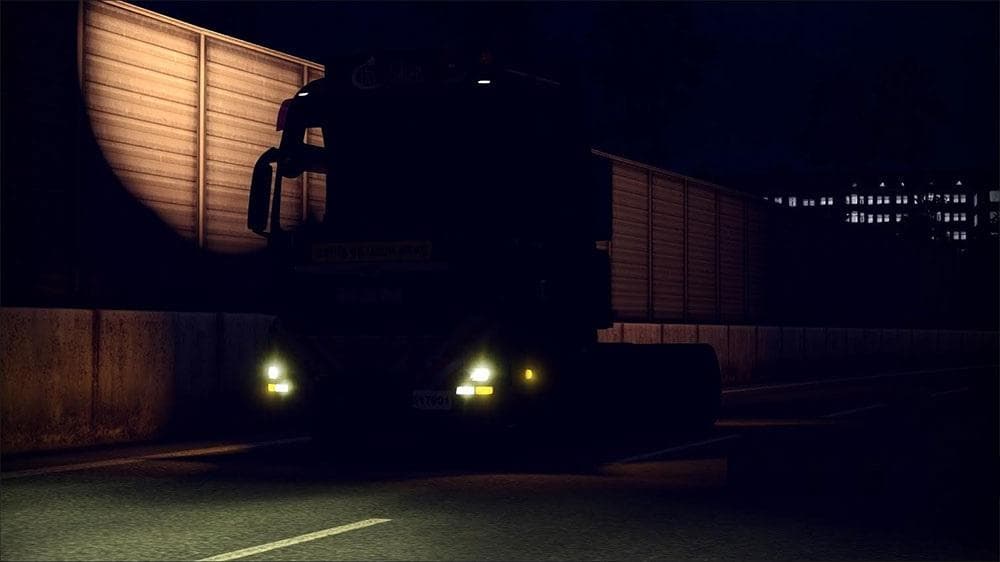
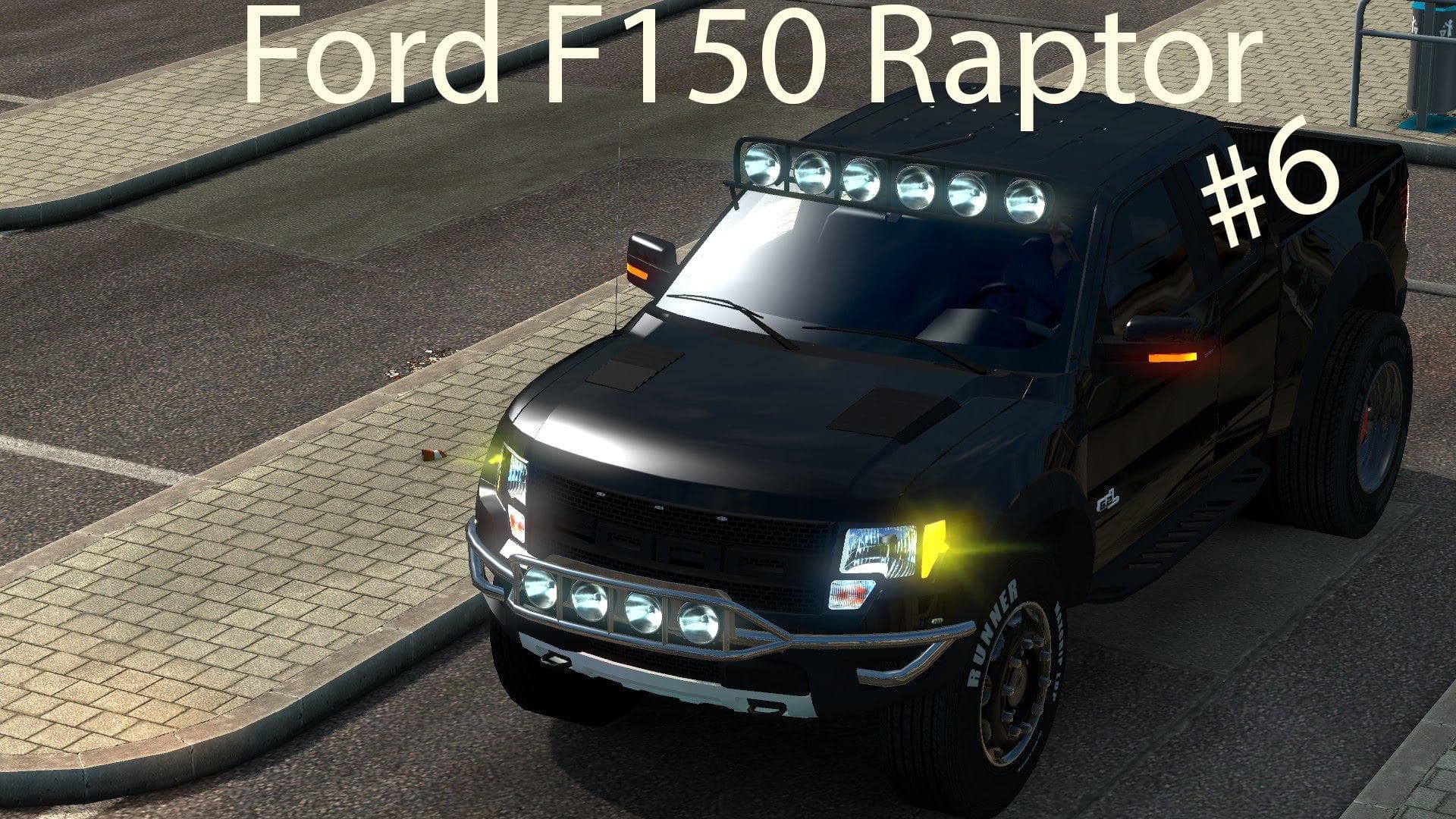
The BLUE XENON AND YELLOW XENON mod adds colored xenon lights to trucks, offering an alternative look for vehicle lighting in Euro Truck Simulator 2. This type of parts mod focuses on enhancing truck customization by providing different lighting options that players can fit through the truck customization menu. These colored xenon lamps typically replace or supplement the standard headlights, giving a distinct visual effect during night driving or low visibility conditions.
Parts and tuning mods like this one are designed to work with specific truck models or brands, though exact compatibility details for this mod aren't specified. Generally, installing such a lighting mod involves placing it correctly in the mod manager load order to avoid conflicts with other parts or skin mods affecting the same components. Players should keep an eye on load order when using multiple visual enhancement mods, as overlapping changes might cause unintended appearance issues.
This mod fits well within a setup that includes various aesthetic upgrades and tuning parts, especially for those who enjoy customizing their trucks beyond factory settings. Colored xenon lights can complement other accessories such as bull bars or custom exhausts, contributing to a unique and personalized vehicle look on the road. Since no version or creator details are available, users may want to test it cautiously alongside other popular mods to ensure smooth operation.
Truck enthusiasts who like adding subtle yet noticeable changes to their vehicles would find this kind of lighting upgrade appealing. It offers more variety in how trucks appear during nighttime hauls without drastically altering gameplay mechanics. Those who focus on realistic or themed builds might appreciate having options like blue and yellow xenon lights as part of their customization toolkit.
How to install
1. Download the file(s) from the original source linked above. 2. Drop them into `Documents/Euro Truck Simulator 2/mod/`. 3. Enable in Mod Manager and restart the game.
After the mod loads, save your game inside a safe area (parking lot or service) before deciding whether to keep it. If the game refuses to load with the mod enabled, check that all required DLCs are installed and that the supported ETS2 version chips on this page include your installed game patch.
Reviews
No ratings yetNo reviews yet — be the first to rate this mod.