BETHESDA TRAILER BY LAZYMODS
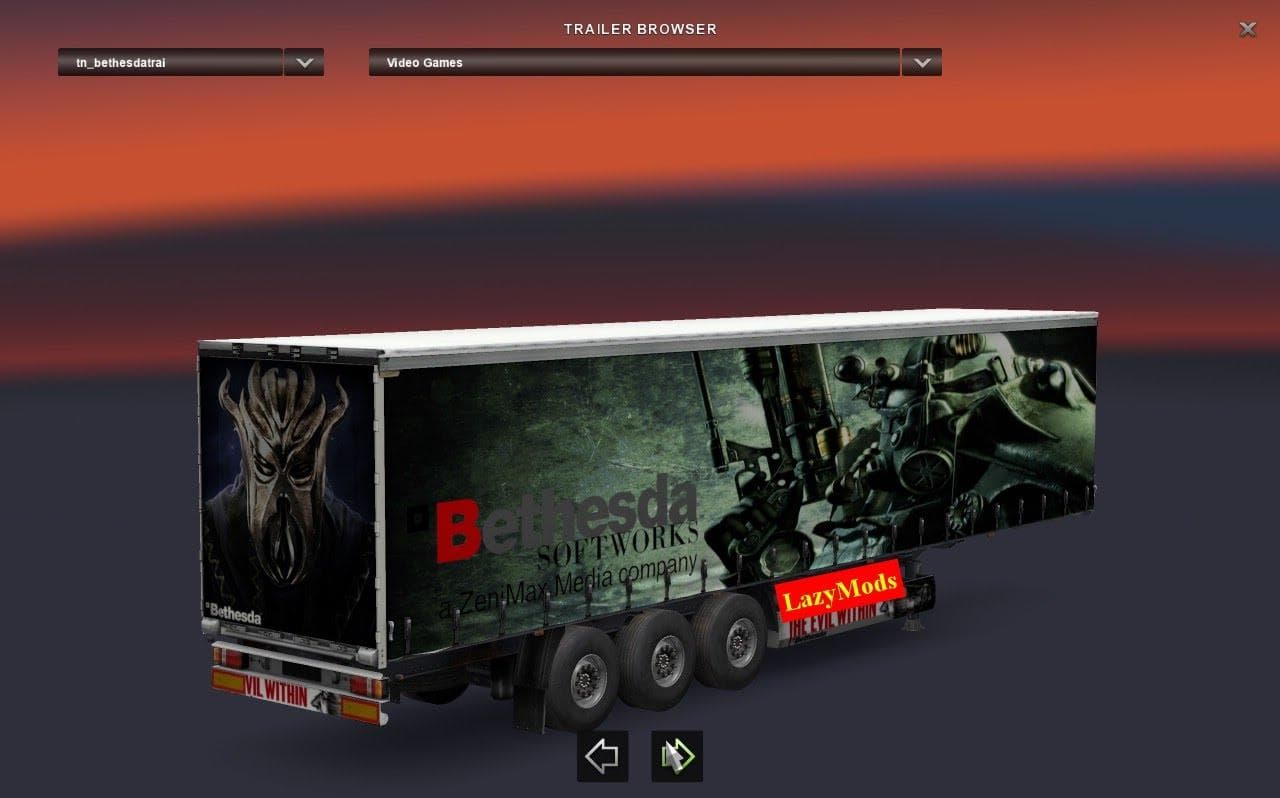
BETHESDA TRAILER BY LAZYMODS is an ETS2 trailers.
The Bethesda Trailer by LazyMods introduces a new trailer option for Euro Truck Simulator 2 players. This type of mod generally adds additional haulable trailers or unique trailer bodies that can be purchased from the in-game dealer and used to transport cargo across the ETS2 map. It fits naturally into the game’s cargo system, offering more variety for those who want to diversify their freight options beyond the default trailers.
Trailer mods like this one typically appear in the cargo selection menu once installed, allowing drivers to pick up loads specific to the new trailer type. They also become ownable assets, meaning you can keep and use them repeatedly rather than just encountering them as random AI traffic. This enhances the realism and personalization of your trucking experience.
When it comes to modded setups, trailer additions usually work well alongside other vehicle and map mods but it's wise to pay attention to load order. Since this mod is a standalone trailer, it should generally be loaded after any map mods but before any texture or sound overhaul packs that might affect trailers.
Compatibility is usually straightforward with trailer mods because they don't alter core game mechanics or truck models. However, conflicts can arise if multiple trailer mods add similar content or try to overwrite the same files. Testing in a clean profile first is always recommended if you run several mods simultaneously.
This mod will appeal mostly to players who enjoy expanding their fleet with new hauling options and want a bit of extra variety on their long hauls. Fans of incorporating elements tied to popular culture or specific companies might find this trailer an interesting addition due to its connection with Bethesda Softworks.
How to install
1. Download the .scs file. 2. Drop it into `Documents/Euro Truck Simulator 2/mod/`. 3. Enable in Mod Manager. 4. Trailer should appear in cargo selection or trailer dealer depending on the mod's design.
After the mod loads, save your game inside a safe area (parking lot or service) before deciding whether to keep it. If the game refuses to load with the mod enabled, check that all required DLCs are installed and that the supported ETS2 version chips on this page include your installed game patch.
Reviews
No ratings yetNo reviews yet — be the first to rate this mod.





