BALKAN CURRENCY + REAL BALKAN ECONOMY 1.2
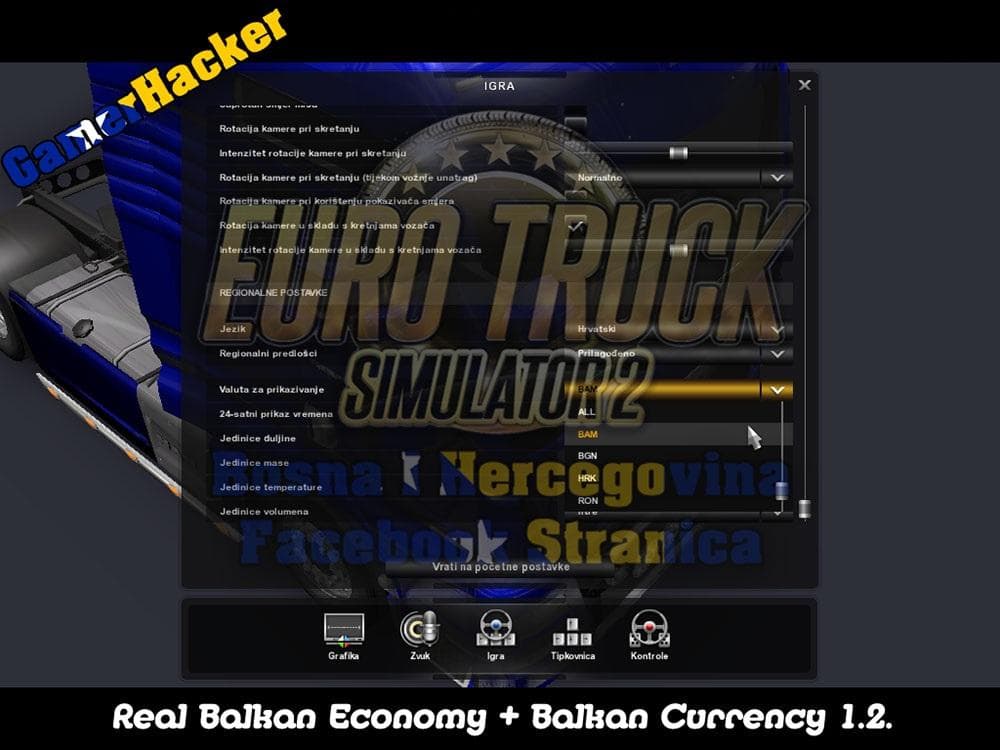
BALKAN CURRENCY + REAL BALKAN ECONOMY 1.2 is a map mod designed to enhance the economic realism across several Balkan countries in Euro Truck Simulator 2. It updates the in-game currency and economy systems to better reflect real-world conditions in Bosnia, Serbia, Croatia, Albania, Bulgaria, and Romania. This mod works with game versions from 1.2 up to 1.18, including compatibility with expansions like Going East and Scandinavia.
Map mods such as this one expand or modify the drivable world by adding new features or refining existing regions. They usually come as .scs files that must be loaded carefully since their order can affect stability and performance. Users often need a fresh profile or specific base-map DLCs to ensure everything runs smoothly without conflicts.
This type of mod fits well into a **modded setup** where players want more authenticity and depth in their trucking experience across the Balkans. Since it deals with economic data tied to geography, it generally works alongside other map mods but might require attention to load order to avoid overlapping changes that could cause glitches.
Drivers who prefer a more immersive simulation of Eastern European trucking routes will find this mod useful. It adds a layer of economic detail that aligns with regional differences in currency and trade, making haul assignments feel more grounded in reality compared to the base game’s uniform system.
While details about the creator or file size are unknown, users interested in Balkan-focused content should consider how this mod complements other regional enhancements. Keeping it updated and loaded properly ensures compatibility with ETS2 versions up to 1.18.
How to install
1. Download every .scs file from the source page (map mods often ship multiple files). 2. Copy all files to `Documents/Euro Truck Simulator 2/mod/`. 3. Enable each file in Mod Manager **in the order documented by the modder**. Load order matters for maps. 4. Start a new save or use an existing save that already supports the map's base regions.
After the mod loads, save your game inside a safe area (parking lot or service) before deciding whether to keep it. If the game refuses to load with the mod enabled, check that all required DLCs are installed and that the supported ETS2 version chips on this page include your installed game patch.
Known conflicts
No conflicts reported for this mod yet. Running a big mod list? Check your whole setup for conflicts →
Reviews
No ratings yetNo reviews yet — be the first to rate this mod.





