AUSTRALIA TASMANIA MAP V5.2
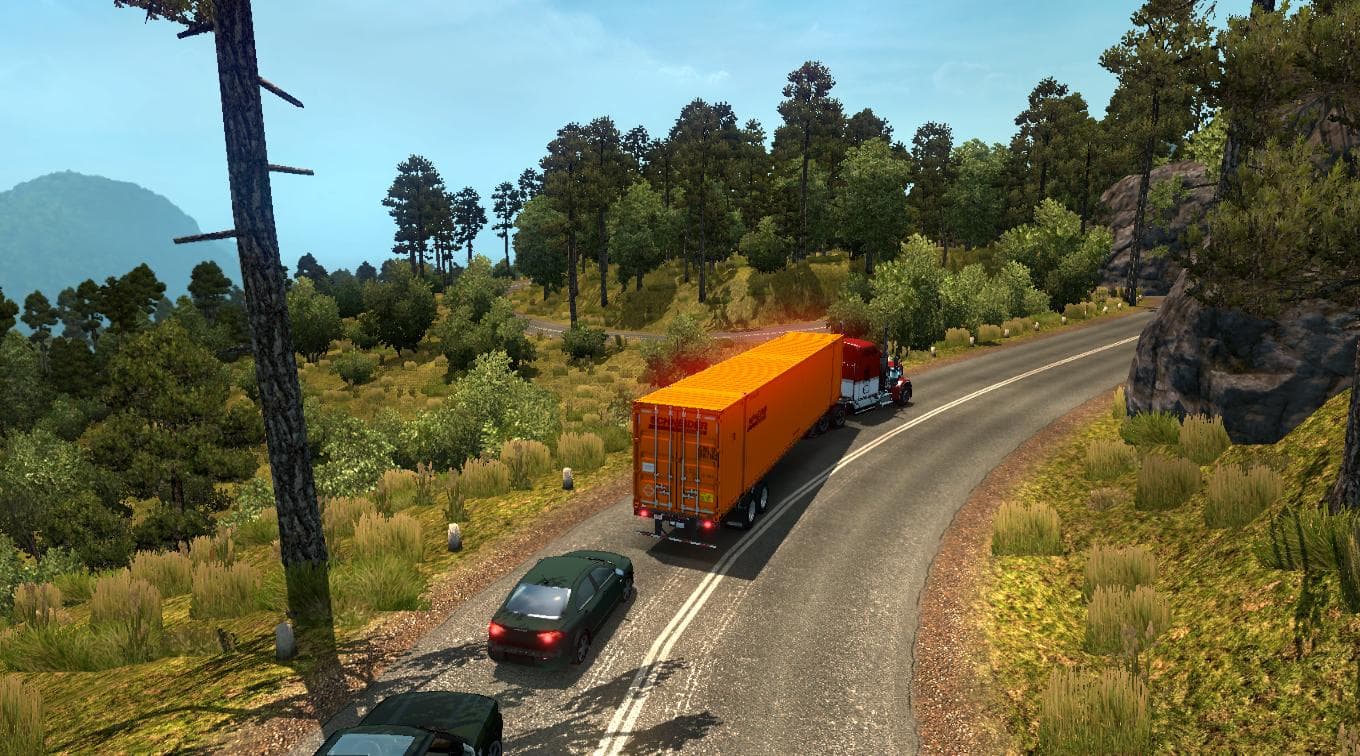
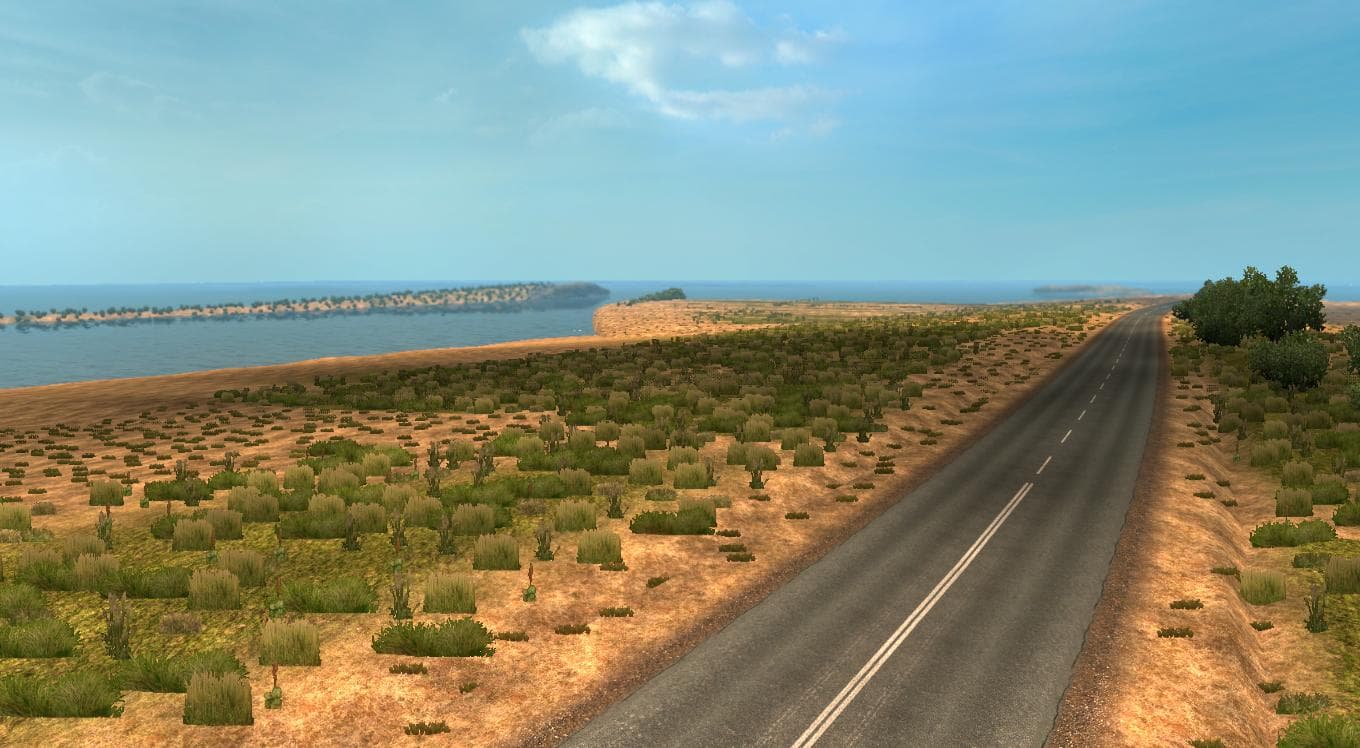
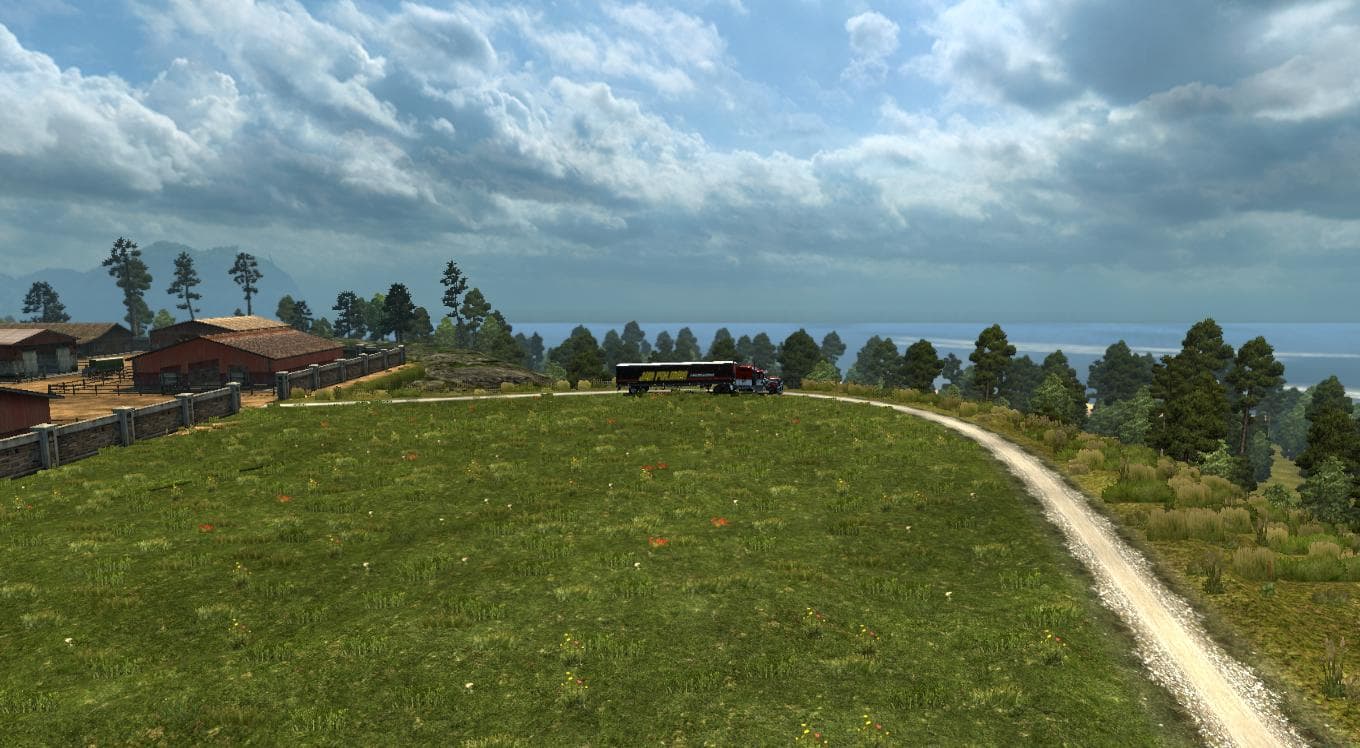
AUSTRALIA TASMANIA MAP version 5.2 adds a new city and is compatible with TSM maps. Designed for ETS2 version 1.22, it includes a crash fix for vegetation and i
AUSTRALIA TASMANIA MAP V5.2 brings an expanded driving area focused on Tasmania, adding a new city and improving compatibility with Truck Simulator multiplayer mods like TSM. This mod works with ETS2 version 1.22, addressing specific issues such as vegetation-related crashes to provide a smoother experience on that game build. Map mods like this one are designed to enhance or change the base map by introducing fresh roads, cities, and regions that weren't in the original game.
Map mods usually come as one or more .scs files that you add to your mod folder. They tend to be sensitive when it comes to load order, so placing this Tasmania map correctly in your mod manager is important for it to work alongside other maps or gameplay mods. Some map expansions require starting a new profile or owning certain base-map DLCs from SCS Software, though details for this specific mod aren't provided.
This particular version aligns well with setups using Truck Simulator multiplayer (TSM) maps because of its dedicated compatibility improvements. That makes it a solid choice for players who enjoy cooperative or competitive online trucking sessions across extended regions beyond vanilla Europe.
If you're into exploring less common areas and want more variety in your ETS2 routes, adding Tasmania could be appealing. It fits nicely if you already have other map packs installed and want to broaden your in-game world without replacing existing content entirely.
Since it's targeted at an older ETS2 release (1.22), users running newer versions might need to check if updates or patches exist before using this mod. However, for those still on 1.22 or maintaining legacy setups, it's a useful addition that expands the geographical diversity of the game.
How to install
1. Download every .scs file from the source page (map mods often ship multiple files). 2. Copy all files to `Documents/Euro Truck Simulator 2/mod/`. 3. Enable each file in Mod Manager **in the order documented by the modder**. Load order matters for maps. 4. Start a new save or use an existing save that already supports the map's base regions.
After the mod loads, save your game inside a safe area (parking lot or service) before deciding whether to keep it. If the game refuses to load with the mod enabled, check that all required DLCs are installed and that the supported ETS2 version chips on this page include your installed game patch.
Known conflicts
No conflicts reported for this mod yet. Running a big mod list? Check your whole setup for conflicts →
Reviews
No ratings yetNo reviews yet — be the first to rate this mod.





