Audi A4 v0.2 BETA
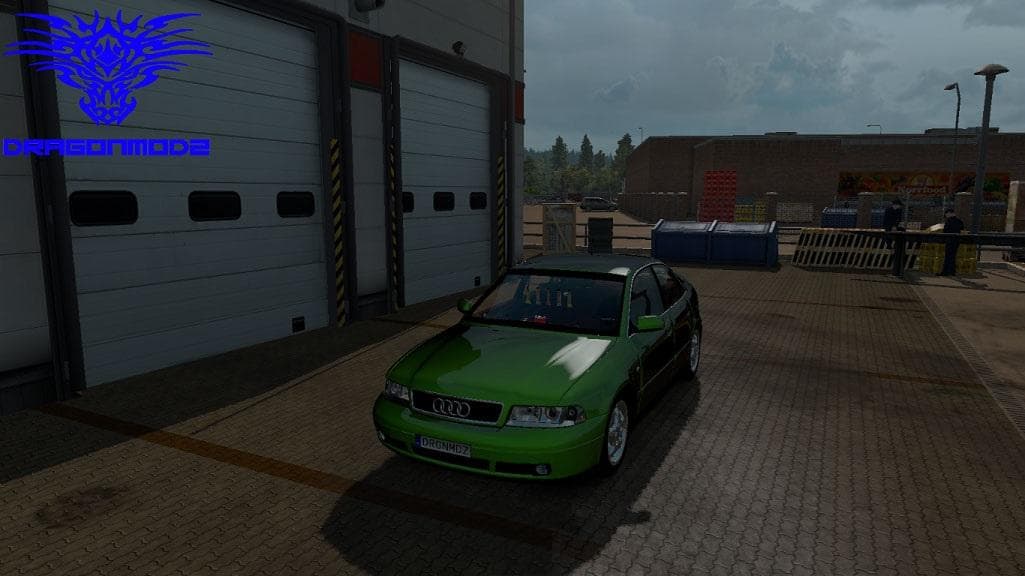
Audi A4 BETA is an ETS2 parts.
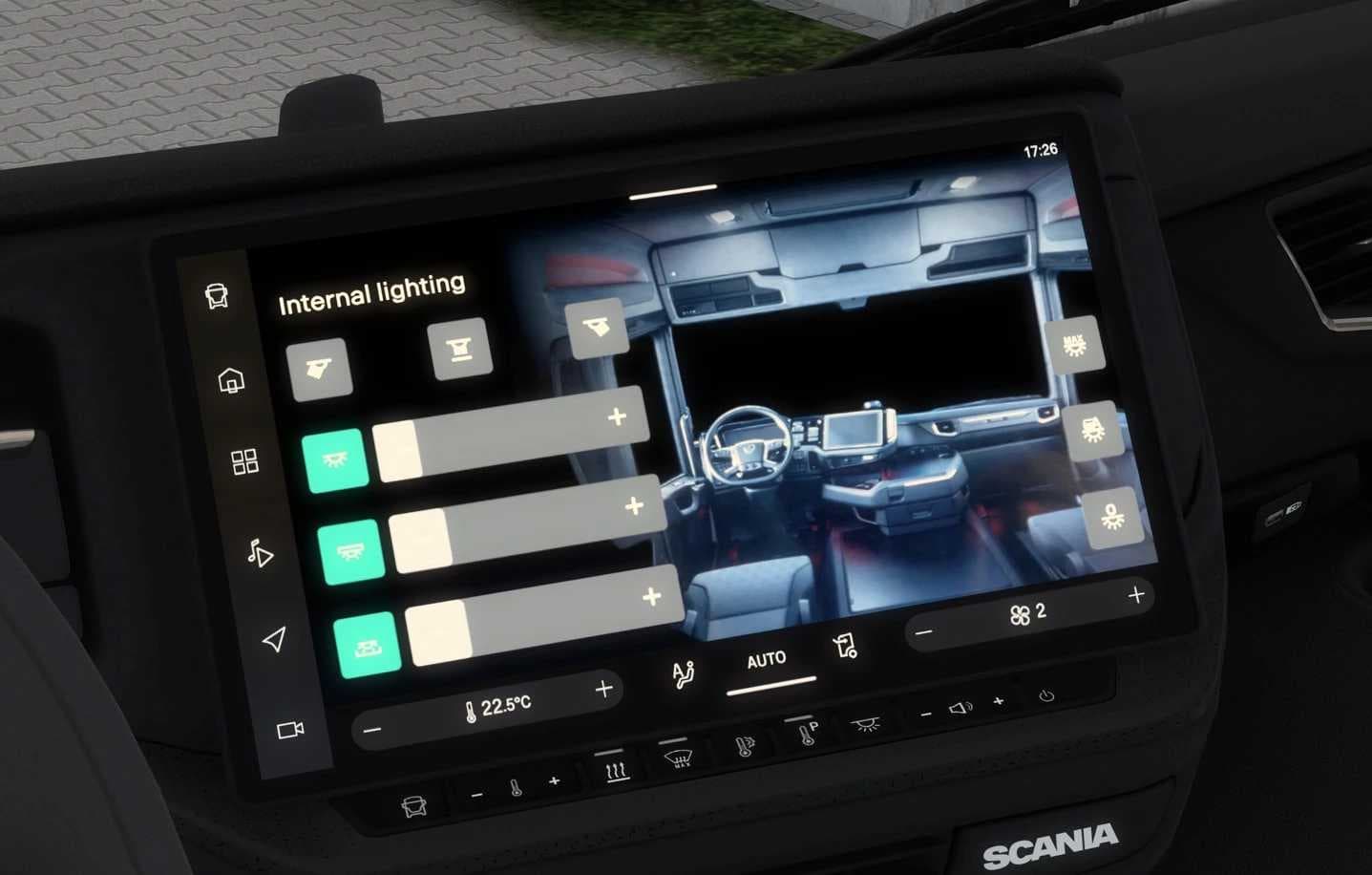
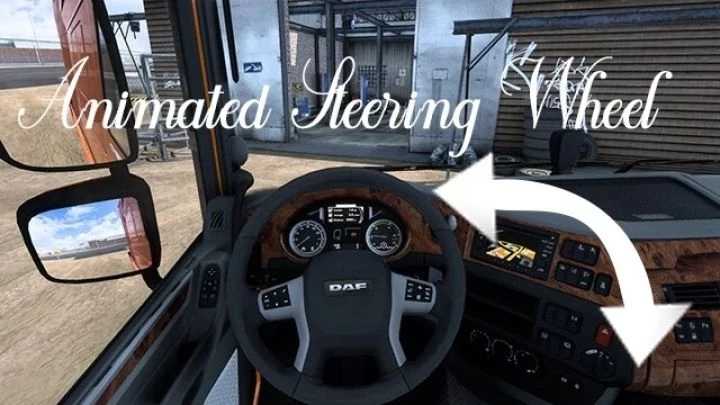
The Audi A4 v0.2 BETA mod adds a range of parts and accessories tailored for the Audi A4 within Euro Truck Simulator 2. This includes elements like working dashboard features, enhancing the in-cabin experience by allowing players to monitor their speed more interactively. Parts mods like this one generally focus on expanding customization options beyond the base game, letting you tweak your vehicle's appearance and functionality in detail.
In ETS2, parts or tuning mods are designed to fit specific truck brands or models, providing additional components such as lights, mirrors, or interior items that you can select from the truck customization menu. They integrate with the existing setup by slotting into the mod manager alongside other tuning packs or paint jobs, allowing you to build a personalized rig that suits your preferences.
When using a parts mod like this, it’s wise to pay attention to load order so that any conflicts with other modifications targeting the same truck are minimized. Since this mod is still at version 0.2 and marked as beta, some features may be experimental or under development. Compatibility depends largely on how up-to-date your ETS2 version is and what other mods you have installed.
Players who enjoy customizing their vehicles extensively will find this mod useful if they want to add specific Audi-themed accessories and cockpit enhancements. It fits well for those who prefer detailed cabin interactions or who want to fine-tune their driving experience through visible dashboard functions. Given its focus on a passenger car model rather than trucks traditionally used in ETS2, it might appeal more to users interested in diverse vehicle types.
Overall, parts mods like this one enrich ETS2’s customization options by adding brand-specific accessories and interactive elements. Whether you’re aiming for visual upgrades or functional cockpit tweaks, these mods slot neatly into a broader collection of tuning enhancements available across various regions like Germany or France where European vehicles are prominent.
How to install
1. Download the file(s) from the original source linked above. 2. Drop them into `Documents/Euro Truck Simulator 2/mod/`. 3. Enable in Mod Manager and restart the game.
After the mod loads, save your game inside a safe area (parking lot or service) before deciding whether to keep it. If the game refuses to load with the mod enabled, check that all required DLCs are installed and that the supported ETS2 version chips on this page include your installed game patch.
Reviews
No ratings yetNo reviews yet — be the first to rate this mod.