ARGOSY FREIGHTLINER 8X4
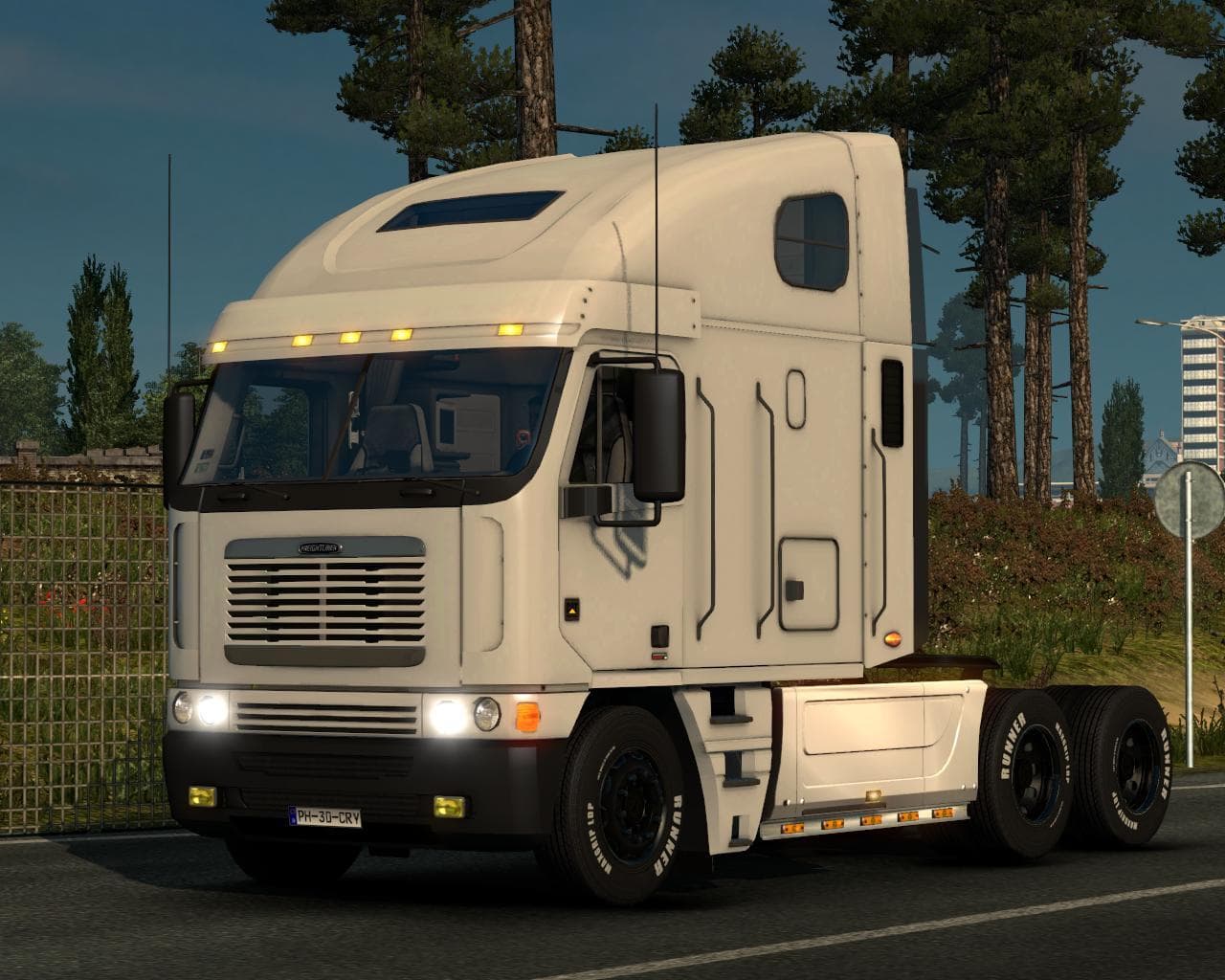
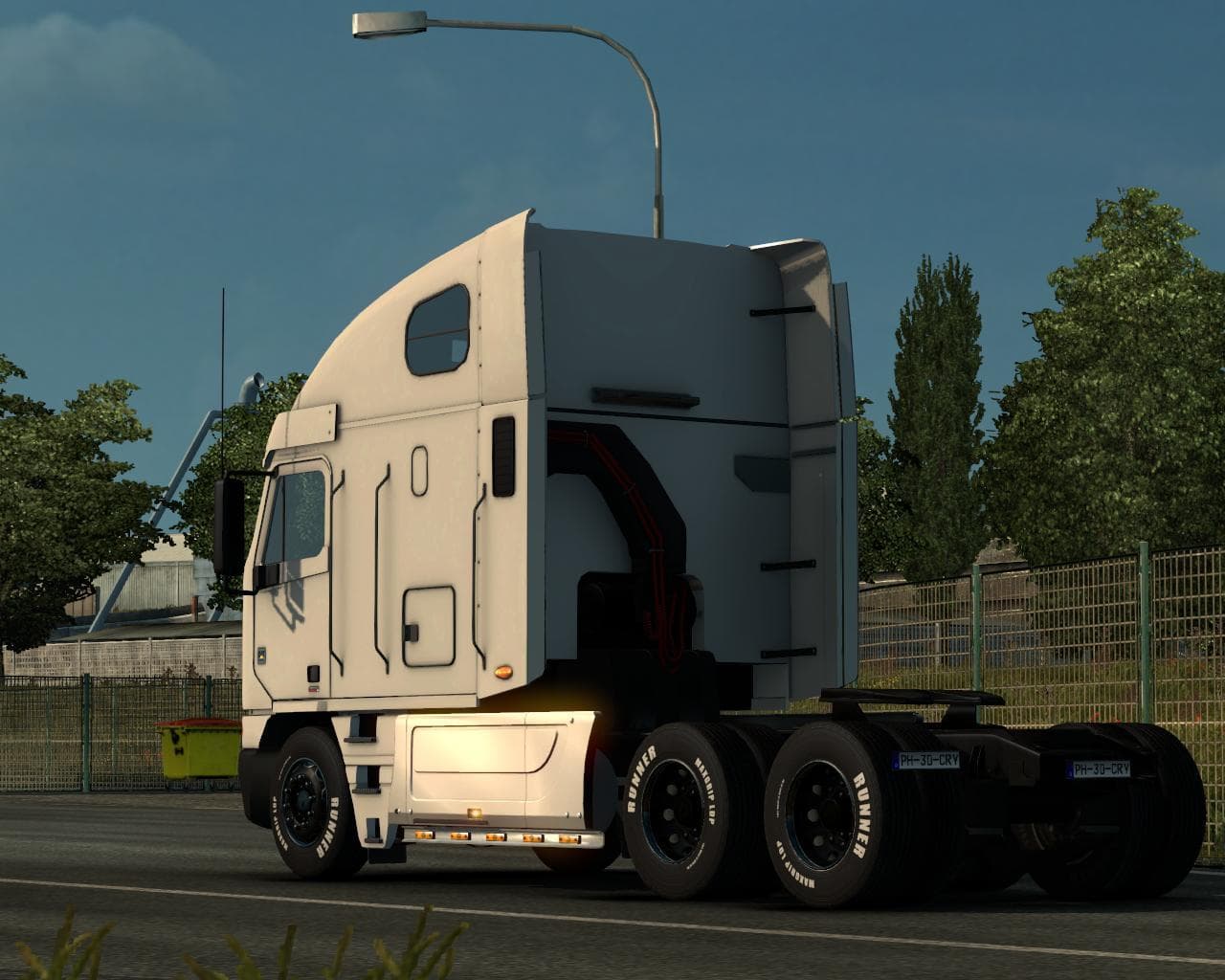
The ARGOSY FREIGHTLINER 8X4 mod for ETS2 offers a standalone truck with 4 chassis variants: 6×4, 8x4a, 8x4b, and 6×4. The creator, file size, supported ETS2 ver
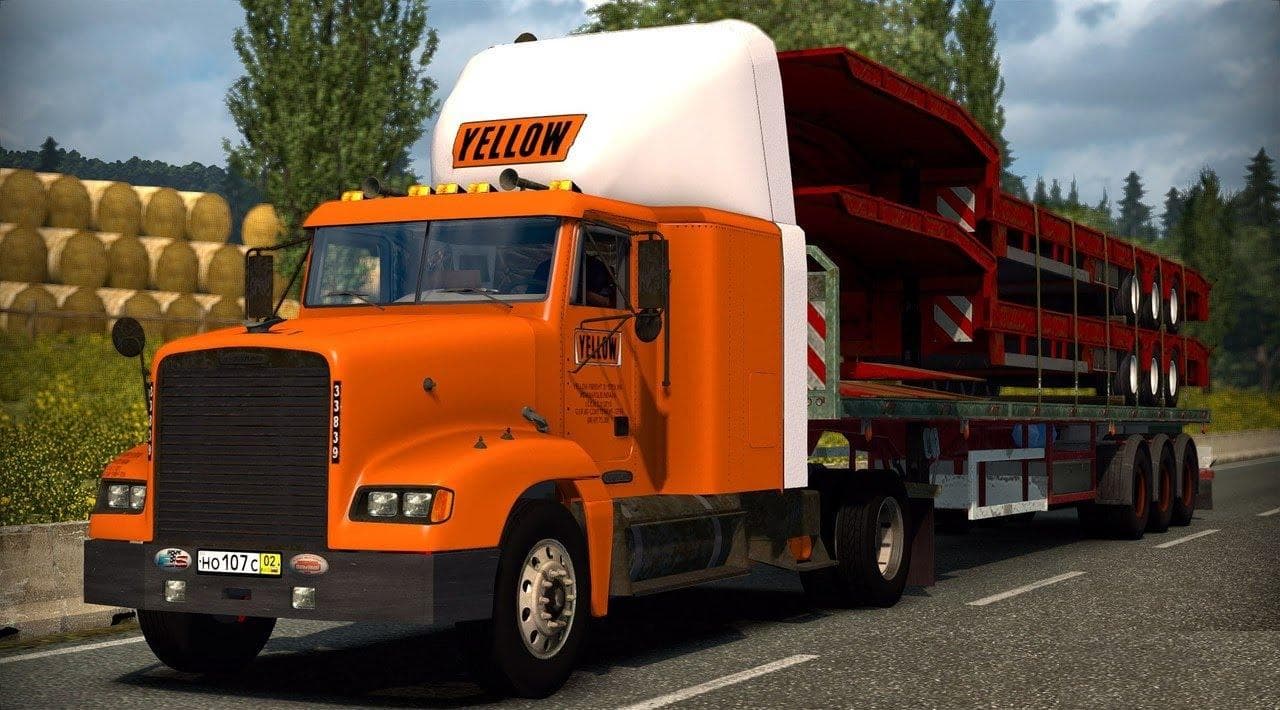
The ARGOSY FREIGHTLINER 8X4 is a standalone truck mod for Euro Truck Simulator 2, adapted from the original Argosy model by odd_fellows. What sets this version apart is the inclusion of four distinct chassis variants, including 6x4 and two types of 8x4 configurations. This gives players more options when it comes to choosing a setup that fits their hauling needs and preferences.
Truck mods like this add new drivable cabs and chassis to ETS2, which you can buy from dealers within the game. They typically come with their own interiors, engine and transmission choices, as well as paint jobs. Adding a modded truck like the ARGOSY FREIGHTLINER broadens your fleet variety beyond the base game’s selection.
When incorporating a truck mod into your setup, it's important to consider load order if you use multiple mods. Standalone trucks generally play nicely alongside other vehicle mods because they don't overwrite existing trucks but instead add new ones. Still, always check compatibility notes in case of conflicts with other chassis or cabin mods.
This mod suits players looking to diversify their driving experience with different chassis configurations, especially those who appreciate heavier-duty trucks with multiple axle layouts. It can complement a modded garage where variety in truck handling and appearance matters for immersion or gameplay style.
While specific details on version support or file size aren't provided, mods like this are usually straightforward to install by placing them in your ETS2 mod folder and activating them through the in-game menu. It fits well for anyone wanting to expand their fleet options without drastically changing gameplay mechanics.
How to install
1. Download the .scs file from the original source linked above. 2. Copy the file to `Documents/Euro Truck Simulator 2/mod/`. 3. Launch ETS2, open the Mod Manager from the main menu, enable the mod, restart the game. 4. Visit any truck dealer to spawn the new truck.
After the mod loads, save your game inside a safe area (parking lot or service) before deciding whether to keep it. If the game refuses to load with the mod enabled, check that all required DLCs are installed and that the supported ETS2 version chips on this page include your installed game patch.
Reviews
No ratings yetNo reviews yet — be the first to rate this mod.