ANIMATION SCANIA RJL
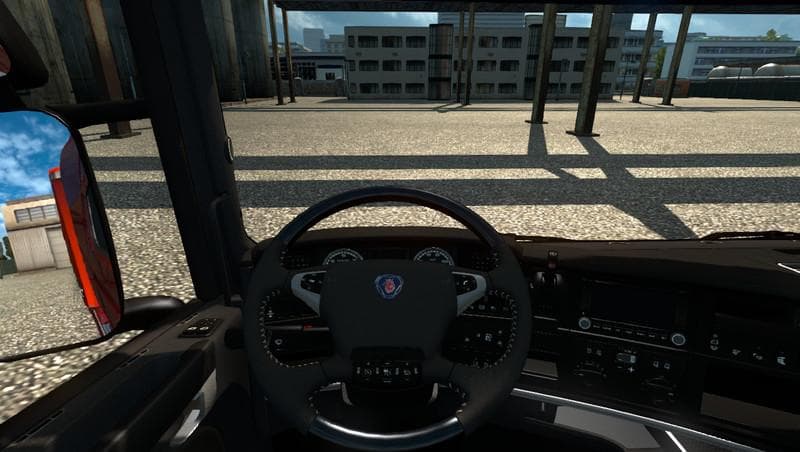
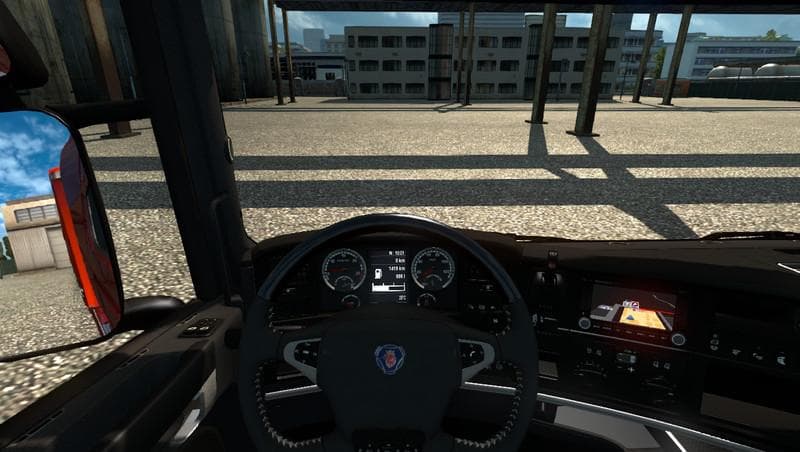
The ANIMATION SCANIA RJL mod provides an animation update for the Scania truck model found in the RJL mod series. This type of mod typically enhances or corrects animations associated with a specific truck, improving visual details such as cabin movements or mechanical parts during gameplay. It doesn't add new trucks by itself but works alongside existing Scania RJL versions to refine their appearance and behavior.
Truck mods in Euro Truck Simulator 2 generally introduce new vehicles that players can purchase and drive, complete with unique interiors, engine choices, and paint jobs. Animation mods like this one are smaller additions that focus on specific aspects of the truck's presentation rather than adding full models. They tend to be applied after installing the base truck mod to complement it visually without altering core gameplay features.
When setting up a modded environment with multiple truck mods, animation updates should be loaded after the main truck files to ensure proper function. Since this mod is designed specifically for the Scania RJL, it's important that the corresponding base mod is already installed and compatible with ETS2 version 1.0. Compatibility with newer game versions may require additional updates or patches.
This kind of animation enhancement fits well in setups where players want their trucks to look more polished or realistic while driving through detailed maps like Germany, France, or Sweden. It’s especially relevant for those who enjoy using detailed Scania trucks and want subtle improvements in how animations appear during driving or idling states.
Players interested in fine-tuning their Euro Truck Simulator 2 experience without overhauling vehicle content might find this animation mod useful. It suits those who run custom setups focused on realism and visual accuracy within popular map areas such as Poland, Austria, or Italy.
Overall, ANIMATION SCANIA RJL adds a layer of detail for fans of the Scania RJL series by refining animations rather than changing fundamental vehicle aspects. It's a niche addition but one that complements a broader collection of truck mods and map expansions.
How to install
1. Download the .scs file from the original source linked above. 2. Copy the file to `Documents/Euro Truck Simulator 2/mod/`. 3. Launch ETS2, open the Mod Manager from the main menu, enable the mod, restart the game. 4. Visit any truck dealer to spawn the new truck.
After the mod loads, save your game inside a safe area (parking lot or service) before deciding whether to keep it. If the game refuses to load with the mod enabled, check that all required DLCs are installed and that the supported ETS2 version chips on this page include your installed game patch.
Reviews
No ratings yetNo reviews yet — be the first to rate this mod.





![Fuso Supergreat Hi Cab Truck [1.50 – 1.60] – Trucks mod for Euro Truck Simulator 2](/_next/image?url=https%3A%2F%2F802software.s3.us-east-1.amazonaws.com%2Fets2modspot%2Fscreenshots%2F7494%2F0.jpg&w=3840&q=75)